How do I build a business directory website with WordPress?+
Install the WordPress Directory Theme on any WordPress site, import the demo directory and add your categories and listings. Or let businesses submit their own. Map search, reviews and paid listings are built in, so there's nothing extra to wire together and no coding involved.
Can I build a site like Yelp?+
Yes. That's exactly what the theme is built for. You get Yelp-style listing pages with photos, opening hours, Google Maps, customer reviews and star ratings, plus zip/postcode radius search so visitors can find businesses near them.
Can businesses submit and pay for their own listings?+
Yes. Paid listings, claim-a-listing and PayPal/Stripe payments are built into the theme, so no extra directory plugins are needed. Businesses register, create and manage their own listings from the front end. You decide what's free and what's paid, and featured placement, homepage spots and sponsored ads can all be charged for. Owners can also claim listings you've pre-added, which is a great way to seed a new directory.
Does the directory theme work with Elementor?+
Yes. Every directory page can be edited in the free Elementor plugin. The theme ships with 200+ directory blocks, such as hero search bars, listing grids, category strips and map sections, and you drag them into place.
Will my site look like the directory demo out of the box?+
Yes. The one-click import recreates the live directory demo on your own domain, with sample listings, categories and search pages included. You replace the placeholder businesses with real ones instead of starting empty.
Do I need coding skills to run a business directory website?+
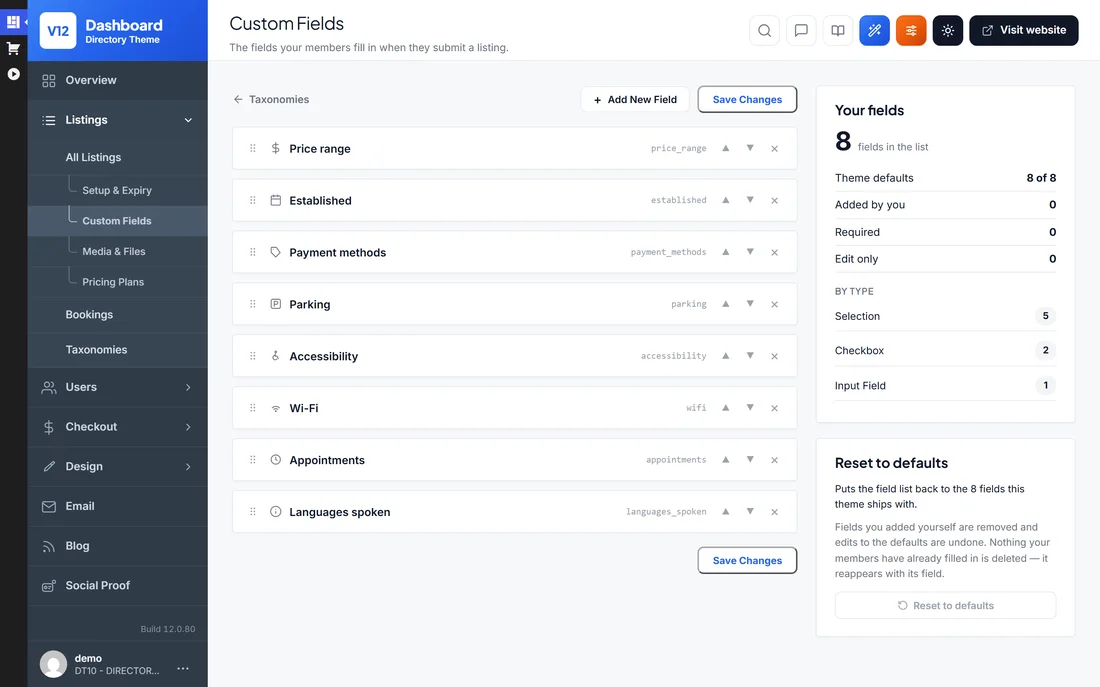
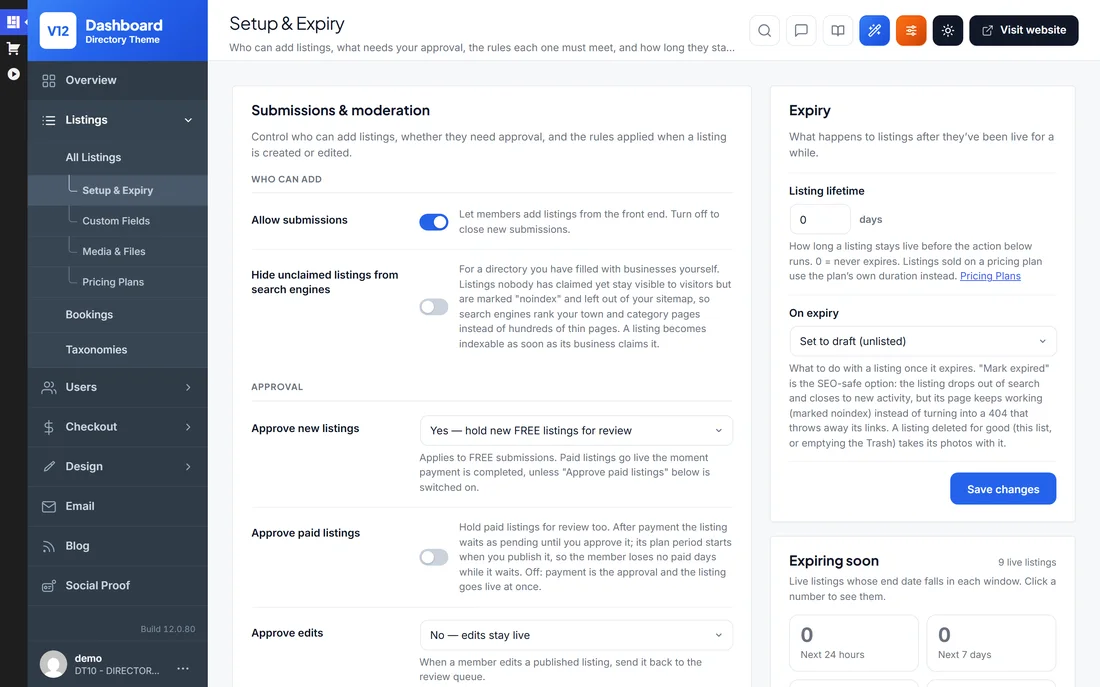
No. Approving listings, setting listing prices, moderating reviews and changing the design all happen in the admin area or the free Elementor editor. Video tutorials walk through the directory setup step by step.
Will my business directory website work on mobile phones?+
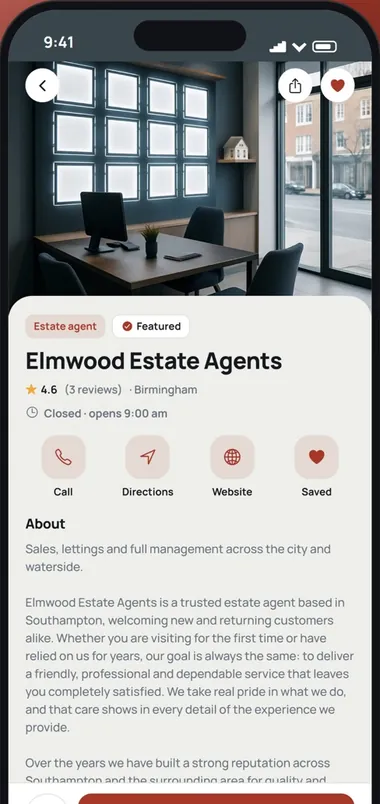
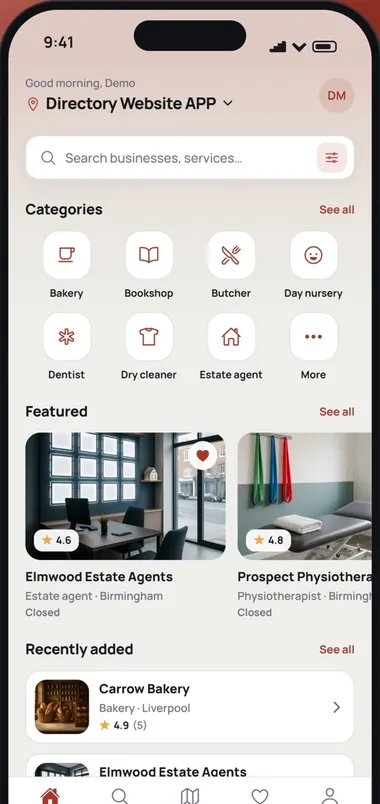
Yes. Listing pages, map and radius search and the business submission forms all adapt to small screens. Visitors can browse the directory, and owners can manage their listings, from any phone or tablet.
Can I launch more than one business directory website with a single licence?+
Yes. A User License covers unlimited directory websites that you own. Run a city directory, a trades directory and a niche directory side by side on one licence. If you build directories for clients, choose the Developer License instead.
Can I move my existing directory website to PremiumPress?+
Yes. If your site runs MyListing, ListingPro, Listeo, Listivo or Listify, activate the Directory theme on the same website and use Settings › Migrate to convert every listing, photo, owner and review in place. Any other site can be imported from a CSV file.
Is there a free or nulled version of the WordPress Directory Theme?+
No, and nulled copies of the Directory Theme are worth avoiding. They're outdated and often bundle malware, which is a real risk on a site that stores business details and takes listing payments. The licensed theme is a one-time purchase with 6 months of updates and support and a 14-day money-back guarantee.
What's the refund policy on the WordPress Directory Theme?+
There's a 14-day money-back guarantee. Import the demo directory, load some listings and test the paid-submission flow on your own hosting. If the theme doesn't fit, contact us within 14 days for a full refund.
How often is the directory theme updated?+
The Directory Theme is updated regularly for WordPress compatibility and new features, and every purchase includes 6 months of updates and support. Extending after that is optional at $49 per 6 months. Your directory keeps working either way.
Are there any hidden costs to run a business directory website?+
No. Everything a directory needs is in the theme, from listings and paid submissions to maps, reviews and search. It works with free plugins such as Elementor. Beyond your hosting and domain, the only optional cost is extending updates and support after the first 6 months, at $49 per 6 months.

 Listeo