Bookable service pages
Every business gets its own page, with photos, a services menu, the team, customer reviews and a booking box.
- Services with durations and prices
- Team photos and ratings
- Star ratings and reviews

Create your own booking website similar to Fresha, Booksy or Calendly.
Customers pick a service, a day and a time, and pay a deposit when they book. The availability calendar, reminders and payments are already built. Pay once, with no monthly fees.

The booking theme comes with templates for every kind of booking business.
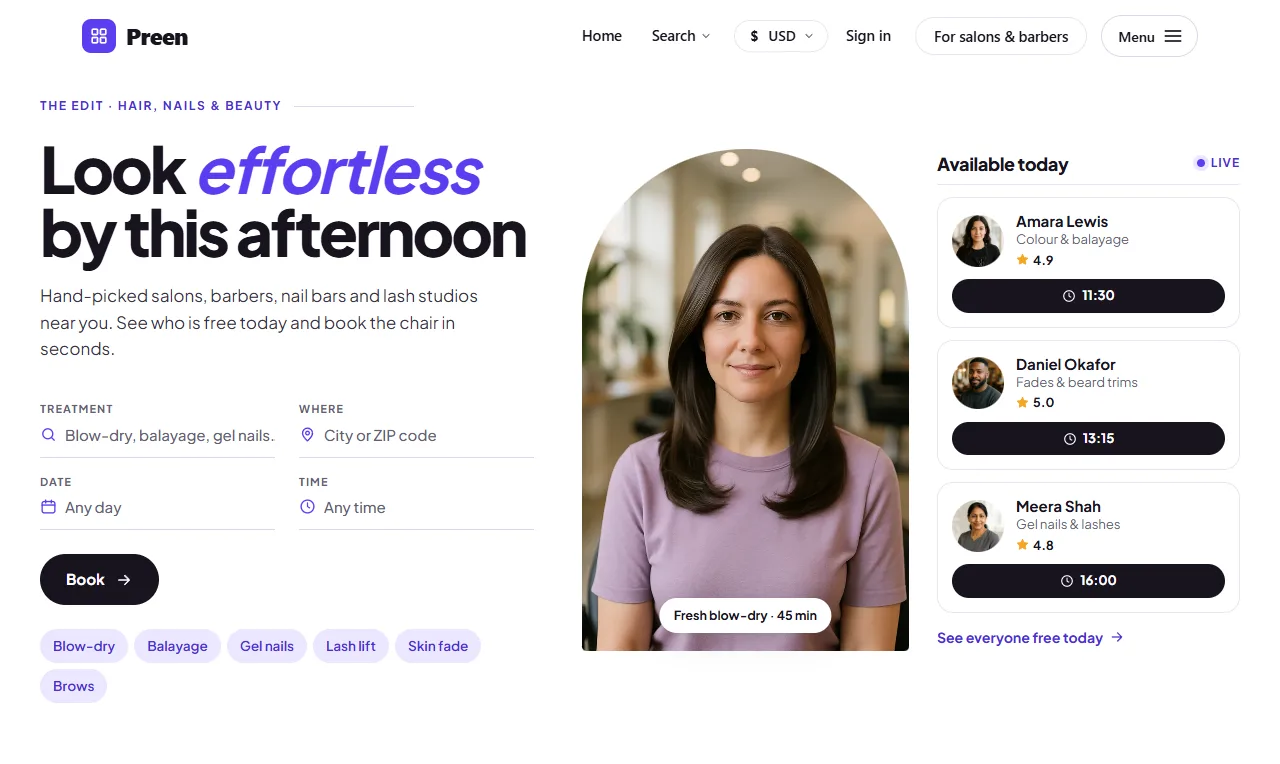
Salons, barbers, nail bars and lash studios, with today's free slots on show.
Dentists, physios, doctors and opticians.
Spin, HIIT, yoga, pilates and dance classes, booked by the spot.
Tutors and music teachers show their free slots, and students book a lesson in a few taps.
Coaches and consultants take bookings for sessions and calls.
Table bookings by time and party size.
Groomers, vets, walkers and sitters.
Plumbers, electricians and cleaners.
Studios, halls and meeting rooms by the hour.
Tours, tastings, workshops and escape rooms.
3 templates
Turn a standard WordPress site into a full booking website, with service menus, a live availability calendar, deposits, reminders and booking management all built in.
Every business gets its own page, with photos, a services menu, the team, customer reviews and a booking box.
Customers pick a service, a day and a free time. Buffer times and capacity limits mean you never double-book.

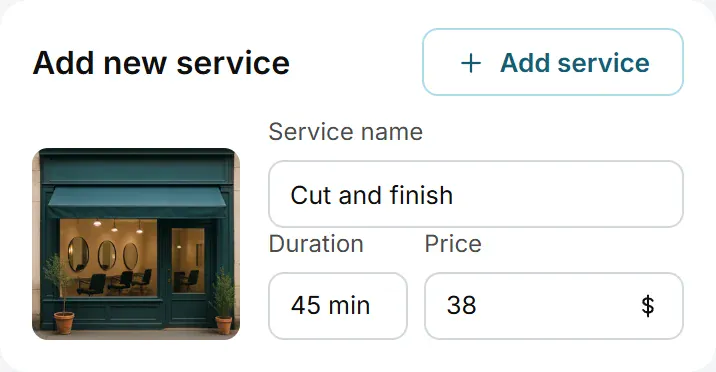
Build a service menu with a duration and a price for each service. Customers pick one and book it online.

Take full payment or a deposit at the moment of booking, which helps reduce no-shows.

Customers get an email when a booking is confirmed, then reminders a day and an hour before the appointment.

Use it for your own business, or let other businesses register, add their services and manage their bookings, so you are not doing it for them.

A step-by-step form lets a business add its services, prices, opening hours and photos, without touching the WordPress admin area.
What customers see and use when they visit your booking website.
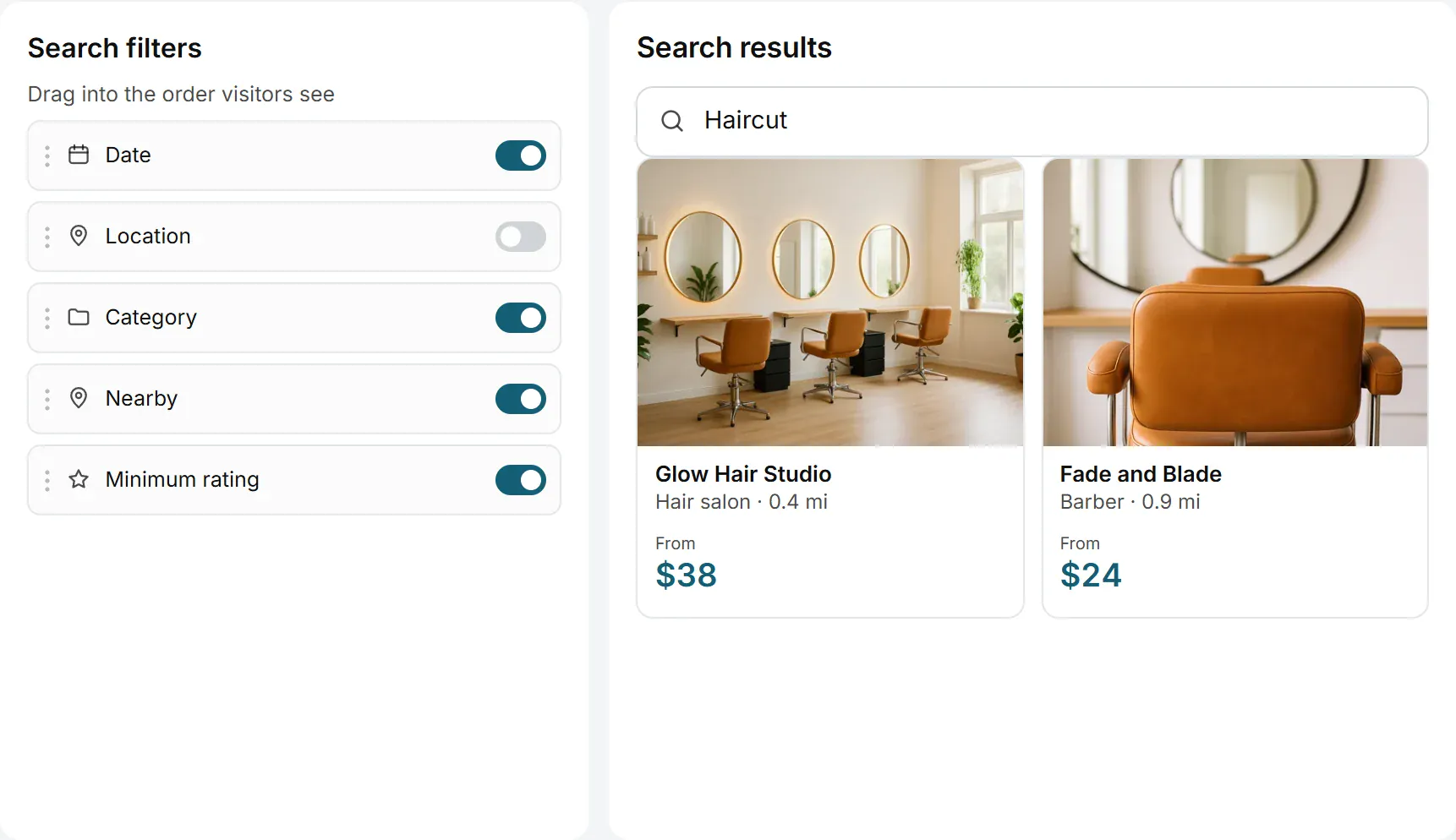
Customers search by date, category, distance, price and rating to find a service that is free when they are.

Ask businesses and customers to confirm their email or phone before they can post, or upload a photo ID for a Verified badge.
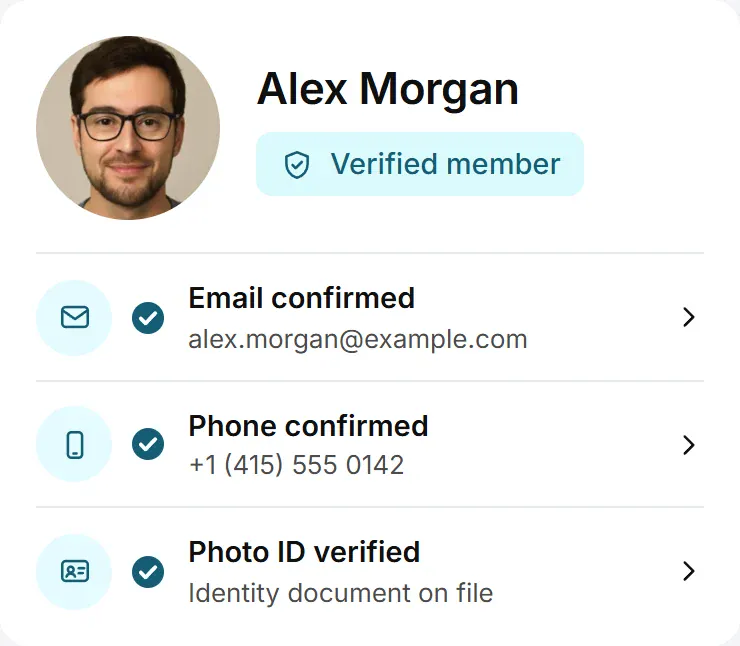
Most bookings happen on a phone, so the calendar, service menus and payment all work on small screens.

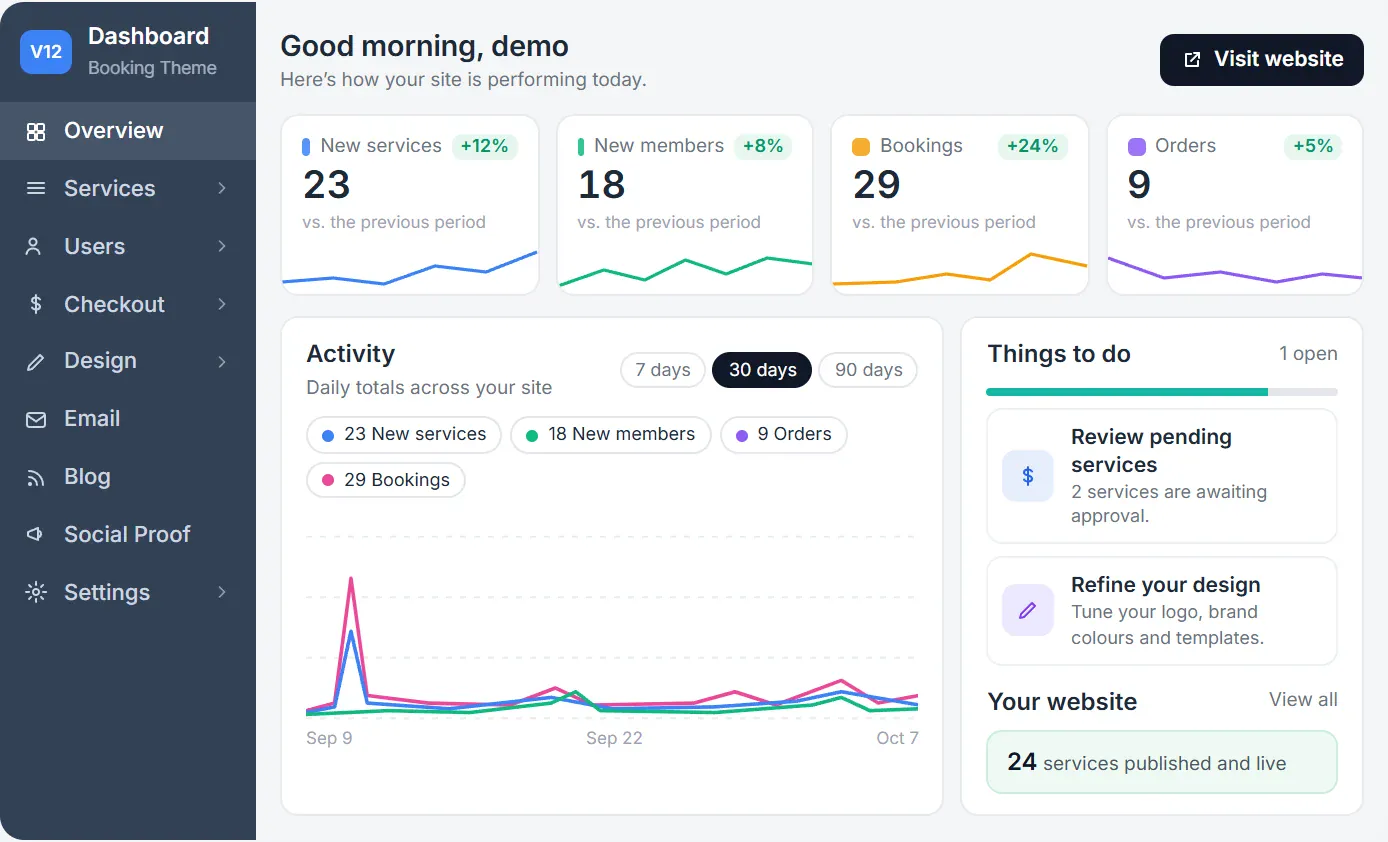
Bookings, search filters, business payouts and member checks are all set from one dashboard, not a stack of booking plugins.
New services, members and bookings over 7, 30 or 90 days, a to-do list of services waiting for approval, and every other screen one click away.
Hold new free services for review, and choose what happens to a service when its time runs out. Paid listings go live the moment payment is completed.

Switch each section of the service page on or off, and drag it into place.

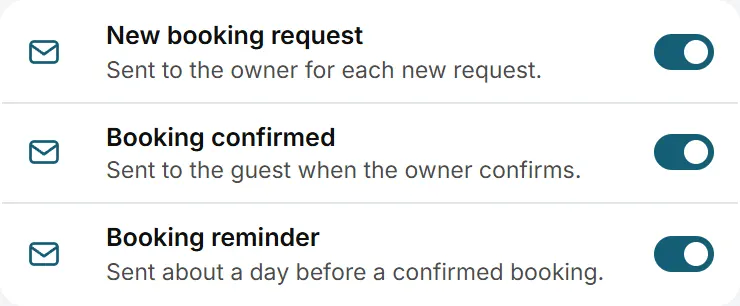
58 ready-written emails, including new booking request, booking confirmed and booking reminder.
Every booking across the site in one list, with each request confirmed or declined.


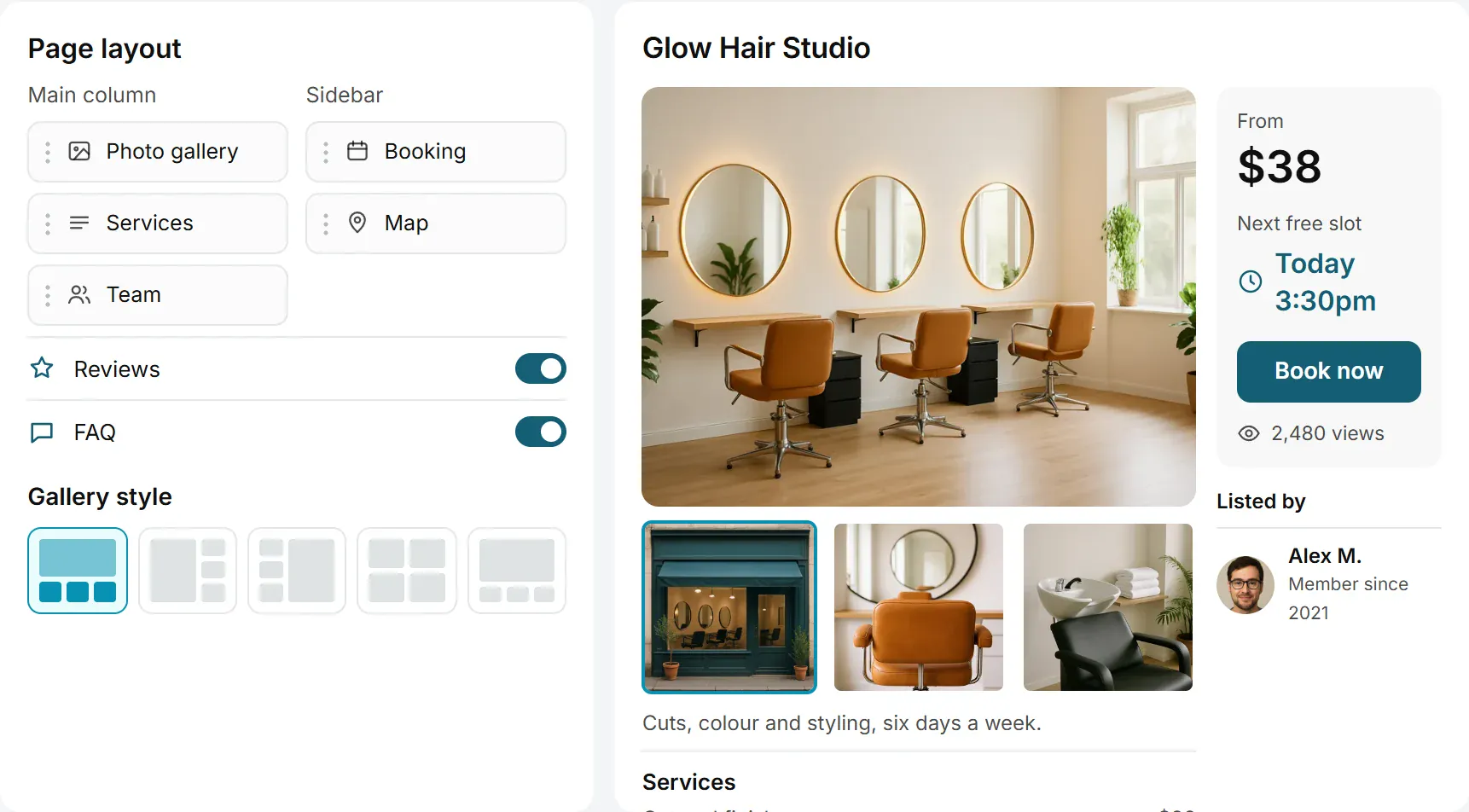
Drag each section of the service page into place, switch the booking, services, team and reviews sections on or off, and pick a photo gallery style. A live preview shows the page before you save.
These are the plugins most booking sites end up installing. With this WordPress booking theme they are already in place.
Your booking site in English or 10 other languages. Translate any label.
100+ free gateway plugins, including PayPal and Stripe, each paying into your own merchant account.
Members confirm their email or phone before they can post.
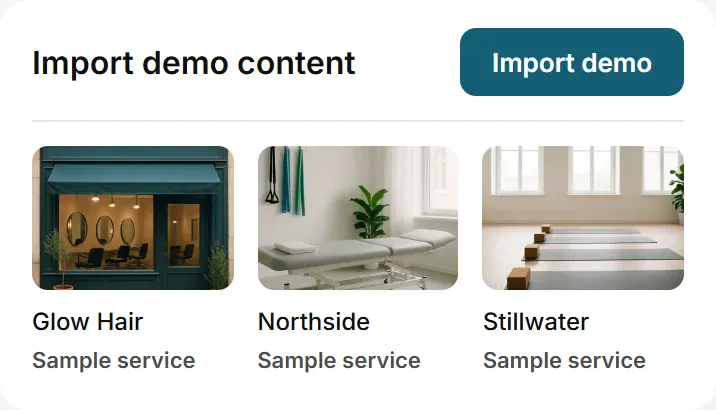
Sample services, categories and search pages, so you start from a working booking site, not a blank page.



One licence covers every booking site you own.
Step-by-step videos cover the full booking site setup.

The booking theme comes with 30 booking website templates across ten kinds of business. Pick the one closest to yours, add your services, then change anything you like.
Browse the templatesRestyle the booking theme’s service pages, headers and landing pages in the free Elementor page builder.
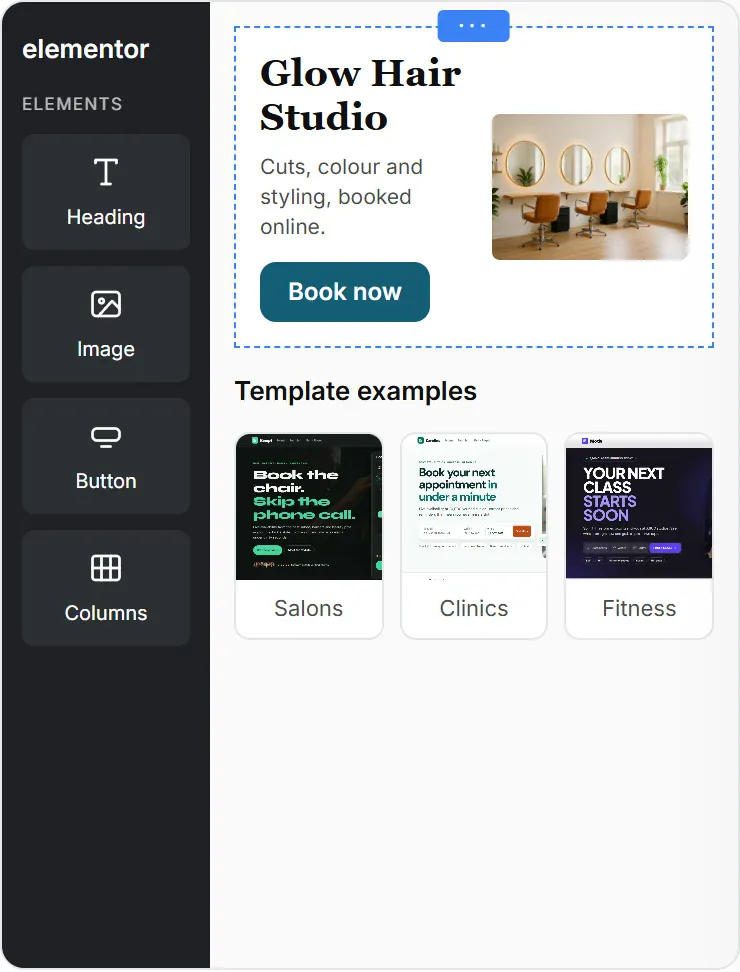
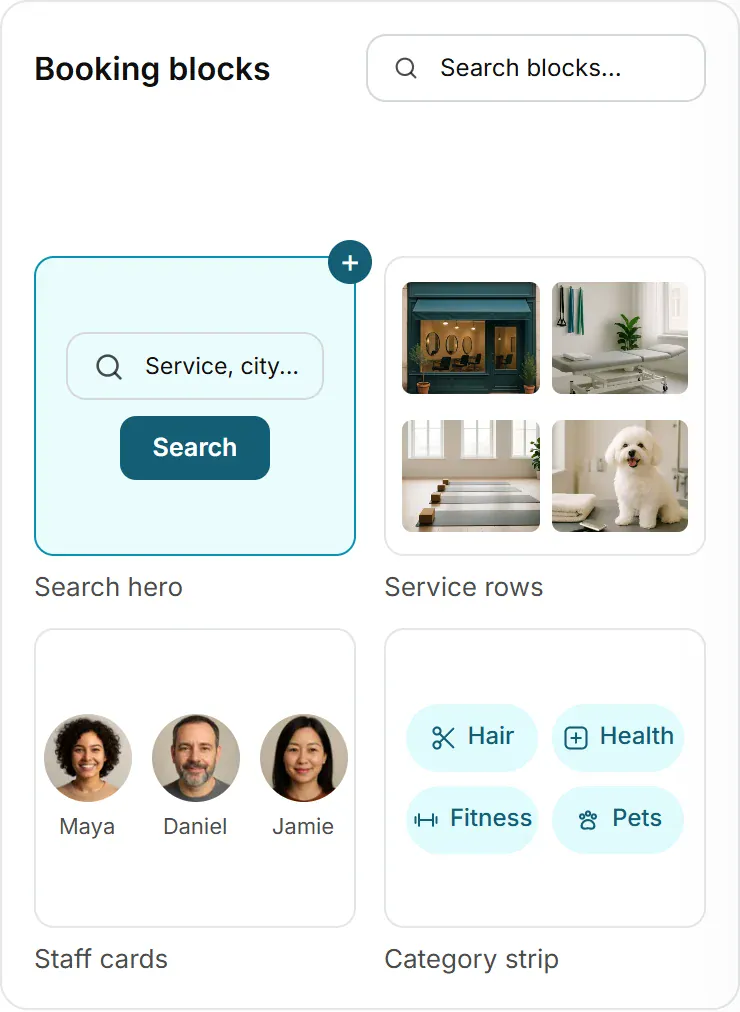
Search heroes, service rows, staff cards and category strips to drag into place.
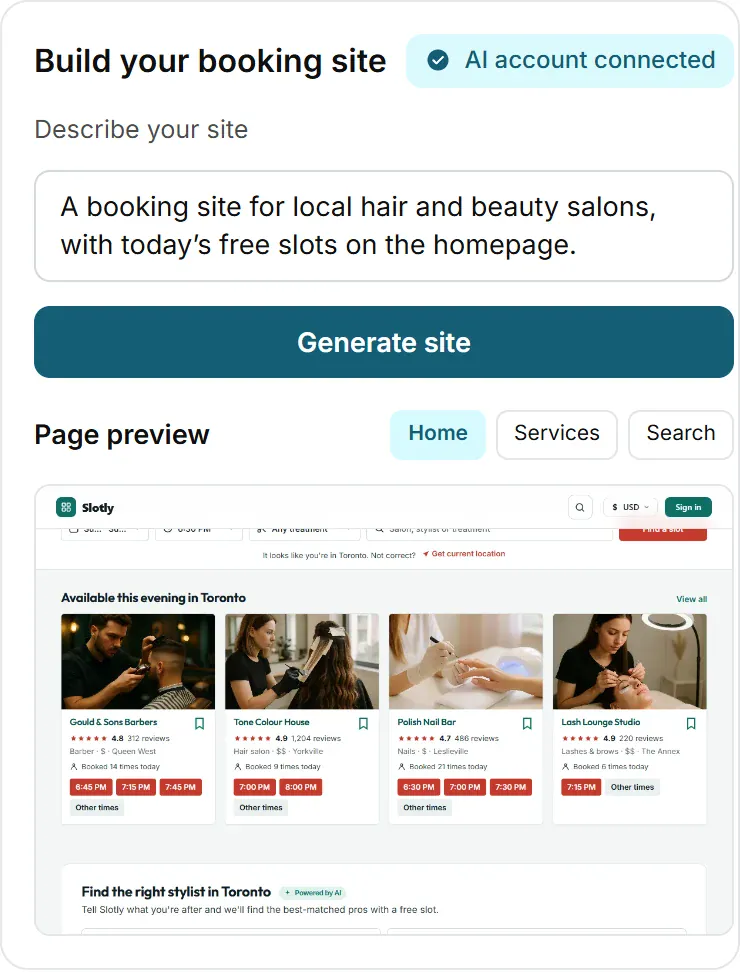
Connect your own AI account, describe your booking site, and the generator lays out the pages.
Take deposits and payments for your own services with no booking commission to us, or open the site to other businesses and keep a commission on every booking paid online.
Take full payment or a deposit the moment a customer books, paid into your own merchant account.

Keep a commission on every booking paid online. The rest is credited to the business.

Charge businesses to list their services, with free and paid listing plans.

Sell banner ad space on your booking site.

Illustrative fees. You set your own rates.
The WordPress booking theme is a one-time purchase. Host it yourself, with no monthly fees and no booking commission to us.
After 6 months, extending updates and support is optional at $49 per 6 months. Your site keeps running either way.
Every PremiumPress product in one membership, the Booking Theme included.
See memberships| Feature | Booking Theme | Booking SaaS | Booking plugins |
|---|---|---|---|
| Price | $99 one-time | $15 to $40 a month | $49 to $199 a year |
| Unlimited installs | Yes, on sites you own | 1 site | 1 site |
| Monthly fees | None | Every month | Renewals |
| Booking commission | 0% | Per booking | Varies |
| 100% open source | Yes | Proprietary | Mixed |
| Works with Elementor (free) | Yes | Varies | Varies |
Booking SaaS means hosted booking software that is rented by the month. Booking plugins means WordPress booking plugins sold on a yearly licence. The figures are typical ranges, not a quote for any one product.
Six steps to your own online booking website. It all runs on WordPress, with no coding required.
Add it to your WordPress site under Appearance, Themes and activate it. Bookable services, the availability calendar and online payments are inside, so no booking plugin is needed.

Activate with your licence key. The same key works across all booking sites you own.
One click imports sample services, categories and search pages, so you customise a working booking site.
Add each service with a duration and a price, or let businesses register and add their own.
Choose full payment or a deposit at booking, and connect a payment gateway so customers can pay online.

Restyle headers, service pages and layouts with the 200+ Elementor booking blocks, then launch.

site owners have built with PremiumPress
What people ask us most before they buy the booking theme.
Any business that runs on appointments or reservations. That covers salons, clinics, consultants, classes, studios, event and venue hire, and home-service trades. If your customers need to book a time, it’s for you.
No. Bookable services, the availability calendar and online payments are built into the theme, so there’s nothing to wire together or renew each month.
Yes. You can take full payment or a deposit at the time of booking, which helps reduce no-shows.
Yes. The live demo runs the real theme, so you can browse its designs and see how services, availability and booking pages work. When you’re ready, it’s a one-time $99 with 6 months of support and updates and unlimited installs on sites you own.
WordPress booking theme · one-time $99 · unlimited installs · 14-day money-back guarantee
Related themes: WordPress Directory Theme, WordPress Classifieds Theme, WordPress Real Estate Theme