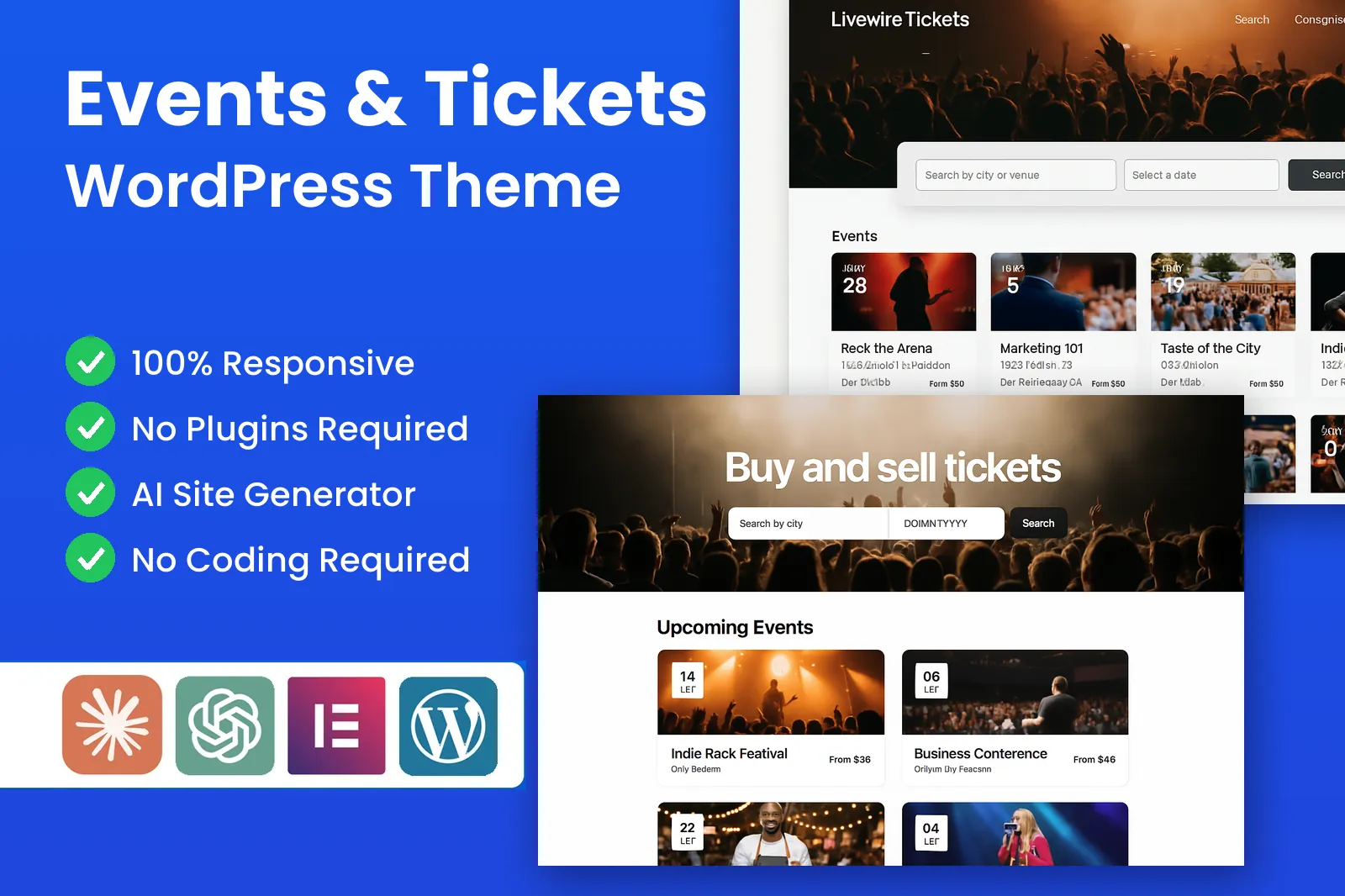
Your own event ticketing website
An event management WordPress theme with ticket tiers, QR e-tickets, phone check-in, a calendar and map search, and organiser payouts built in, not a stack of plugins.
Keep the booking fee
On a ticketing platform the fee on every ticket goes to them. On your own site, that fee is your revenue.
Add organiser plans and featured listings, with no monthly fee and no platform commission.
Ticket tiers that reward early buyers
Organisers sell early bird, general admission, VIP and group tickets on one event. Each tier has its own price, allocation and sale window, so early bird closes on its deadline or when it sells out.
- Early bird, general, VIP & groups
- Per-tier allocations
- Scheduled sale windows
A checkout built to sell tickets online
Buyers pick a ticket type, set the quantity, apply a promo code and see the booking fee before they pay. Tickets are held during payment and capacity is checked at checkout, so a popular show is never oversold.
- Quantity selection
- Promo codes at checkout
- Seat hold while paying
Booking fees on every ticket sold
This is what makes an event ticketing website pay. Set a booking fee per ticket as a percentage, a fixed amount or both, then add organiser plans and featured listings. PremiumPress takes no platform commission on any of it.
- Percentage or fixed fee
- Organiser plans
- Featured listings
Elementor-Ready Event Templates
Elementor-friendly: Design your homepage, event pages and organiser profiles with the free Elementor plugin, no developer needed.
Pre-Built Event Blocks
Ticket panels, line-up grids, schedules and sponsor strips that fill themselves with live event data as organisers publish.
Explore Our ThemesQR e-tickets for every order
Every ticket carries a unique QR code and reference tied to the order and the attendee's name. It arrives in the confirmation email and stays in the buyer's account, and each code can only be checked in once.
- One code per ticket
- Emailed and in the account
- Name changes on request
Mobile check-in at the door
Door staff scan tickets with their own phone camera. The scanner confirms the ticket type, flags tickets already used and counts arrivals against capacity. No scanner hardware or staff app is needed.
- Scan with any phone
- Duplicate warnings
- Live arrivals count
Event listing search by city and date
Buyers search by city or postcode, a date range such as this weekend, and a category, then see results on a list and a map. City and category pages give your event listing website pages that search engines can index.
- City & postcode search
- Map and calendar views
- Category landing pages
Recurring events, created once
A weekly quiz or a twelve-week course is one listing, not twelve. Organisers pick a pattern such as every Thursday at 7pm, and each date keeps its own capacity, so one sold-out night never blocks the next.
- Weekly, monthly or custom
- Capacity per date
- Move or cancel single dates
Organiser dashboards and payouts
Each organiser gets a private dashboard with sales by ticket type, revenue, promo code usage and live check-ins. They export attendee lists, see what they are owed after your fee and request a payout that you record.
- Sales by ticket type
- Exportable attendee lists
- Payout requests & history
Attendee emails and reminders
Buyers get a confirmation with e-tickets the moment they pay, then a reminder the day before with door times and the address. If the time or venue changes, every ticket holder is emailed automatically.
- Instant confirmation
- Day-before reminder
- Change notices to all holders
Clear refund policies per event
Organisers choose a refund rule for each event, such as no refunds or refunds up to seven days before, and whether the booking fee is returned. The policy shows on the event page and in every confirmation.
- Per-event refund rules
- Booking fee choice
- Bulk refund on cancellation
Online events with a private link
Sell tickets for webinars, virtual conferences and live streams. The public page shows the date and a countdown, while the stream or meeting link is revealed only to ticket holders. Hybrid events sell in-person and online tiers.
- Link hidden until purchase
- In-person + online tiers
- Works with any stream service
What you can build with an event WordPress theme
A multi-organiser ticket marketplace or a box office for your own events: one event WordPress theme covers both.
A city what's-on guide
An event listing website for one town, with local organisers paying you a fee on every ticket.
Gigs & club nights
Promoters post line-ups, release tickets in tiers and scan the queue from a phone.
Festivals
Day passes, weekend passes, camping add-ons and VIP upgrades, each with its own capacity.
Conferences & expos
Delegate, speaker and exhibitor tickets, group bookings and online passes for remote attendees.
Classes & workshops
Recurring sessions with small capacities, published once for a whole term of dates.
Races & sports events
Race entries with start waves, team packs and a hard cap per distance.
Comedy & theatre
Weekly shows and multi-night runs, with reminder emails that cut no-shows.
A single venue box office
Sell tickets online for your own programme, with no outside ticketing service.
One admin area runs the whole ticketing site.
Approve organisers, set booking fees, feature events, handle refunds and record payouts from one dashboard.
Events, organisers, orders, booking fees and payouts managed from a single screen.
page views, tickets sold and check-ins tracked for every event.
Elementor-ready blocks for event grids, line-ups and schedules, in your colours.
Moderate attendee reviews of organisers and venues from the admin.
Organisers publish events and track sales; attendees keep every ticket in their account.
A complete event ticketing website, out of the box
Ticketing, scanning, calendar and map search ship together, with no add-on licences.
Ticket tiers
Early bird, general, VIP and group tickets, each with a price, allocation and sale window.
Capacity control
A cap per ticket type and per event, so a show is never oversold.
Promo codes
Percentage or fixed discounts with use limits and expiry dates, reported per code.
QR e-tickets
A unique code on every ticket, emailed on purchase and saved in the account.
Phone check-in
Scan tickets with a phone camera, with duplicate warnings and a live headcount.
Event calendar
Browse by day, weekend or month and filter by category.
Map search
Search by city or postcode and see events plotted on a map.
Recurring events
Weekly, monthly or custom runs created once, with capacity for each date.
Organiser payouts
Organisers see their balance after fees; you record each payout you send.
Attendee reminders
Confirmations, day-before reminders and change notices sent automatically.
Online events
A private stream or meeting link that only ticket holders can see.
Elementor-ready
Design event pages and organiser profiles with the free Elementor plugin.
An Eventbrite clone you own vs the alternatives
A hosted ticketing platform keeps the fee on every ticket. A ticketing plugin adds licences one feature at a time.
| PremiumPress Events | Ticketing platform | Theme + ticketing plugin | |
|---|---|---|---|
| Price | $99 one-time | Free to start | Yearly licences |
| Who earns the booking fee | You do | The platform | You do |
| Multiple organisers selling | Built in | Yes, on their site | Extra add-ons |
| Monthly fees | None | Per-ticket fees | Renewals |
| Buyer emails & audience | Yours | Shared with the platform | Yours |
| QR tickets & phone check-in | Included | Included | Often a paid add-on |
| Map & calendar search | Included | Platform-wide only | Varies |
| Your brand and domain | Yes | Event page only | Yes |
| Unlimited installs | Yes | N/A | Per-site licence |
| Works with Elementor (free) | Yes | N/A | Varies |
Event WordPress Theme FAQ
The questions we hear most before people buy. Still unsure? Our support team is happy to help.
What is the Events & Tickets event WordPress theme?
It is an event WordPress theme for running a complete ticketing website on your own domain. Organisers publish events and sell tickets, buyers search by city, date or category and receive a QR e-ticket, and you earn a booking fee on each ticket.
Is it available to buy yet?
Not yet. The theme is in development and expected in late 2026. Tap Notify me when it's live on this page, enter your email and we will send you one email the day it goes on sale.
Can I use it as an Eventbrite clone for my city or niche?
Yes, that is the main model it is built for. Local organisers list on your site instead of a large platform, and the booking fee on each ticket goes to you. A focused event listing website, such as one city or scene, is easier to promote and rank.
I run one venue or festival. Is it still a good fit?
Yes. Switch off organiser sign-ups and sell tickets online for your own programme only. A venue gets a what's-on calendar, ticket tiers and door scanning. Buyers pay you directly, and you keep every buyer's contact details.
How does an event ticketing website make money?
Mainly through a booking fee on each ticket, set as a percentage, a fixed amount or both. You can also charge organisers a plan or sell featured placement. PremiumPress takes no platform commission, so the revenue your site earns stays with you.
What ticket options can organisers offer?
Each event can carry several ticket types, such as early bird, general admission, VIP or group bundles, each with its own price, quantity and sale window. Capacity limits stop overselling, promo codes apply discounts, and hidden tiers suit crew or press.
How do e-tickets and check-in work?
Every attendee receives an e-ticket by email with a unique QR code. Door staff scan codes with a phone camera; the scanner confirms the ticket type, flags tickets already used and counts arrivals. No scanning hardware or staff app is needed.
Does the event WordPress theme support recurring and online events?
Yes. A weekly quiz or a run of theatre dates is created once, with separate capacity for each date. For online events, the stream or meeting link is revealed only to ticket holders, in their confirmation email and account.
What do organisers see in their dashboard?
Organisers see ticket sales by type, revenue, an exportable attendee list, live check-ins, promo code usage and their payout balance. They can message attendees and duplicate past events. You see the same figures across every organiser and record each payout you send.
What does it cost and what is included?
It will be a one-time $99 with no monthly fees. That includes 6 months of support and updates, unlimited installs on sites you own, free install and setup with video tutorials, and a 14-day money-back guarantee. PremiumPress is rated 4.6/5 on Trustpilot.
Related PremiumPress themes

WordPress Directory Theme
Create your own business directory website similar to Yelp, Yellow Pages or Foursquare.

WordPress Classifieds Theme
Create your own classifieds website similar to GumTree, Craigslist or Backpage.

WordPress Video Theme
Create your own video sharing website similar to YouTube, Vimeo or Dailymotion.
Sell tickets on a site that pays you.
One-time $99 · unlimited installs · booking fees go to you · 14-day money back.
In development, expected late 2026.