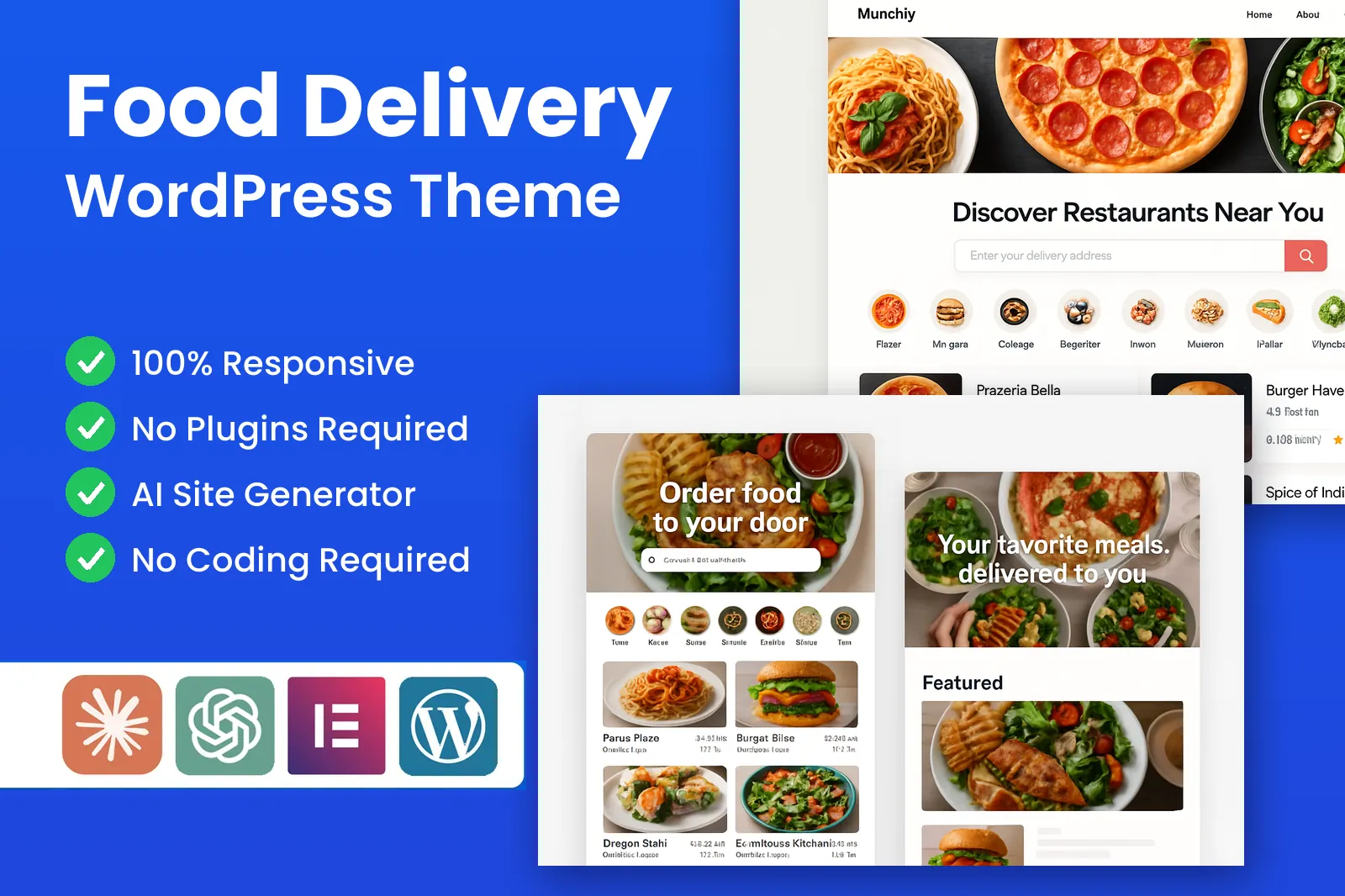
A delivery marketplace for your town
A food delivery WordPress theme for an online food ordering marketplace: many restaurants, one basket, your drivers, your brand.
Own a single restaurant? Our Restaurant theme (also coming soon) is the better fit.
Earn from every basket
Take a commission on each order at your own rate, sell featured listing plans, and keep your drivers' delivery fees.
PremiumPress takes nothing from your orders and charges no monthly fee.
Restaurant storefronts and menus with modifiers
Every partner gets a storefront with cover photo, cuisine tags, rating and delivery estimate. Menus carry prices, photos, allergen labels and modifiers like sizes, extras and meal deals, edited by the restaurant.
- Menu sections & photos
- Modifiers & meal deals
- Allergen labels
Delivery zones, fees and minimum orders
Draw zones by distance or postcode, each with its own delivery fee, minimum order and estimated time. Customers enter their postcode first and see only kitchens that reach them; others get collection.
- Radius or postcode zones
- Fee per zone
- Minimum order per zone
Delivery or collection, ASAP or scheduled
Customers choose delivery or collection, as soon as possible or at a set time. Scheduled orders reach the kitchen when it is time to cook, and payment is taken online at checkout.
- ASAP or scheduled slot
- Collection option
- Online payment at checkout
Elementor-Ready Food Delivery Templates
Elementor-friendly: Shape your marketplace homepage, cuisine landing pages and restaurant sign-up page with the free Elementor plugin, without touching code.
200+ Pre-Built Marketplace Blocks
Restaurant carousels, cuisine tiles, postcode checkers and promo banners, ready to drop into any page of your ordering site.
Explore Our ThemesKitchen order queue for busy restaurants
New orders arrive with a sound alert and a clear accept button. Kitchens set a prep time, move tickets to preparing, then tap ready. Every move updates the customer's order page.
- Accept, prepare, ready
- Sound alerts
- Prep-time estimates
Driver dispatch with order status updates
Assign each ready order to an available driver. Drivers mark it collected, on the way and delivered from a phone-friendly page, and customers see each step by email. Status updates, not live GPS.
- Assign or reassign runs
- Phone-friendly driver view
- Customer status emails
Commission per order, calculated automatically
Set a default commission, then override it per restaurant. Every order records the food total, delivery fee, restaurant payout and your share, so month-end is a report. PremiumPress takes no cut.
- Default & per-restaurant rates
- Payout breakdown per order
- No platform cut
Paid listing plans for restaurants
Listing plans are your second income stream. Offer a free starter listing, then paid plans with benefits you choose: a lower commission, a cuisine page slot or a homepage carousel spot.
- Free & paid tiers
- Featured placements
- Recurring billing
Promo codes that win repeat orders
Create fixed or percentage discounts, free-delivery nights or offers for one restaurant. Set a minimum spend, usage limit and end date so no promotion eats your margin, and track every redemption.
- Fixed or percentage off
- Free-delivery codes
- Limits & end dates
Ratings and reviews for food and delivery
Customers rate the food and the delivery separately, so a great kitchen is not punished for a late driver. Restaurants reply from their account, and you moderate reviews tied to real orders.
- Per-order ratings
- Restaurant replies
- Owner moderation
Opening hours, busy mode and sold-out items
Each restaurant sets weekly hours, and its storefront opens and closes on its own. On a packed night a kitchen can add a busy delay, pause orders or mark dishes sold out.
- Weekly hours per restaurant
- Busy delay & pause
- Sold-out toggle
Customer accounts and one-tap reorder
Accounts remember addresses, favourite restaurants and past baskets, so regulars reorder in a couple of taps. Guest checkout suits first-timers, and ordering is built for phones first, where most orders start.
- Saved addresses
- Order history
- Mobile-first ordering
What you can build with a food delivery WordPress theme
The same storefronts, zones and drivers carry anything sold in a small basket to a nearby door. Start with the cuisines your town orders most.
Town takeaway marketplace
Every takeaway in town on one ordering site, with one basket and one driver team.
Late-night food hub
Pizza, burgers and wings after ten, with each kitchen switching off at closing time.
Grocery & convenience runs
Corner shops deliver milk, bread and basics, keeping drivers busy between meal peaks.
Bakery & breakfast delivery
Pastries and coffee ordered the night before, delivered in a set morning slot.
Office lunch ordering
Business parks order from nearby cafes with pre-booked midday delivery slots.
Healthy & meal-prep kitchens
Meal boxes and bowls with allergen labels for customers with dietary needs.
Local shops beyond food
Florists, off-licences and pharmacies sell through the same storefronts.
Student & tourist towns
Towns the national apps cover thinly or not at all.
Run the whole marketplace from one admin area.
Approve restaurants, set zones and commission, assign drivers, run promo codes and see every order's money split from one dashboard.
Restaurants, orders, drivers, zones and commission on one screen for the owner.
orders tracked across every partner restaurant and delivery zone.
Elementor-ready with 200+ blocks for cuisine pages, restaurant carousels and promo banners.
Moderate customer ratings and watch restaurant scores from the admin.
Restaurants edit menus, hours and plans and work their order queue; customers save addresses for quick reordering.
Everything a food delivery WordPress theme needs
No shop plugin plus vendor, delivery and scheduling add-ons. Menus, zones, dispatch and commission work together in one theme.
Restaurant storefronts
Each partner gets a branded page with cover photo, cuisine tags, rating, delivery estimate and menu.
Menus & modifiers
Sizes, extras, removals and meal-deal choices, priced per option and required or optional.
Delivery zones
Radius or postcode zones, each with its own fee, minimum order and estimated delivery time.
Scheduled orders
Customers choose ASAP or a later slot; the kitchen sees the order when it is time to cook.
Kitchen order queue
New, accepted, preparing and ready columns, with a sound alert when a fresh order lands.
Driver dispatch
Assign runs to drivers, who update the status from their phone as they collect and deliver.
Commission per order
A default marketplace rate, overridable per restaurant, calculated automatically on every order.
Promo codes
First-order discounts, free-delivery nights and restaurant-funded offers, with usage limits and end dates.
Ratings & reviews
Customers rate food and delivery separately; restaurants reply from their own account.
One-tap reorder
Saved addresses and past orders let regulars repeat an order in a couple of taps.
Elementor-ready
Edit the homepage, landing pages and restaurant sign-up page visually with free Elementor.
Multilingual
Translate menus and the ordering flow for towns where customers order in more than one language.
Three other ways to launch a food delivery website
Rent a SaaS ordering platform, stack e-commerce and vendor plugins, or pay for a custom app. Here is how owning the theme compares.
| PremiumPress Food Delivery | SaaS platform | Plugin stack | Custom build | |
|---|---|---|---|---|
| Up-front cost | $99 one-time | Setup fee | Several licences | Quoted per project |
| Ongoing fees | None | Monthly subscription | Yearly renewals | Maintenance contract |
| Cut taken from your orders | 0% | Often per order | None | None |
| You set restaurant commission | Yes | Within limits | Add-on dependent | Yes |
| Zones, dispatch & kitchen queue together | Built in | Yes | Separate plugins | If specified |
| Customer & restaurant data | Yours | On their servers | Yours | Yours |
| Unlimited installs | Yes | Per account | Per-site licences | One build |
| Edit pages with free Elementor | Yes | No | Varies | No |
How to start a food delivery website with WordPress
Six steps from a blank domain to your first paid order.
- 1
Pick your town and first cuisines
Start with one town and five to ten restaurants covering the cuisines people order most.
- 2
Install the theme and import the demo
Upload the theme, import the demo marketplace and add your logo. Our free setup service can do it for you.
- 3
Set delivery zones, fees and your commission
Draw zones by distance or postcode, give each a fee and minimum order, and set your default commission.
- 4
Onboard restaurants and load their menus
Restaurants add dishes, modifiers, allergens, photos and opening hours. Check every menu on a phone.
- 5
Add drivers and run test orders
Add your drivers, place test orders from placed to delivered, and fix anything confusing.
- 6
Launch locally with a promo code
Announce a first-order promo code in partner restaurants and local social groups.
Food Delivery WordPress Theme FAQ
The questions we hear most before people buy. Still unsure? Our support team is happy to help.
Is the food delivery WordPress theme available to buy yet?
Not yet. It is in development and expected in late 2026. Tap Notify me when it's live, enter your email and we will send you one email the day it goes on sale, and nothing else.
What is a food delivery WordPress theme?
It is a WordPress theme that turns your site into an online food ordering marketplace. Many restaurants list on one site, customers fill one basket and pay online, and you run it on your own hosting and domain.
Is this an Uber Eats clone for my own town?
Yes. Customers get the pattern they know from the big delivery apps: restaurant listings, menus, a basket, checkout, order status and ratings. The difference is that you own the site, set the commission, choose the restaurants and keep the customers.
How do I make money from a multi restaurant ordering website?
Take a commission on each order, set per restaurant, sell listing plans or featured spots, and keep the delivery fee when your own drivers make the run. PremiumPress takes nothing from any of it.
How are delivery zones and delivery fees worked out?
You define zones by distance or postcode, each with its own delivery fee and minimum order. Customers enter their postcode first and see only restaurants that deliver to them; everyone else is offered collection.
Can restaurants manage their own menus and orders?
Yes. Each restaurant logs in to edit dishes, prices, modifiers, allergens, photos and opening hours, and works its own order queue. You, as the owner, approve new restaurants and can edit or suspend any listing.
Does it include live GPS tracking of drivers?
No. Drivers update the order status as they go: collected, on the way, delivered. Customers see each step on their order page and by email, and drivers use a phone-friendly page, so there is no app to install.
What does the food delivery WordPress theme cost?
It will be $99 one time, with 6 months of support and updates, unlimited installs on sites you own, free installation and setup, and a 14-day money-back guarantee. There are no monthly fees and no PremiumPress commission.
Related PremiumPress themes

WordPress Shop Theme
Sell your own products or affiliate products online with this all-in-one ecommerce theme.

WordPress Directory Theme
Create your own business directory website similar to Yelp, Yellow Pages or Foursquare.

WordPress Coupon Theme
Create your own coupon website similar to Coupons.com, RetailMeNot or Rakuten.
Be the delivery app your town orders from.
One-time $99 · unlimited installs · your commission on every order · 14-day money back.
In development, expected late 2026.