Best WordPress Plugins for Backup in 2026
If you run a WordPress website, backups are your safety net. The right wordpress plugins for backup can help you recover fast from bad updates, hacking attempts, server issues, or simple human error. In this guide, we compare five popular backup and migration plugins from the WordPress.org directory. For each plugin, you’ll get a quick SEO-friendly overview, five key points to consider, and a clear pros/cons breakdown to help you choose the best fit for your site, workflow, and hosting environment.
UpdraftPlus:WP Backup & Migration Plugin
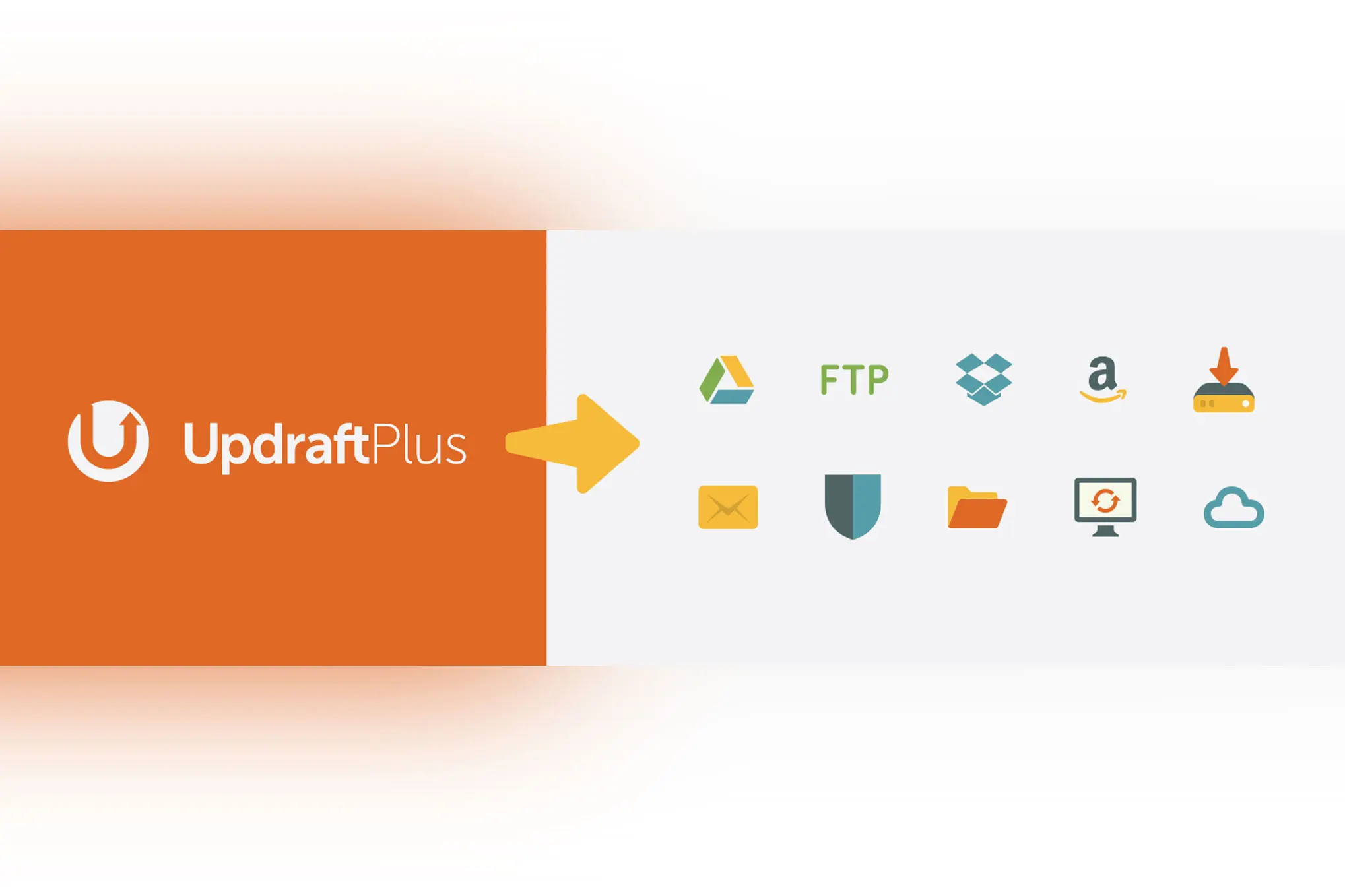
UpdraftPlus is a trusted all-rounder for WordPress backups, restores, and site migration. It’s designed for site owners who want simple setup with flexible backup scheduling, plus the ability to restore your site quickly when something goes wrong. UpdraftPlus can help you protect core files, themes, plugins, and your database, and it’s a strong option if you want a single tool that covers both routine backups and occasional migrations. It’s widely used and well-supported, making it a dependable choice for most WordPress sites.
5 Key Points
- Supports both manual and scheduled backups for consistent protection.
- Designed to handle full-site backups (files + database) and restores from the dashboard.
- Migration-friendly workflow when moving hosts or rebuilding on a new domain.
- Good fit for agencies managing multiple sites with repeatable backup routines.
- Best results when backups are stored off-server (separate from your hosting account).
- Set-and-forget scheduling that keeps you protected.
- Fast restores that get you back online quickly.
- Backup what matters (files, database, or both) with confidence.
- Solid choice for backups plus occasional migrations.
- Large sites may require extra tuning on limited hosting.
- Some advanced options may be locked behind paid upgrades.
- Backups can consume storage if you don’t manage retention.
- Migration workflows can feel “feature-rich” for beginners.
Backup Migration

Backup Migration is built for people who want an easy way to create backups, restore them, or move a WordPress site to a new host without hassle. It positions itself as an all-in-one solution:back up your website, download an archive, and restore it when needed. If your main goal is a straightforward backup-and-restore experience with a focus on migration readiness, this plugin is worth considering. It’s especially useful for site owners who want a simple workflow and a plugin that prioritizes practical recovery steps.
5 Key Points
- Focused on quick backup creation and easy restore workflows.
- Helpful when you need a backup archive you can download and store.
- Migration-friendly approach for moving sites between servers.
- Good option for small-to-medium sites that want a simple interface.
- Ideal when you want backups you can manage without extra tools.
- Simple backup workflow that’s easy to follow.
- Restore-focused design for faster recovery.
- Great for quick site moves between hosts.
- Feels lightweight and practical for everyday use.
- May not be the best fit for very large or complex sites.
- Performance depends on your hosting resources.
- Advanced storage/automation features may be limited.
- You’ll still want off-site storage for true disaster protection.
Backup Guard (Plugin Slug:backup)
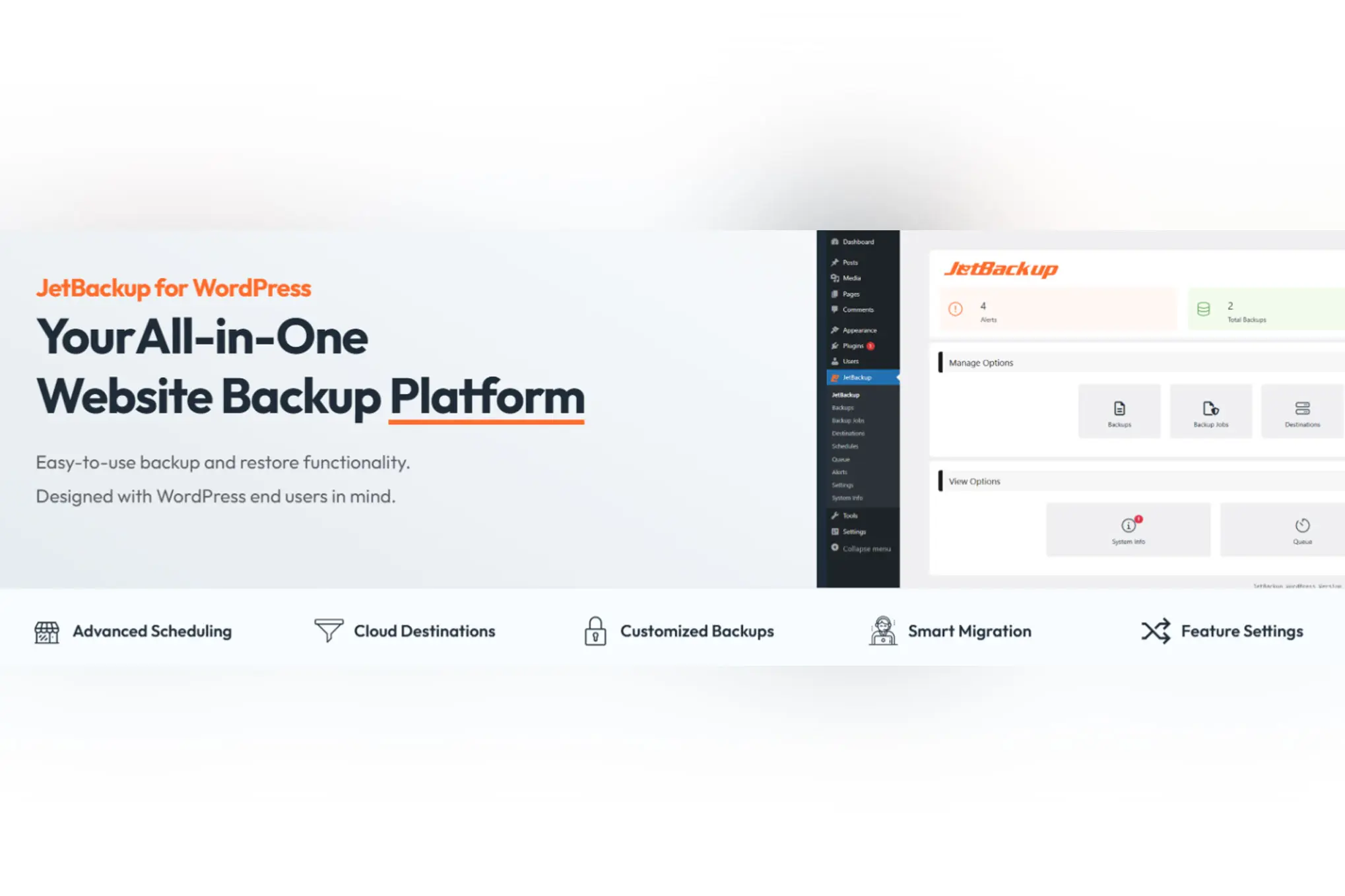
Backup Guard is a backup and restore plugin aimed at protecting your WordPress website by creating copies of your files, database, or both. It’s designed for users who want a clear, purpose-built tool for safeguarding site data and restoring it after issues like failed updates or site crashes. If your priority is having a dedicated backup plugin with a straightforward backup/restore focus, Backup Guard can be a practical option. As with any backup solution, pairing it with off-site storage and a tested restore plan gives you the best real-world protection.
5 Key Points
- Supports backups for files, database, or both depending on your needs.
- Built around the core “backup and restore” workflow.
- Useful for protecting against update failures and accidental changes.
- Best used with a regular schedule and a retention policy.
- Always test restores on staging to confirm backup integrity.
- Clear focus on backups and restores without fluff.
- Good for basic protection against common site disasters.
- Simple concept:backup now, restore when needed.
- Practical option for smaller sites and simple setups.
- Feature depth can vary compared to top “all-in-one” tools.
- Backup speed and reliability depend heavily on hosting limits.
- May require careful settings to avoid large backup files.
- Not always the first choice for complex migration scenarios.
Migrate Guru – Site Migration & Cloning

Migrate Guru is built primarily for fast, low-stress WordPress site migration and cloning. While it can support backup-style workflows, its strength is moving a WordPress site between hosts or domains with minimal manual work. It’s especially appealing when you need to migrate quickly and want a guided process designed to reduce server strain. If your main challenge is transferring sites (rather than running frequent scheduled backups), Migrate Guru is a strong choice. Pair it with a dedicated backup routine if you also need regular disaster recovery protection.
5 Key Points
- Purpose-built for migrations and cloning rather than “backup-first” usage.
- Great for host changes, domain changes, and staging-to-live moves.
- Designed to reduce manual steps and simplify site transfers.
- Useful when you want a repeatable migration method for multiple sites.
- Best paired with a separate scheduled backup solution for long-term safety.
- Moves sites fast with a clean, guided workflow.
- Perfect for agencies and frequent migrations.
- Reduces the headache of complex manual transfers.
- Excellent option when uptime and speed matter.
- Not a full replacement for a scheduled backup strategy.
- Some hosts/configurations may require extra troubleshooting.
- Migration tools are not the same as long-term retention backups.
- Less focused on granular backup management and archiving.
WebToffee WP Backup and Migration
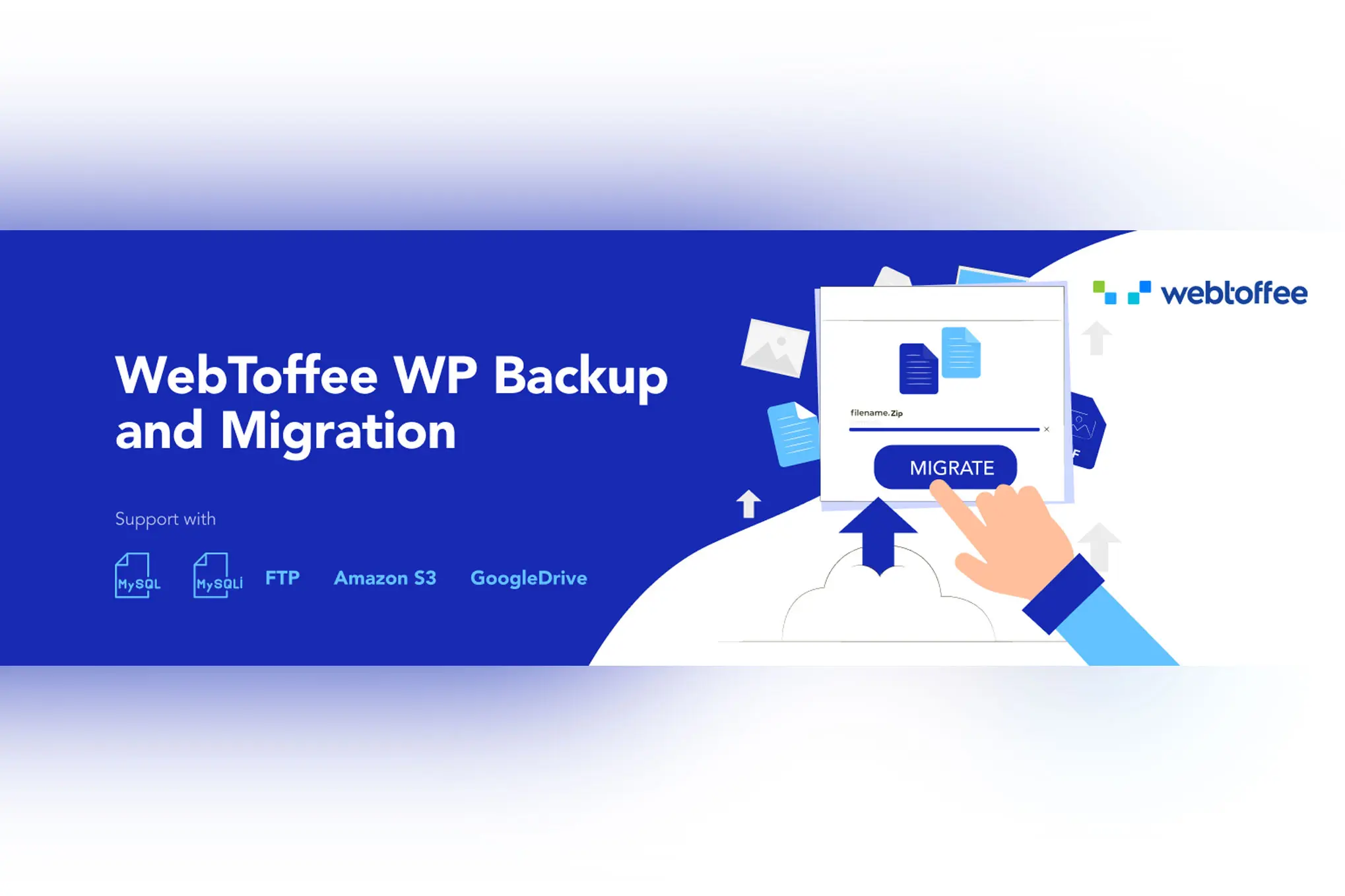
WebToffee WP Backup and Migration is a flexible plugin designed to help you back up, restore, or migrate your WordPress site between hosts or domains. It supports both manual and scheduled backups and can also handle selective migration scenarios when you don’t want to move everything. This makes it a good fit for site owners who want control over what gets backed up and transferred. If you’re looking for a backup plugin that also understands real-world migration needs (like replacing URLs during restore), WebToffee is a capable option to consider.
5 Key Points
- Backup, restore, and migration features are built into one tool.
- Supports scheduled backups for ongoing protection.
- Selective backups help reduce archive size and speed up restores.
- Useful migration helpers like URL replacement during restore.
- Cloud/external storage options are valuable for safer retention.
- Balanced feature set for both backups and migrations.
- Selective backups can save time and storage.
- Restore and move sites without complicated manual steps.
- Great fit for practical “backup + migration” workflows.
- May feel like more setup compared to ultra-simple tools.
- Large sites can still hit hosting resource limits.
- Some features may vary depending on free vs paid tiers.
- Cloud storage setups may require extra configuration.