Best WordPress Caching Plugins in 2026
Choosing the right wordpress caching plugins can dramatically improve page speed, Core Web Vitals, and server efficiency. Below you’ll find five popular options from WordPress.org, each explained with five key points, plus quick pros and cons to help you decide what fits your hosting stack, site type, and technical comfort level.
WP-Optimize

WP-Optimize is a practical all-in-one option that combines caching, database cleanup, and image compression into one workflow. For site owners who want fewer plugins and a straightforward setup, it can be a great starting point for improving performance without overcomplicating the stack. As one of the more beginner-friendly wordpress caching plugins, it focuses on fast wins like page caching and cleanup routines.
It’s especially useful on content-heavy sites where database overhead grows over time, but advanced tuning may require careful testing.
5 key points
- Page caching to reduce server work and speed up repeat visits.
- Database optimization tools to remove clutter and reduce bloat.
- Image compression to shrink file sizes and speed up rendering.
- Simple performance controls designed for non-technical users.
- Good “one-plugin” approach when you want fewer moving parts.
- Quick setup that delivers noticeable speed wins.
- Combines caching + cleanup to streamline maintenance.
- Great for content sites with growing databases.
- Balanced features without feeling overwhelming.
- Not the deepest cache tuning for advanced setups.
- Some features overlap with other optimization plugins.
- Requires testing with minification/combination conflicts.
- Best results can depend heavily on hosting quality.
LiteSpeed Cache

LiteSpeed Cache is a performance powerhouse when used on LiteSpeed Web Server hosting, unlocking server-level caching features that can outperform many alternatives. It’s one of the most feature-rich wordpress caching plugins available, offering page caching, asset optimization, image optimization, and advanced tuning for Core Web Vitals. If your host uses LiteSpeed (or OpenLiteSpeed), this plugin can become your primary performance toolkit. On non-LiteSpeed servers, you may not get the full benefit, so your hosting environment matters.
5 key points
- Best-in-class results when paired with LiteSpeed server hosting.
- Full-page caching plus optional object/database optimization features.
- Built-in optimization for CSS/JS delivery and page rendering.
- Tools to improve Core Web Vitals with careful configuration.
- Works best as the “main” performance plugin to avoid overlap.
- Outstanding speed potential on LiteSpeed hosting.
- Feature-rich toolkit that can replace multiple plugins.
- Strong controls for performance-focused site owners.
- Great for scaling traffic with smarter caching.
- Not all benefits apply on non-LiteSpeed servers.
- Many options can feel complex at first.
- Misconfiguration can cause layout or script issues.
- Overlaps with other optimization plugins if stacked.
Autoptimize

Autoptimize is primarily focused on front-end optimization rather than traditional page caching, making it a perfect companion in many performance stacks. It shines by handling CSS/JS aggregation, minification, defer settings, and other delivery improvements that can reduce render-blocking issues. While it’s often mentioned alongside wordpress caching plugins, think of it as an “asset optimizer” that complements caching rather than replaces it. For many sites, Autoptimize helps achieve smoother loading and better PageSpeed metrics when paired with a cache plugin.
5 key points
- Optimizes CSS and JavaScript delivery for faster rendering.
- Reduces render-blocking resources when configured carefully.
- Pairs well with a dedicated caching plugin or host caching.
- Helps improve perceived speed and Core Web Vitals signals.
- Best for users who want front-end control without heavy server tuning.
- Excellent for improving CSS/JS delivery and front-end speed.
- Plays nicely with many caching solutions.
- Great for tackling render-blocking issues.
- Proven choice for performance-focused builds.
- Not a full page caching solution on its own.
- Asset combination can conflict with some themes/plugins.
- Requires testing to avoid breaking scripts.
- Easy to “over-optimize” without a clear goal.
W3 Total Cache
W3 Total Cache is a classic performance plugin known for deep customization, supporting page caching, object caching, database caching, browser caching, and CDN integration. It’s a powerful choice for advanced users who want granular control over how content is cached and served. Among wordpress caching plugins, it stands out for flexibility across many hosting types, including shared hosting and VPS setups. The trade-off is complexity:the settings are extensive, and achieving the best results usually involves careful tuning and methodical testing.
5 key points
- Highly configurable caching layers for complex performance needs.
- Supports browser caching and CDN integration for global delivery.
- Can reduce server load significantly when tuned correctly.
- Works across many hosting environments and configurations.
- Best suited to users comfortable with performance testing and tuning.
- Powerful settings for serious performance control.
- Strong CDN support to speed up global delivery.
- Scales well when configured methodically.
- Flexible enough for many hosting setups.
- Steeper learning curve than most alternatives.
- Easy to misconfigure if you change too much at once.
- Some features may be unnecessary for smaller sites.
- Requires disciplined testing to avoid performance regressions.
WP Cloudflare Page Cache
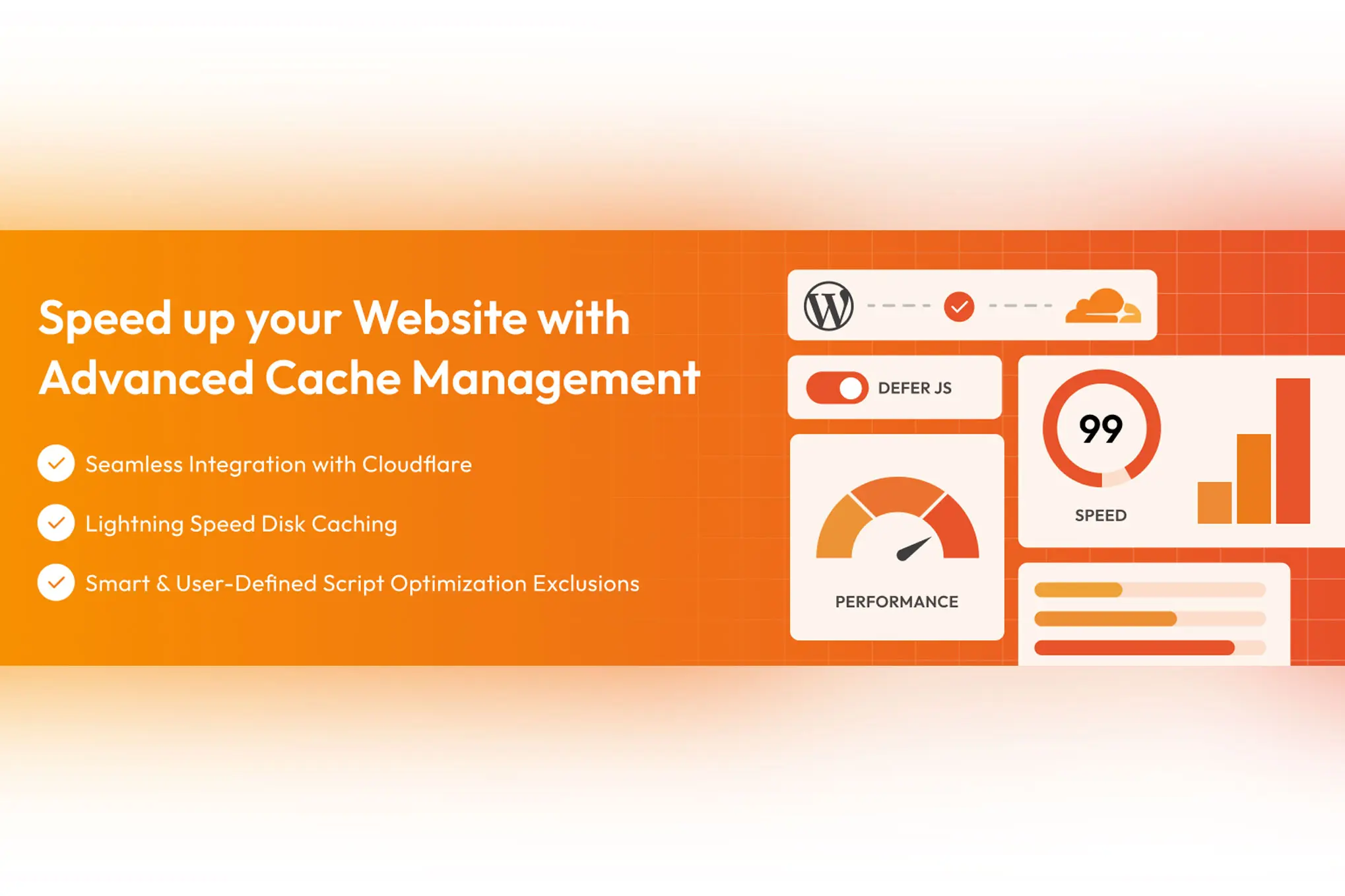
WP Cloudflare Page Cache focuses on caching WordPress pages at Cloudflare’s edge, helping visitors receive content from locations closer to them. This approach can reduce TTFB and improve global performance, especially for international audiences. While it belongs in conversations about wordpress caching plugins, it’s best viewed as an edge-caching layer that can complement origin caching. It can be very effective when set up correctly, but Cloudflare rules, cookies, and dynamic content (like carts or logged-in pages) require careful handling.
5 key points
- Edge caching via Cloudflare to speed up global delivery.
- Can reduce TTFB and improve perceived load times.
- Works best with clear cache rules for dynamic pages.
- Complements origin caching (server cache) for better hit rates.
- Requires careful setup for WooCommerce, logins, and personalized pages.
- Fast global delivery with Cloudflare edge caching.
- Great upgrade for international traffic and performance.
- Can reduce load on your origin server.
- Pairs well with smart origin caching strategies.
- Cloudflare setup adds an extra layer of complexity.
- Dynamic pages need exclusions to avoid issues.
- Cookie and cache rules must be handled carefully.
- Results vary based on Cloudflare configuration and plan.