All admin screens
Admin screens
Every screen PremiumPress adds to wp-admin, what it is for, and where to find it. 36 screens in this build.
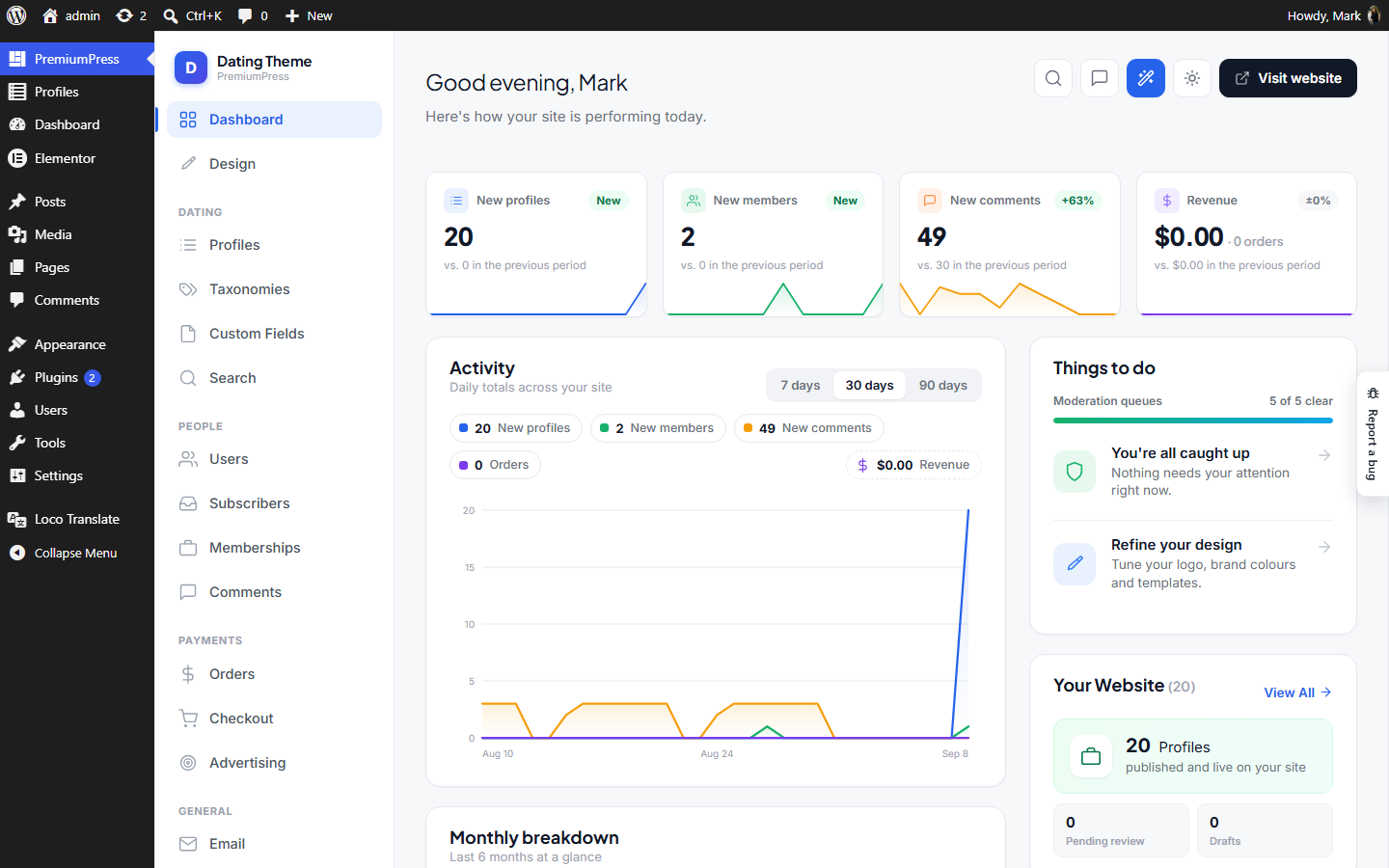
Dashboard Dashboard.php
Where: wp-admin/admin.php?page=ppt_dashboard · Menu: under PremiumPress
PPT admin Dashboard — the landing screen for the theme's admin area, rebuilt clean from DT10's welcome.php / admin dashboard (framework/admin/welcome.php). It renders inside the shared Chrome (dark sidebar). This is a SKELETON: the layout and widgets (welcome hero, stat cards, Site Manager banner, tabs) match the old design, with placeholder data until each feature is wired up.
Listings Listings.php
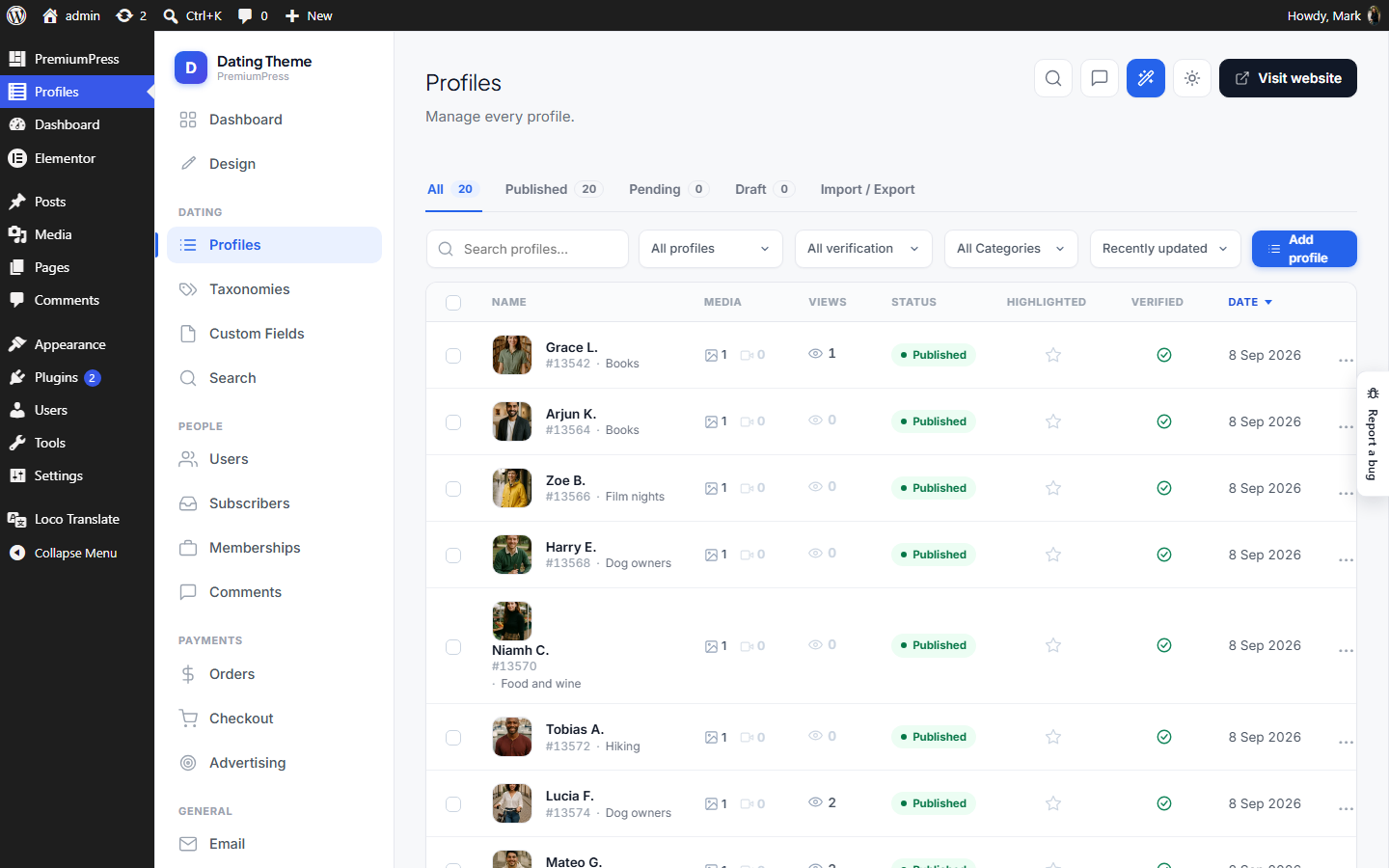
Where: wp-admin/admin.php?page=ppt_listings · Menu: top-level item
PPT admin — Listings manager. An AJAX-driven table of all listing_type posts (clean rebuild of DT10's listings table, without the $CORE/_ppt plumbing). The table body, status tabs, search, sort and pagination all load over AJAX, and per-row actions (change status, rename, trash) update the data in place — no page navigation. Renders inside the shared Chrome shell. AJAX contract (admin-ajax.php, nonce ppt_listings): action=ppt_listings_query → JSON { rows, found, pages, page, counts } action=ppt_listing_action → JSON { ok, ... } (do=status|rename|trash)
Set up your site Wizard.php
Where: wp-admin/admin.php?page=ppt_wizard · Menu: under PremiumPress
The setup stepper — "Set up your site", a re-runnable question-per-screen pass over everything a fresh install switches ON for you. WHY THIS EXISTS: a new site arrives fully dressed — sample listings, every language the theme ships, a language and currency switcher, the phone dock, an ad zone, every listing-page section, Stories, Social proof — and an owner who wants less of it has to know which of the ~28 Settings tiles hides each switch. Several of those switches did not exist at all: the features matrix (Ppt\Content\ThemeProfiles) is code, so Stories, Gifts, Advertising and the rest were on for the product line with no admin control anywhere. This screen asks one plain question per topic and writes the real options behind it. NOT the install wizard. Admin\Installer runs ONCE (licence → design → company → seed) and re-running it means "Reset theme", which clears designs and page templates. This one owns no destructive state, is safe to open at any time, and pre-fills every answer from what the site is ACTUALLY doing right now — so an owner can come back, flick through and change their mind without losing work. WHAT IT WRITES: - ppt_settings — one merged patch of only the keys the shown steps own. Deliberately written straight to the option, NOT through the settings form: SettingsPage::sanitize() rebuilds the option from scratch for a FORM post (absent field = 0), and merges for a programmatic one. See its own comment. - Ppt\Content\FeatureOverrides — the subtract-only owner layer over the features matrix. This is what makes "No" stick for Stories/Gifts/Ads/…. - ppt_design (branding) — the single-listing page's section list. - ppt_ad_settings — the advertising master switch. - Sample content removal, and ONLY on an explicit typed confirmation. Steps are PROFILE-AWARE: a step whose subject the product line does not have is not rendered at all (a Coupon site is never asked about bookings), so the step count differs per product. steps() is the one source for that — the view renders it and the save handler re-derives it, so a stale page can never write a step this site does not have.
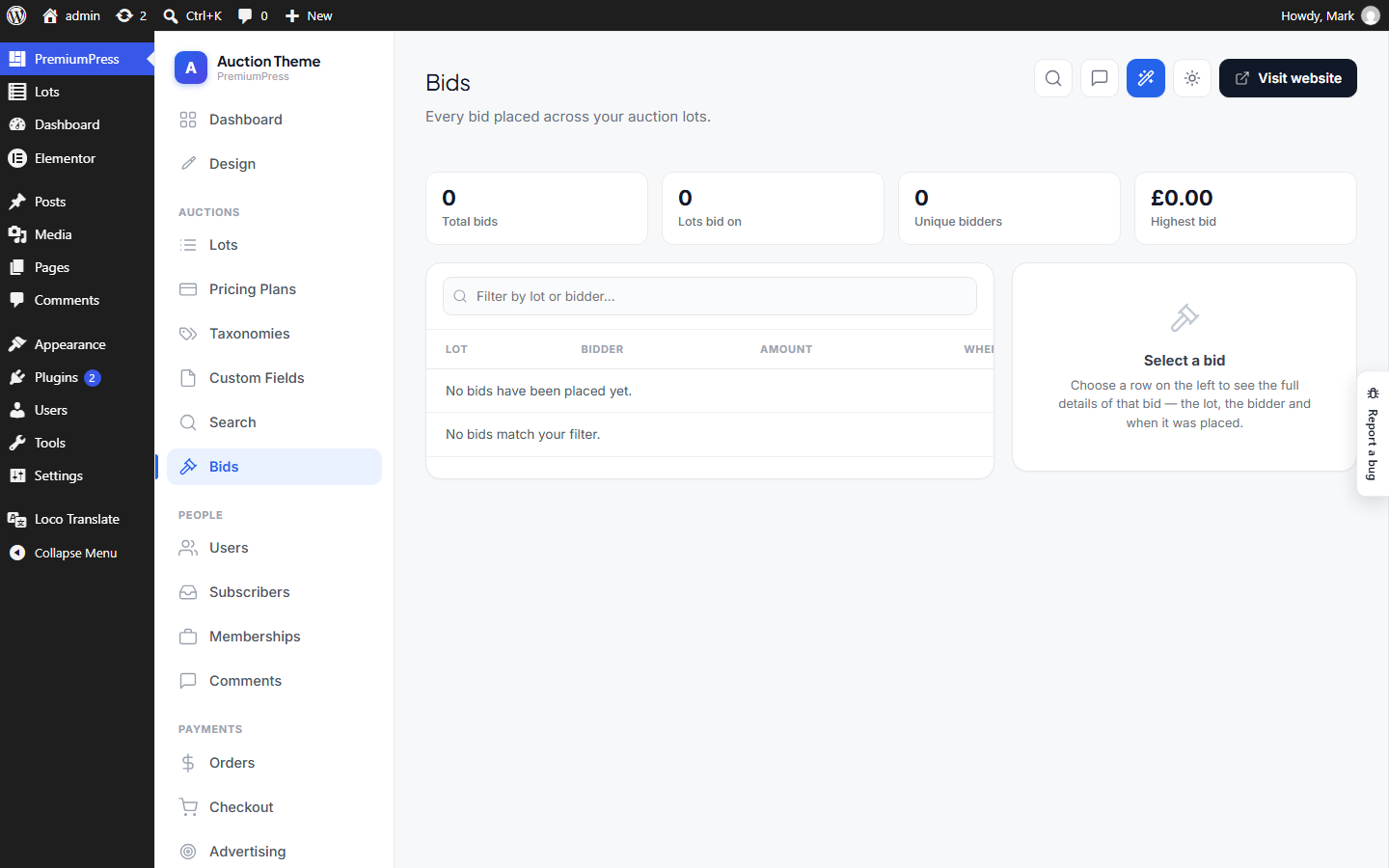
Bids Bids.php
Where: wp-admin/admin.php?page=ppt_bids · Menu: under PremiumPress
PPT admin — Bids manager. A simple master/detail screen for the Auction Theme: a table of every bid ever placed on the site (left), and a details panel for the selected bid (right). Auction-only — the menu registers just for the _at fork (see menu()), the same profile that owns the bid data. Reads the append-only bid log written by Ppt\_at\Bidding into the dedicated ppt_at_bids table (Ppt\_at\Bids), joining posts/users for lot + bidder display. Rendered inside the shared Chrome shell.
Memberships Memberships.php
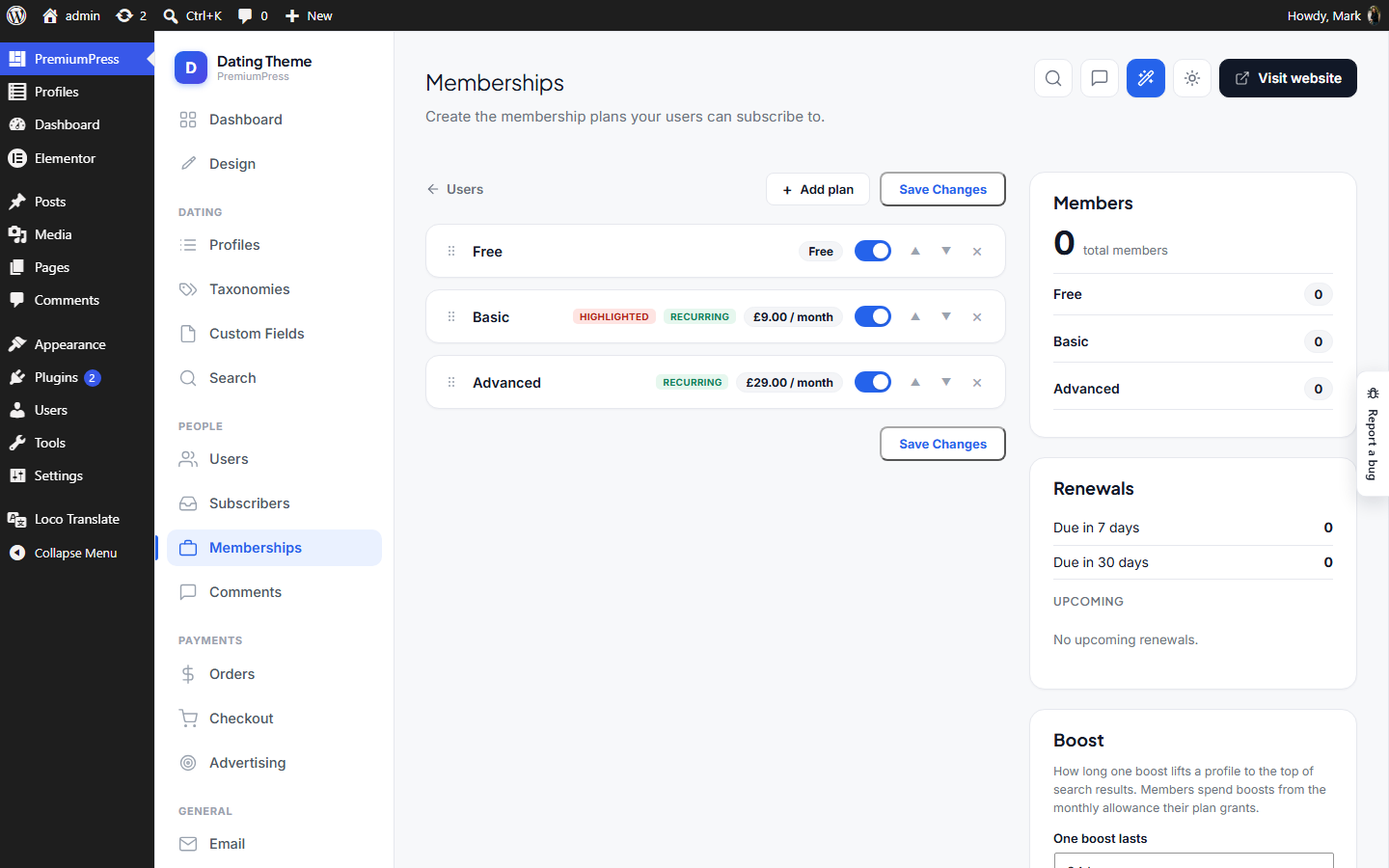
Where: wp-admin/admin.php?page=ppt_memberships · Menu: under PremiumPress
PPT admin — Membership plans. Under the People group, next to Users. A clean rebuild of DT10's membership packages: the admin creates the plans users can subscribe to (name, price, duration, recurring, highlight, enable), added / reordered / deleted in the DOM and saved in one POST (post → redirect → get), exactly like the Custom Fields editor. Storage: option ppt_memberships — an ordered list of plan definitions: [ ['name','price','duration','unlimited','description', 'recurring','highlight','enabled','lockedMedia','caps'[]], … ] ONE KIND OF FEATURE LIVES ON A PLAN: caps[] what the plan actually GRANTS, keyed by Ppt\Account\Entitlements row — a bool, or an allowance per day/month (-1 = unlimited). Read back through Ppt\Account\Membership, which every gate goes through. There used to be a free-text features[] box beside it whose wording the pricing page appended to the enforced list. It was removed: a plan could advertise anything the admin typed, including things the gates would refuse. The pricing page now prints the caps and nothing else, so what a plan promises is what it grants. Legacy features values still sitting in the option are ignored and dropped on next save. The front-end pricing page is Ppt\Frontend\MembershipsPage; buying a plan is Ppt\Account\MembershipCheckout.
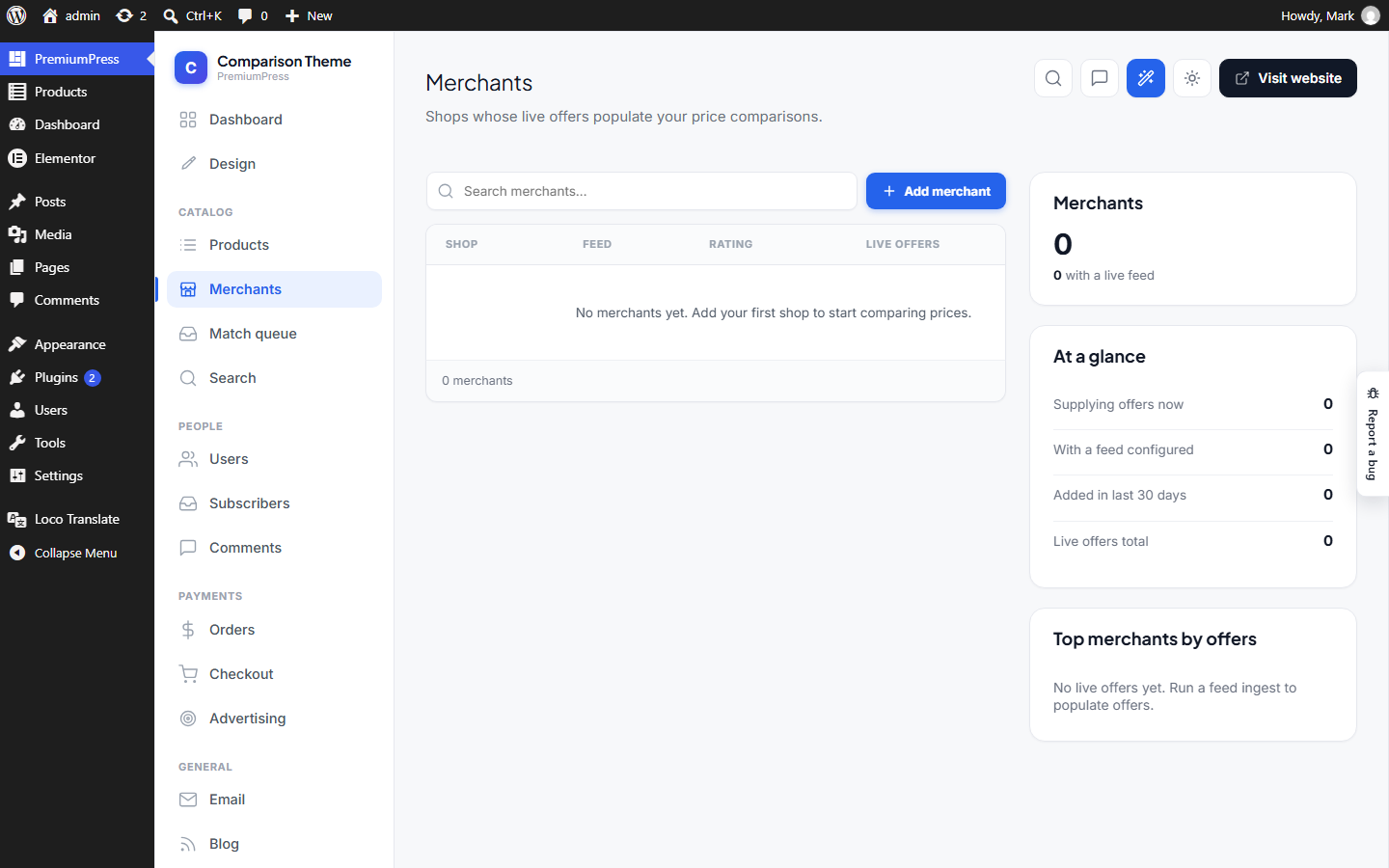
Merchants Merchants.php
Where: wp-admin/admin.php?page=ppt_merchants · Menu: under PremiumPress
PPT admin — Merchants screen (Comparison Theme). A themed management page for the ppt_merchant CPT, mirroring the Orders/Users screens: a two-column layout (server-rendered list on the left, counter cards on the right) rendered inside the {@see Chrome} shell, with a themed edit form that saves through {@see \Ppt\Compare\Merchant::saveMeta()}. Only registered on the compare profile (merchants are the shops behind the price-comparison offers). Merchants are low-volume (tens, not thousands), so the list is rendered directly rather than through the AJAX table pipeline the Orders screen uses.
Pricing Plans PricingPlans.php
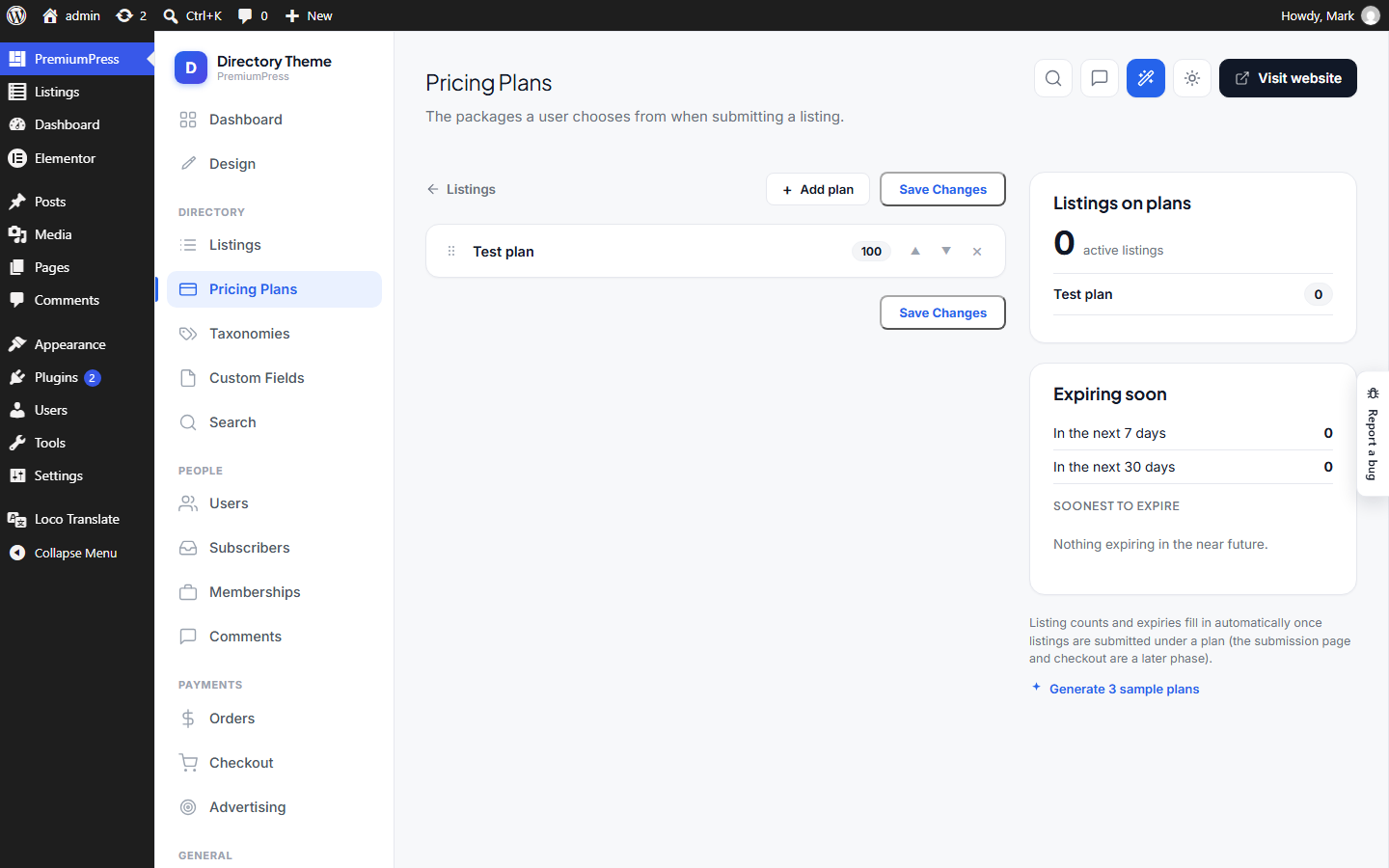
Where: wp-admin/admin.php?page=ppt_pricing_plans · Menu: under PremiumPress
PPT admin — Listing pricing plans. Under the Directory group, next to Listings. Lets the admin create the packages a user picks when submitting a listing (name, price, duration, extra features, recurring, highlight, enable) — the pricing cards' bullets come from bullets(), settings first then extras. Same card-builder as Memberships (shared assets/js/admin-planlist.js), stored in its own option; added / reordered / deleted in the DOM and saved in one POST. Storage: option ppt_pricing_plans — an ordered list of plan definitions: [ ['id','name','price','duration','unlimited','description','features'[], 'recurring','highlight','enabled'], … ] Plan management only for now; the listing-submission page that offers these (Frontend consumer + checkout) is a separate follow-on phase.
Stores Stores.php
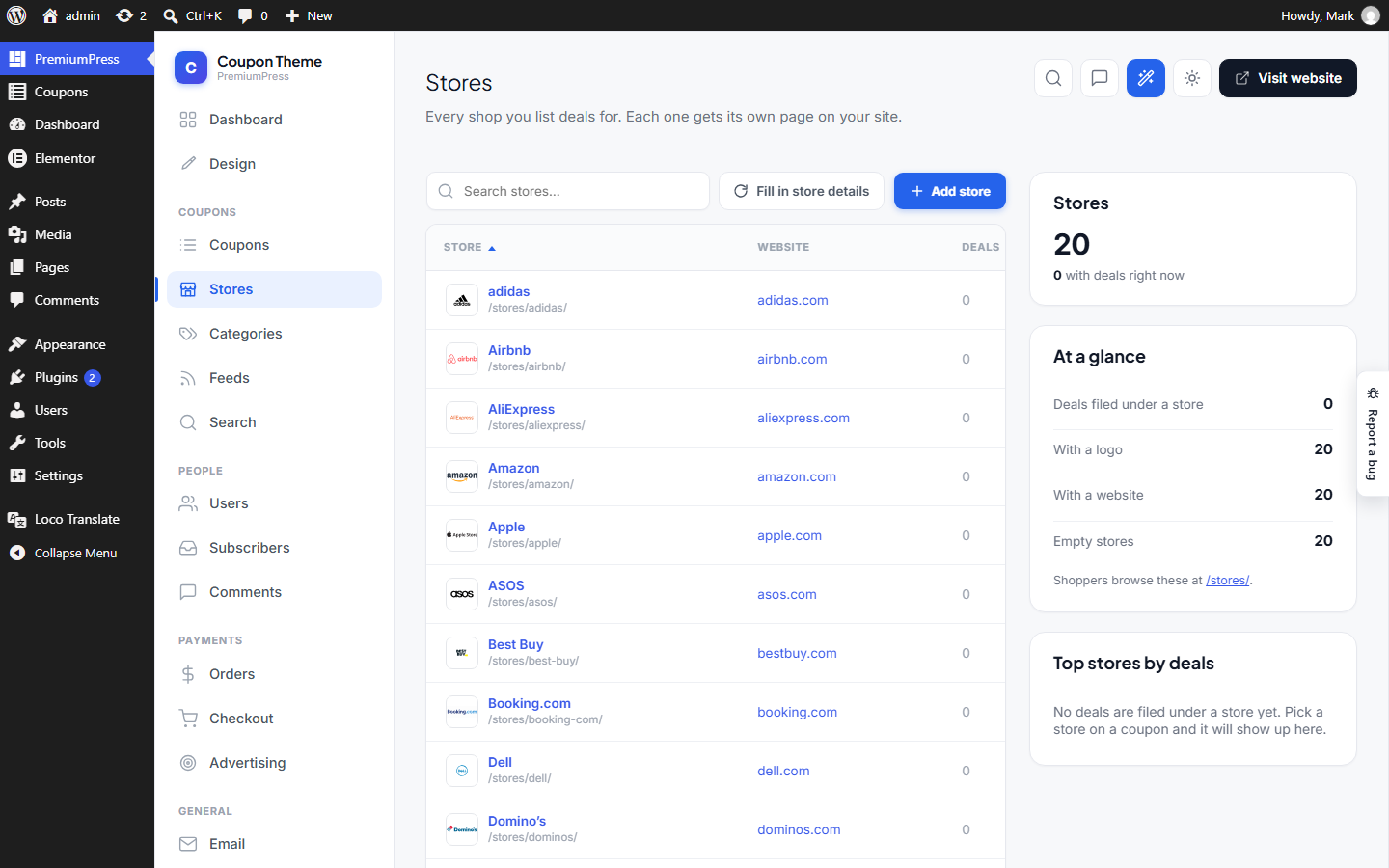
Where: wp-admin/admin.php?page=ppt_stores · Menu: under PremiumPress
PPT admin — Stores screen (Coupon Theme). A themed management page for the listing_store taxonomy ({@see \Ppt_cp\StoreTax}), mirroring the Merchants/Orders screens: a two-column layout (server-rendered list on the left, counter cards on the right) inside the {@see Chrome} shell, with a themed edit form for one store's name, logo, blurb and website. The taxonomy is registered with show_ui => false precisely so this is the ONE place a store is created or edited — a store is a logo and a blurb, which the native term screens have nowhere to put. Stores are NOT low-volume. That assumption held while they were typed in by hand; an affiliate feed import creates one per merchant, and a single Awin pull made 1,305 of them. So the list is paged, searched and sorted in SQL ({@see query()}) rather than rendered whole and filtered in the browser.
Taxonomies Taxonomies.php
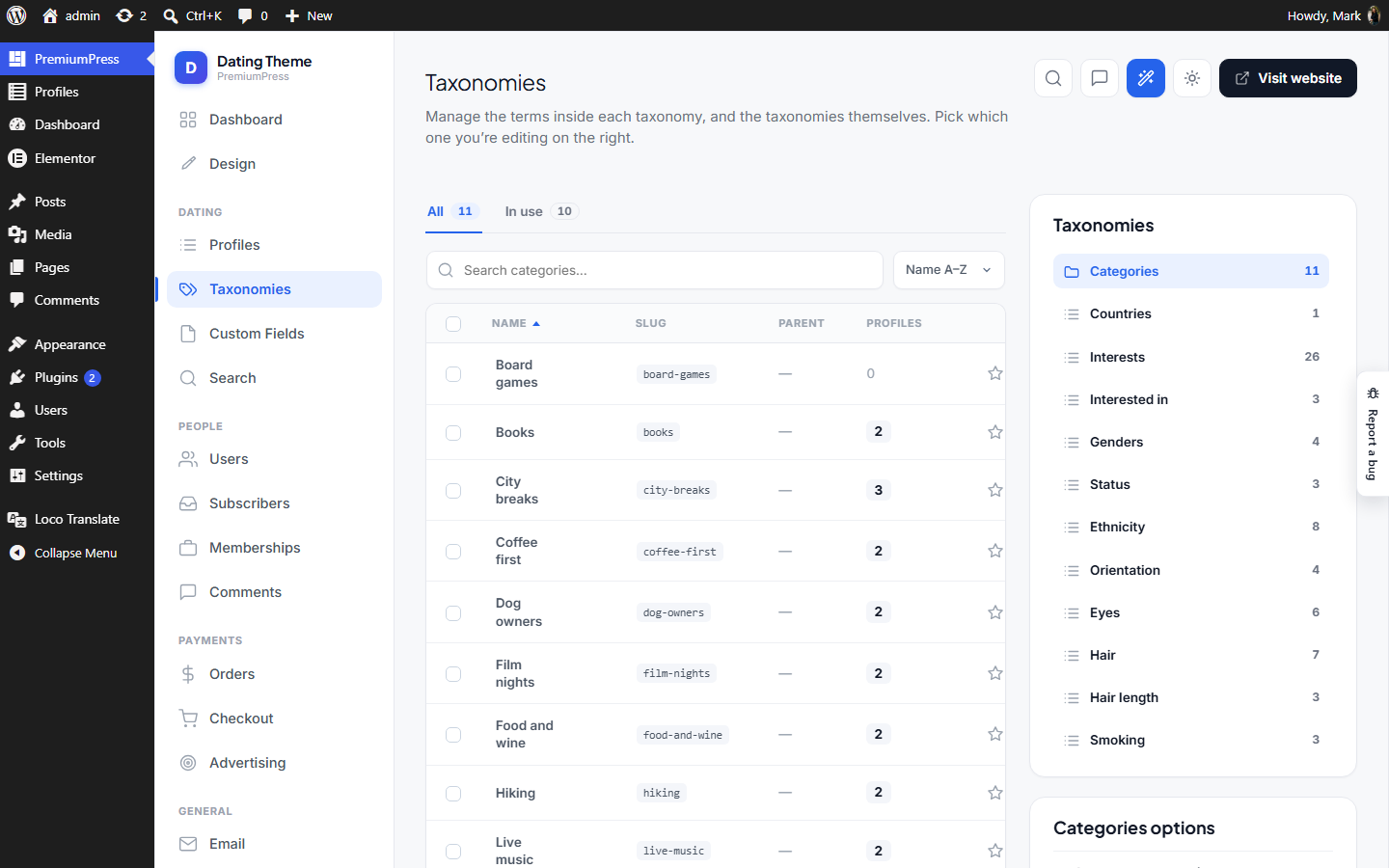
Where: wp-admin/admin.php?page=ppt_categories · Menu: under PremiumPress
PPT admin — "Categories" hub. A single landing screen (reached from the sidebar "Categories" item) that lists, as a Remote-style card grid, every way an admin can shape their listing data: 1. Custom Fields (the add-listing form fields — editor is a follow-up) 2…n. Every taxonomy attached to the listing post type (Categories, Tags, and any custom taxonomies), each opening WordPress's native term editor. The taxonomy cards are generated from get_object_taxonomies() at render time, so the grid auto-updates the moment a new taxonomy is registered — nothing to hard-code. Clean rebuild of DT10's split customfields / settings-taxonomies screens, without the $CORE/_ppt plumbing. Renders inside the shared Chrome.
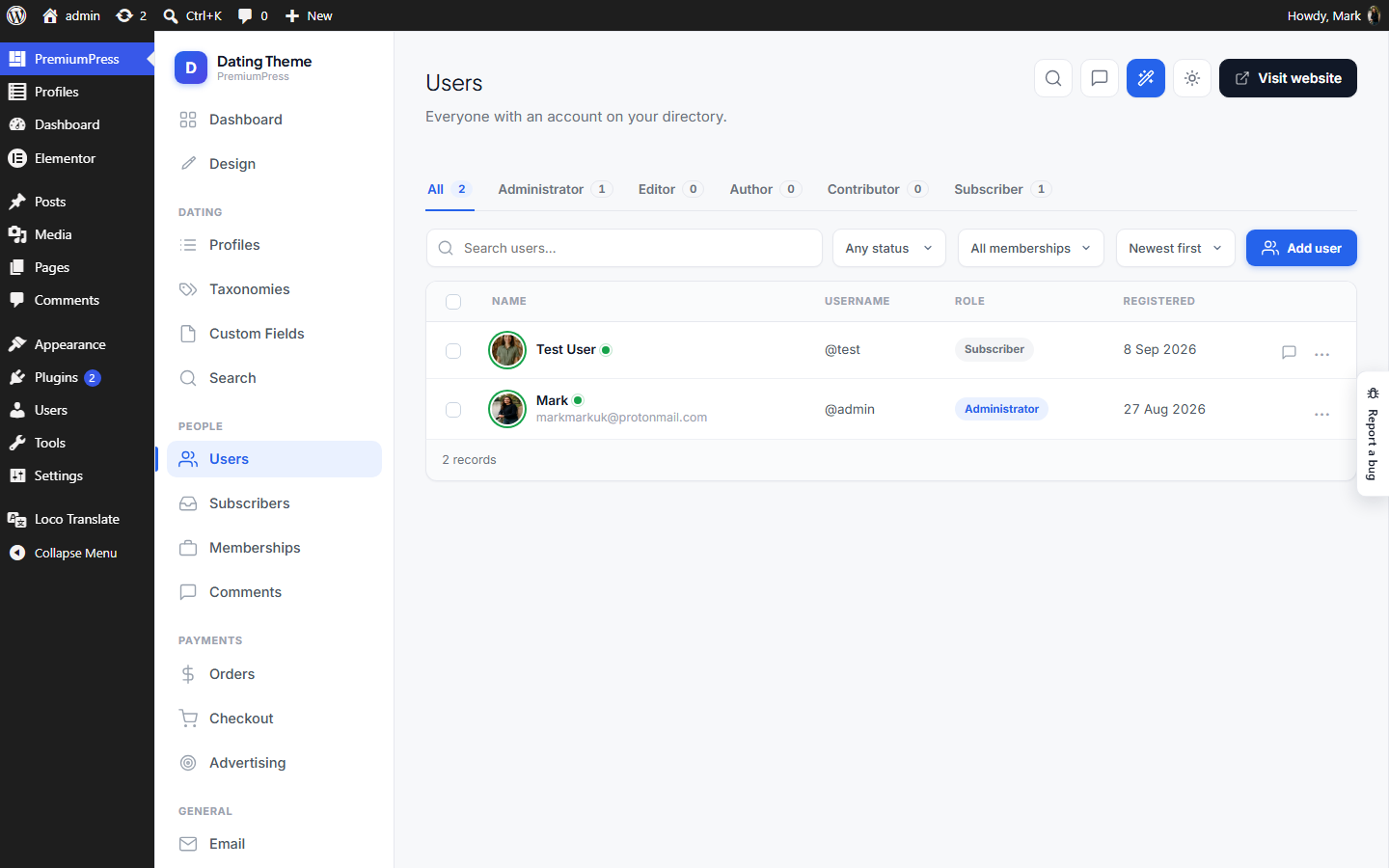
Users Users.php
Where: wp-admin/admin.php?page=ppt_users · Menu: under PremiumPress
PPT admin — Users manager. AJAX table of WordPress users (clean rebuild of DT10's users table). Search / role tabs / sort / pagination load over AJAX; per-row actions (change role, rename display name) update in place. Renders inside the shared Chrome shell and shares assets/js/admin-table.js.
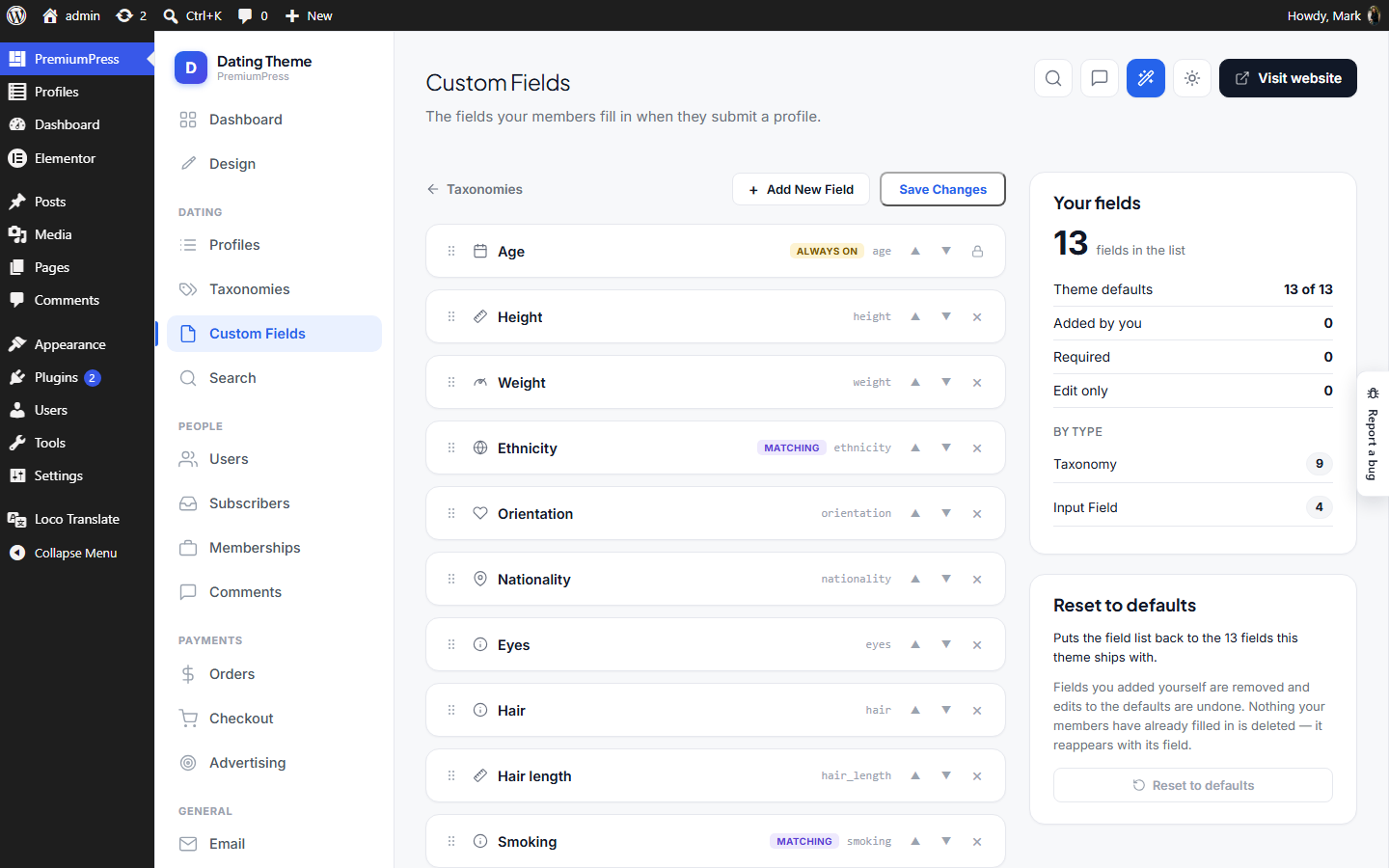
Custom Fields Fields.php
Where: wp-admin/admin.php?page=ppt_fields · Menu: under PremiumPress
PPT admin — Custom Fields editor. Clean rebuild of DT10's framework/admin/_customfields.php (the sortable add-listing field builder), without the $CORE/_ppt plumbing and the parallel-array cfields option. Admins can add fields, edit each one (label, key, help, type, taxonomy, values, display categories, required / edit-only), reorder them (up/down buttons or drag), and delete them. Everything is edited in the DOM and saved in one POST (post → redirect → get). Renders inside the shared Chrome shell. Storage: option ppt_fields — a clean ordered list of field definitions: [ ['label','key','help','type','taxonomy','values','categories'[],'genders'[],'icon','required','editonly'], … ] A field is scoped on TWO independent axes, both "empty means everywhere": categories which listing categories show it genders which gender TERMS show it — only on a profile that HAS a gender vocabulary (see genderTaxonomy()). This is the axis a dating or escort site needs: "Breast size" belongs on a female or trans profile and nowhere else, and the site owner has to be able to add a gender the theme never shipped without touching PHP. The two axes differ in one deliberate way, and it is the reason gender is not just "another category": an unset CATEGORY shows every field (a listing mid-draft should not lose its form), but an unset GENDER shows only UNSCOPED fields. Asking a member whose gender you do not yet know about a gendered body attribute is the wrong default, so the scoped fields wait until they have picked.
Licensing Licensing.php
Where: wp-admin/admin.php?page=ppt_licensing · Menu: under PremiumPress
PPT admin — Licensing. The Stock Photo Theme's site-wide licence policy, next to Pricing Plans in the assets group. Two things live here: 1. ALLOWED LICENCE TYPES — which of the four canonical models (CC0, Creative Commons, Royalty-Free, Rights-Managed) a contributor may offer. Stored in Ppt\_ph\LicenseTypes::OPTION_ALLOWED; it gates the editor dropdowns only, never rendering, so assets already sold under a type that is later switched off keep the licence their buyers were promised. 2. THE DEFAULT LADDER — the tiers an asset priced with a single "One price" gets: a name, a note, a licence type and a multiplier of that price. Stored in Ppt\_ph\Licensing::OPTION; the cheapest rung maps to the typed price, so a 1 / 2.5 / 4 ladder on a £20 asset reads £20 / £50 / £80. The Software / Digital Download Theme (the _so fork) gets its own version of the screen (views/licensing-so.php): the ALLOWED LICENCE TYPES — Free / Regular / Extended (Ppt\_so\LicenseTypes), gating the pricing-plan dropdown in the listing editor the same way. No licence keys on that theme — the site owner decided against them, since there is no way to validate them. Only those two forks. The AI Photo fork is a separate product with its own options — nothing here reaches it.
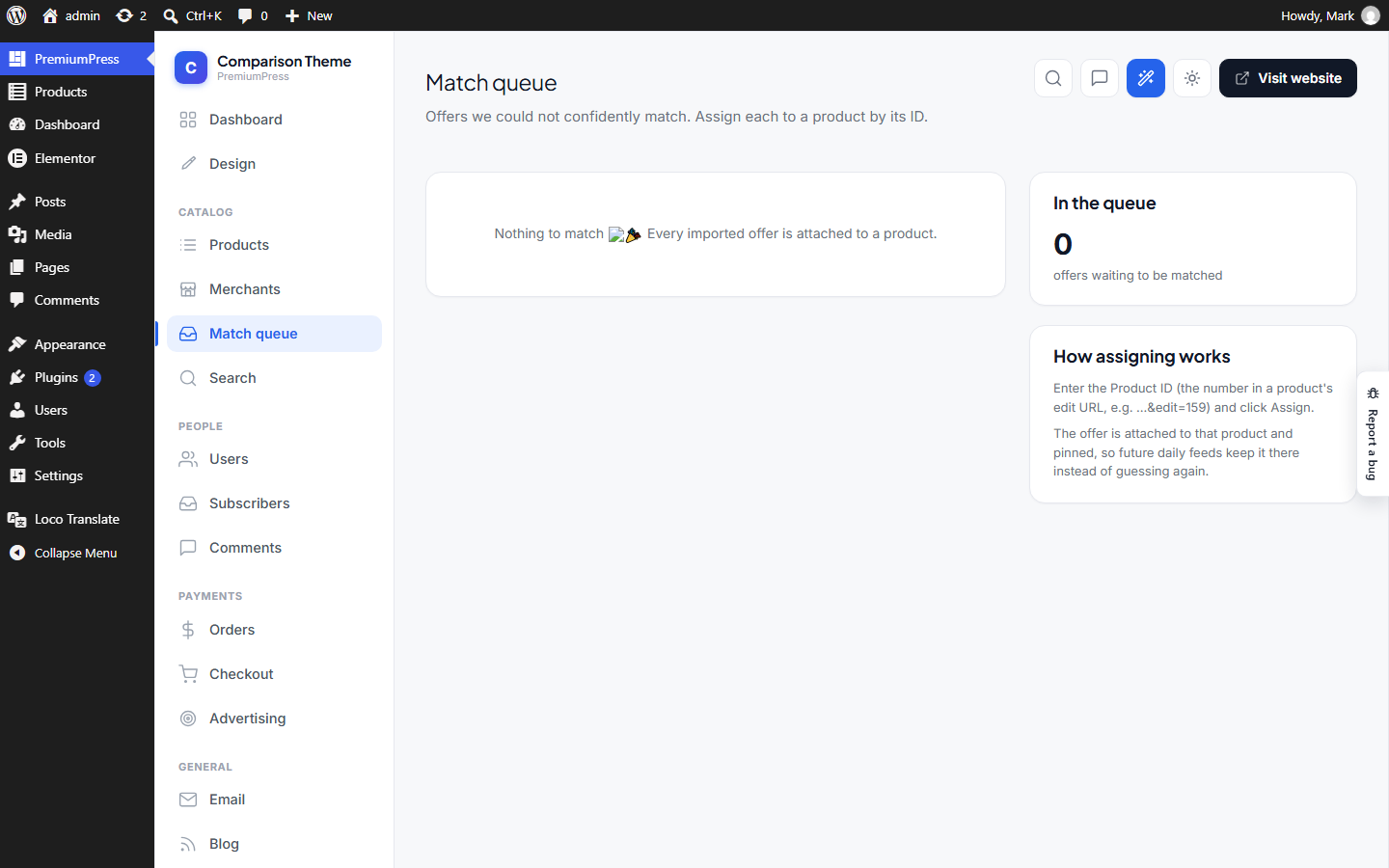
Match queue MatchQueue.php
Where: wp-admin/admin.php?page=ppt_match_queue · Menu: under PremiumPress
PPT admin — Match Queue screen (Comparison Theme). The "needs a human" pile: feed offers the matcher couldn't confidently attach to a product ({@see \Ppt\Compare\Offers::queueTable()}). Each row shows the offer and a "Product ID" box so an admin can manually assign it to a product (listing). On assign we (1) write a durable override so every future ingest keeps that merchant SKU on that product ({@see \Ppt\Compare\Matcher::setOverride()}), (2) promote the queued offer to a live offer under the chosen product, and (3) drop it from the queue. Only registered on the compare profile.
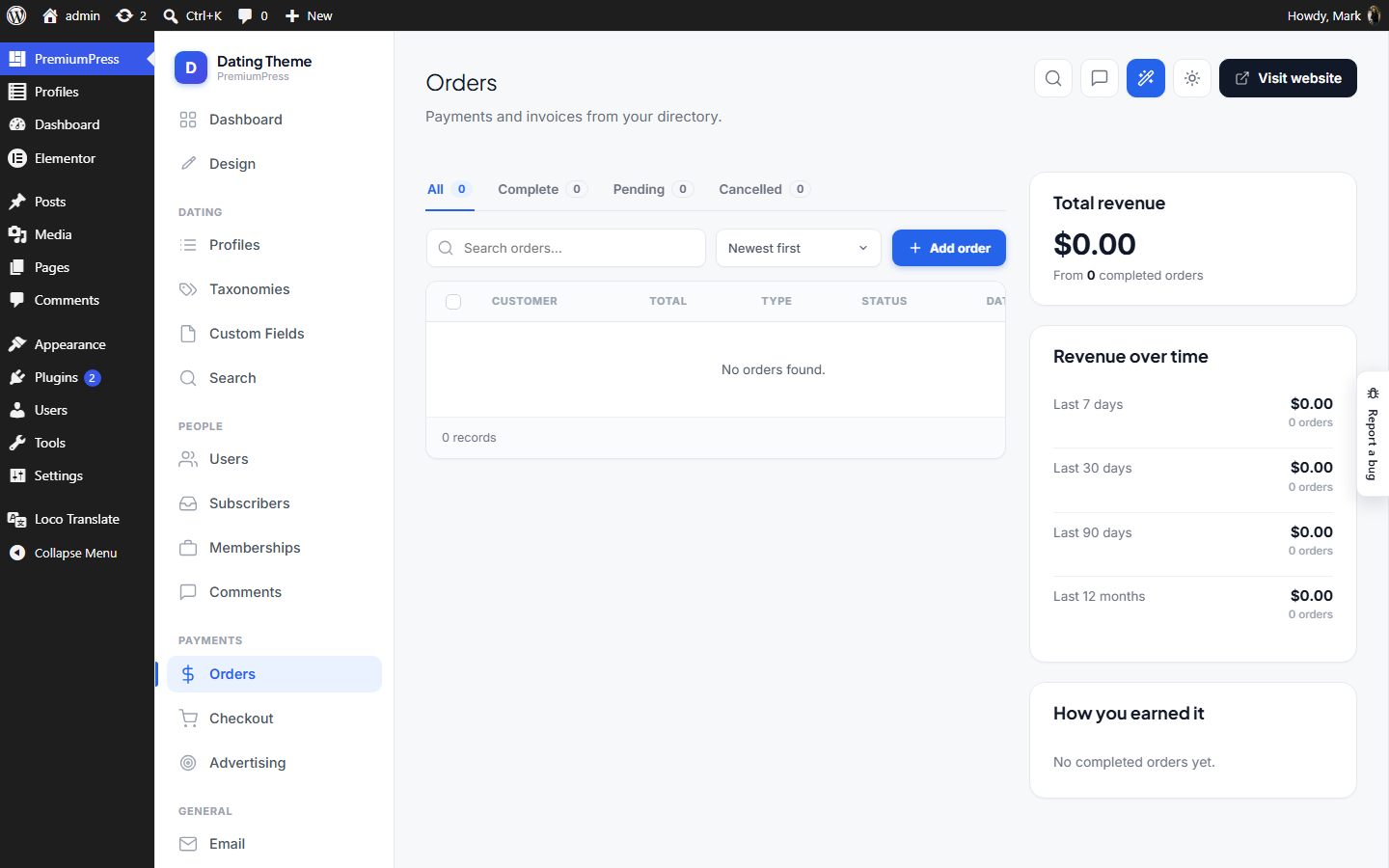
Orders Orders.php
Where: wp-admin/admin.php?page=ppt_orders · Menu: under PremiumPress
PPT admin — Orders manager. AJAX table of ppt_orders posts (the storage the old PremiumPress theme used; PPT reads that existing data, like it does with listing_type). Status tabs / search / sort / pagination load over AJAX, and per-row actions (set status, trash) update in place. Shares admin-table.js. Order data lives in post meta: order_total, order_status, order_type, order_userid, order_id. Statuses are normalised into three clean buckets (complete / pending / cancelled) since legacy values vary.
Bookings Bookings.php
Where: wp-admin/admin.php?page=ppt_bookings · Menu: under PremiumPress
PPT admin — Bookings. The site-wide list of every appointment taken through the SHARED booking engine (Ppt\Bookings\Bookings, table ppt_bookings): who booked, which service, when, payment state and status, with the owner's own actions (confirm / decline / mark completed / cancel) available to the admin too. Service owners already manage their own bookings from the account area; this is the admin's view across ALL owners. Acting here goes through the same Bookings::setStatus() the owner uses, called as the row's owner, so every side effect — guest emails, deposit orders, package-session refunds, waitlist alerts — fires exactly as if the owner had done it. Shown on every profile where the shared booking system is switched on (ListingEditor::bookingsEnabled()) EXCEPT the Hotel Theme, which keeps its own reservations table and screen (Ppt_ht\AdminReservations). PrivateLet never gets here — its profile has no bookings feature — and has its own Bookings door. Server-rendered with GET filters (status tab, search, service, day, month) so every view is a plain linkable URL; no new asset file, so nothing to put on the CDN.
Subscribers Subscribers.php
Where: wp-admin/admin.php?page=ppt_subscribers · Menu: under PremiumPress
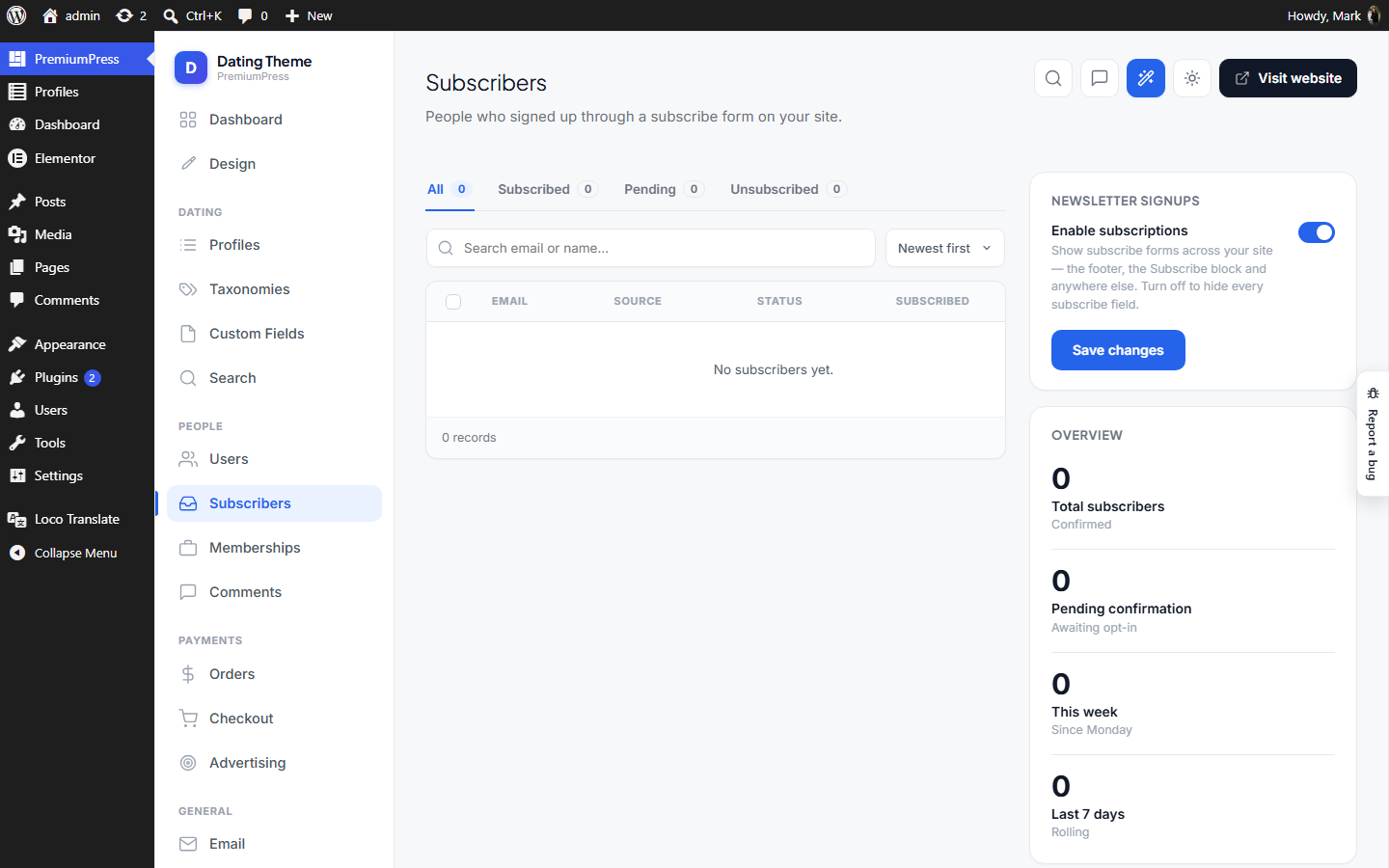
PPT admin — Subscribers manager. AJAX table of newsletter signups captured from the front-end subscribe forms (see Ppt\Subscribers\Subscribers). Shares the reusable admin-table.js + .ppt-l markup like Users/Blog/Comments, with a right-hand stats column (total, this week, last 7/30 days).
Advertising Advertising.php
Where: wp-admin/admin.php?page=ppt_advertising · Menu: under PremiumPress
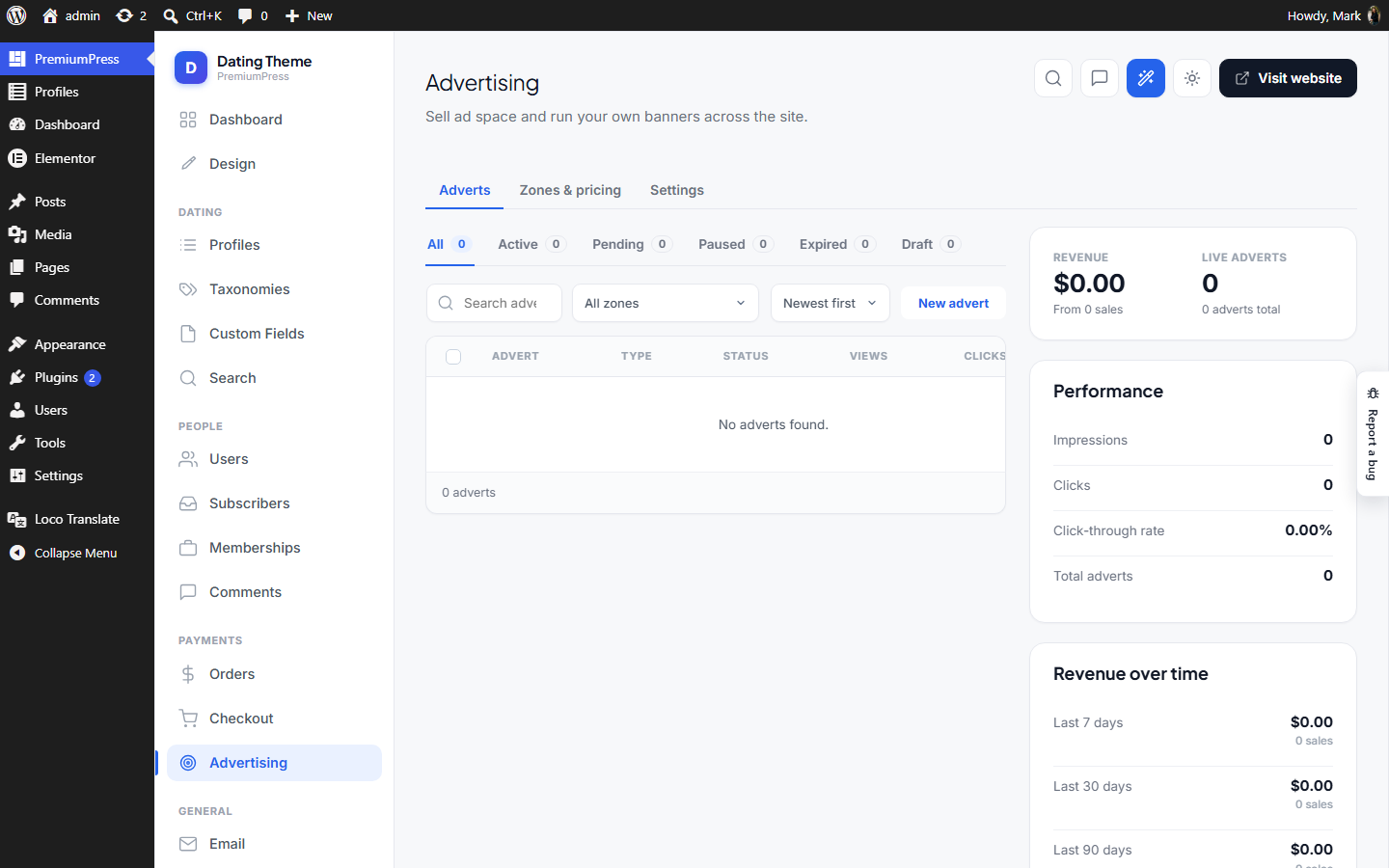
PPT admin — Advertising manager. Three sub-tabs (like Checkout), all inside the PremiumPress Chrome shell: • Adverts — an AJAX data table of every advert (\Ppt\Advertising\Ads), with a create/edit form (banner image + link, or admin-only HTML/code). Shares assets/js/admin-table.js. • Zones — configure each ad position (enable, price, run length, max ads, "Advertise here" placeholder). Stored in option ppt_ad_zones. • Settings — master switch, open-in-new-window, the "Advertisement" label. Stored in option ppt_ad_settings.
Comments Comments.php
Where: wp-admin/admin.php?page=ppt_comments · Menu: under PremiumPress
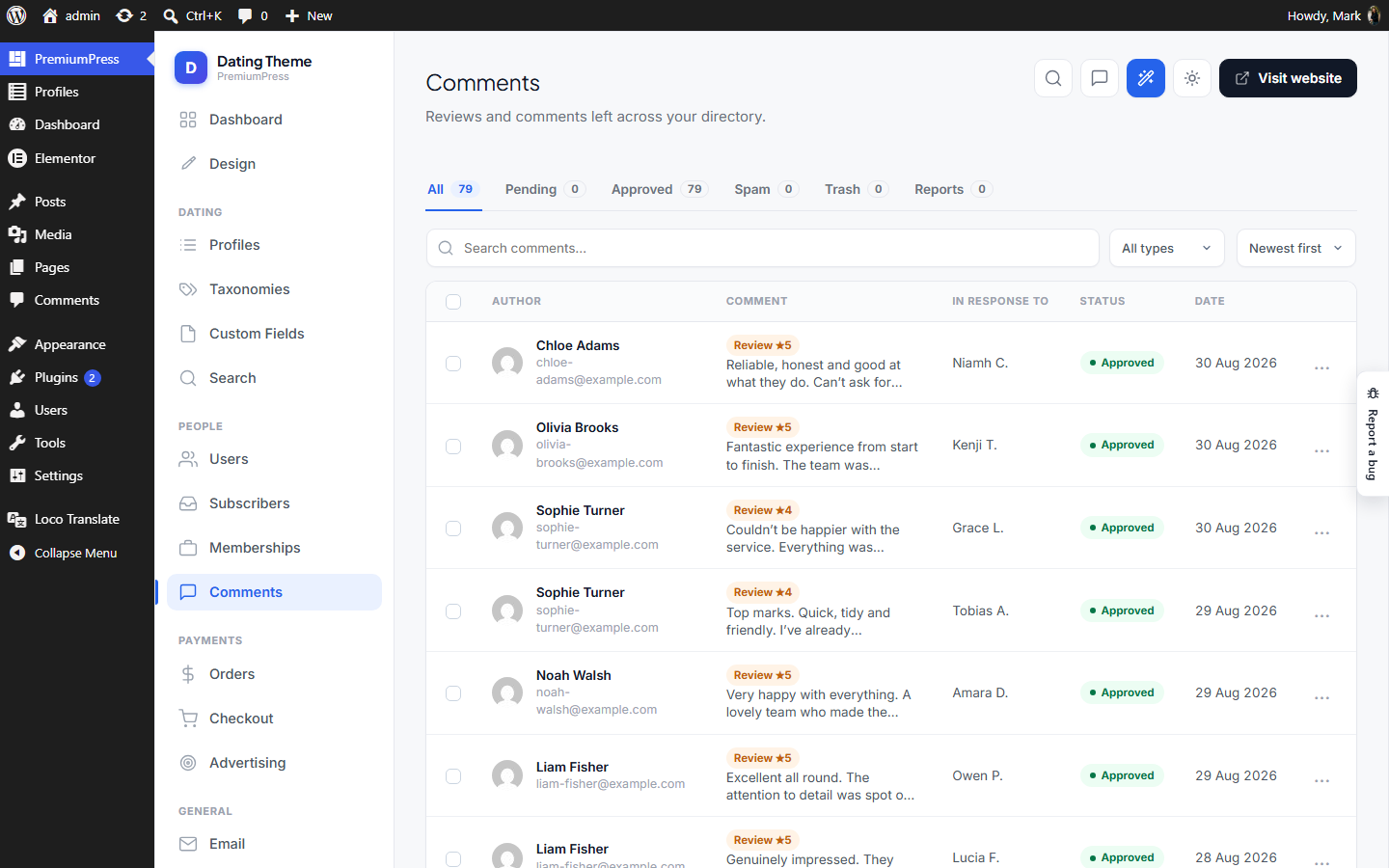
PPT admin — Comments manager. AJAX table of WordPress comments, mirroring the Listings / Users / Orders screens (same .ppt-l markup + assets/js/admin-table.js). Status tabs / search / sort / pagination load over AJAX; per-row moderation (approve, spam, trash, restore, delete) updates in place. Renders inside Chrome.
Design DesignPage.php
Where: wp-admin/admin.php?page=ppt_design · Menu: under PremiumPress
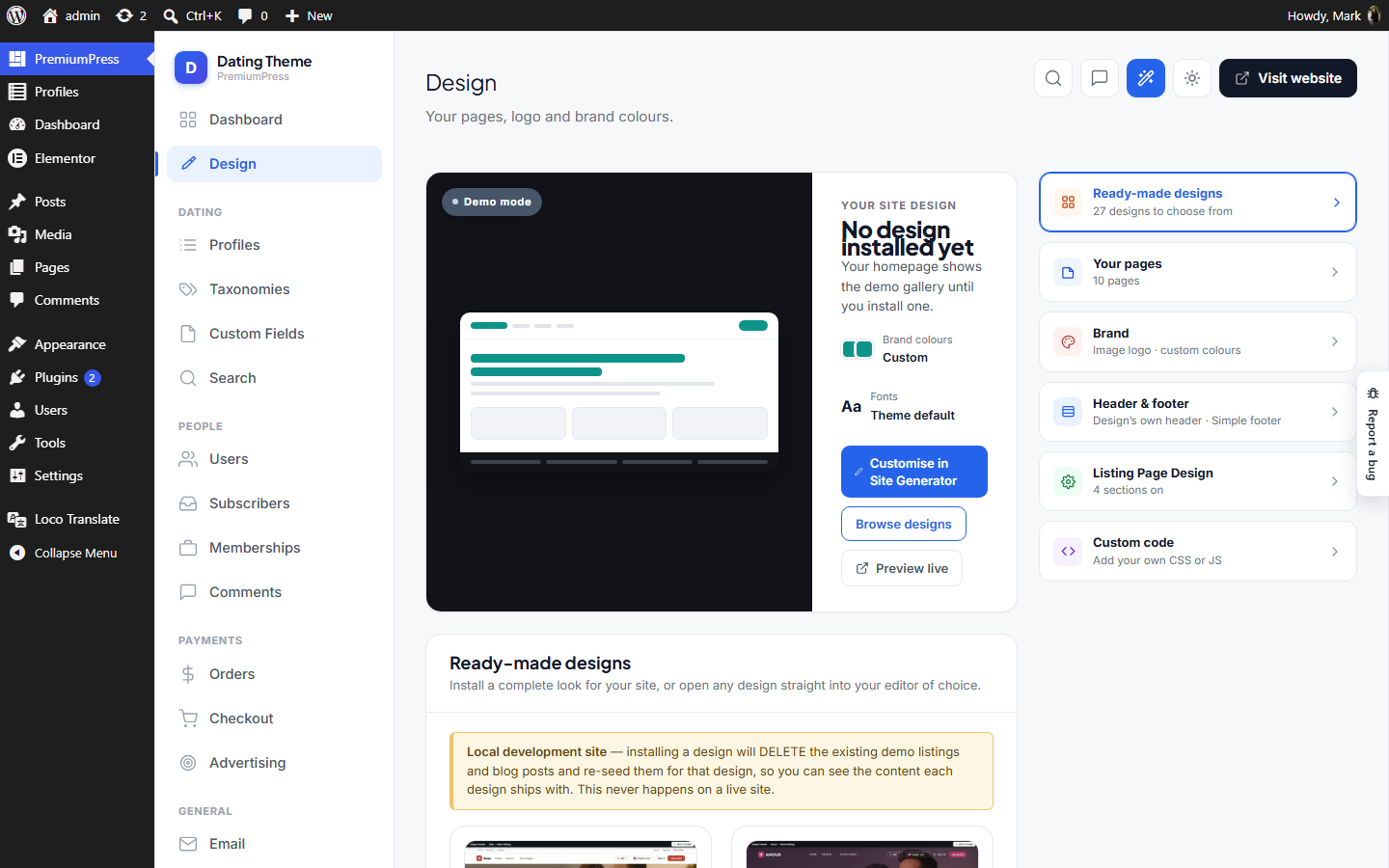
PPT admin — Design. A two-column screen: on the left, an accordion of the theme's pages (title / link / button link, extensible); on the right, a jump to the Site Generator, the company logo (text or uploaded image) and the brand colours. Logo + colours feed the live front-end via Ppt\Design\Branding. All fields save to the single option ppt_design (Branding::OPTION) through the WordPress Settings API.
Search Search.php
Where: wp-admin/admin.php?page=ppt_search · Menu: under PremiumPress
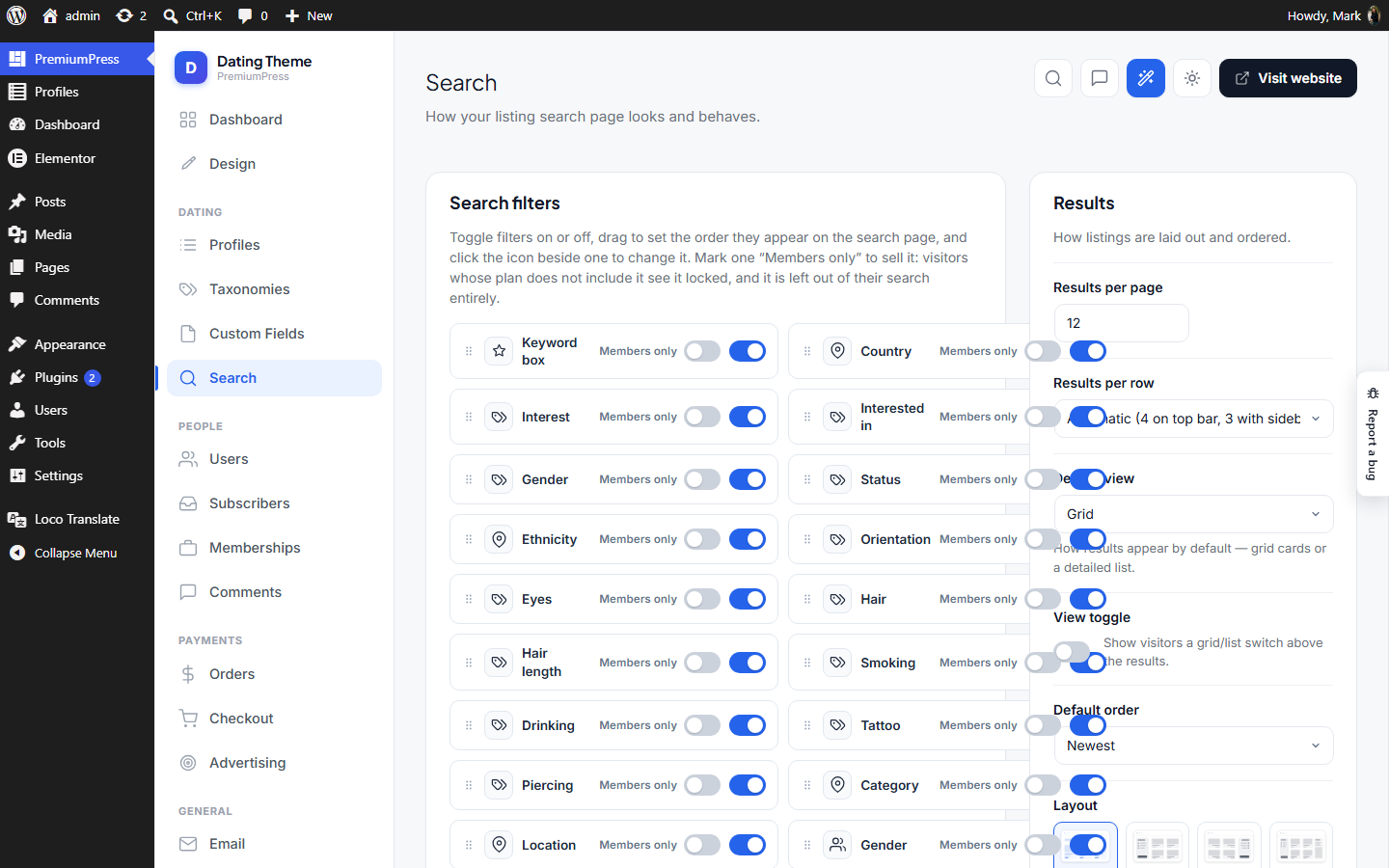
PPT admin — Search settings. The "Search" item under the Directory group. Brings back the practical search options from DT10's framework/admin/_search.php (Search Overview), scoped to what the rebuilt Ppt search actually supports: results per page / per row, default sort, which filters to show, and page access. Options that drove DT10-only features (map view, sidebar widgets, sponsored bar, card designs, analytics, IP targeting) are intentionally NOT reproduced — there is no backing feature for them yet, and the theme's rule is no dead toggles. Storage: option ppt_search (dedicated, self-contained). Saved via the same POST → redirect → GET flow as the Custom Fields page. The front-end reads these through the static accessors below (perPage(), defaultSort(), showFilter(), …).
Blog Blog.php
Where: wp-admin/admin.php?page=ppt_blog · Menu: under PremiumPress
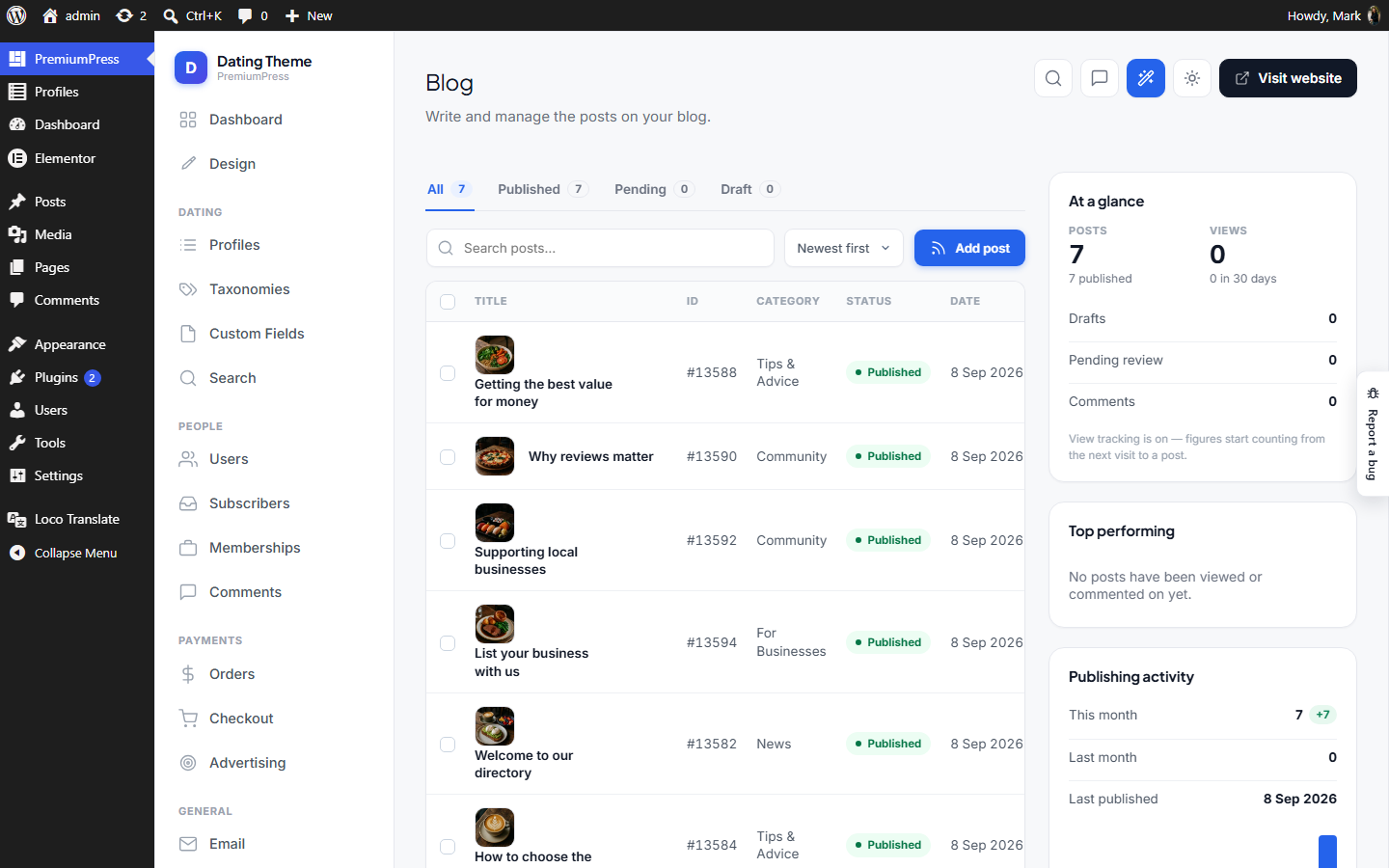
PPT admin — Blog manager. AJAX table of WordPress posts, mirroring the Listings screen (same .ppt-l markup + assets/js/admin-table.js). Status tabs / search / sort / pagination load over AJAX; per-row actions (status, rename, trash) update in place. Renders inside the shared Chrome shell.
Widgets Widgets.php
Where: wp-admin/admin.php?page=ppt_widgets · Menu: under PremiumPress
Widgets — the screen where a site's owner builds the sidebar rail. One ordered list. Each row picks a widget type (a block in the sidebar category), fills in that block's own fields, and ticks the page types it shows on. The list is stored by the active product line's widget list and drawn by its rail, so what this screen edits is the same data the page builder edits. WHICH list is resolved through {@see \Ppt\Content\WidgetStore}, never named here: the Coupon Theme had this screen first, the Job Board line adopted it on 2026-09-11, and a third is a row in that map. Everything below talks to whatever came back. SAVE IS A PLAIN POST, not the Settings API — nonce, update_option(), then a redirect (the pattern {@see Search::maybeSave()} and {@see
Fields::maybeSave()} use). A drag-ordered, add/delete list does not fit the shared options form, and keeping it out of
ppt_settingsis the point: that option's sanitiser rebuilds itself from scratch on every save, so a list living in there would be wiped by a save made from any other section. GATED INSIDE menu(), never with remove_submenu_page() — removing a submenu breaks user_can_access_admin_page() and admins get "You are not allowed to access this page" ({@see Fields::menu()}).
AI Studio AiStudio.php
Where: wp-admin/admin.php?page=ppt_ai_studio · Menu: under PremiumPress
PremiumPress ▸ AI Studio — the site owner's home for the AI Headshot theme. Tabs: Create (the owner's own studio: the same photos → job → styles flow members get, with no credits and no photo cap, plus images from the media library), AI models and Headshot styles (both moved here from Settings on 2026-09-16). A status strip up top says whether members can generate, and if not, exactly why. The Replicate token stays in Settings ▸ APIs (the owner asked for it there); the status strip links to it. Each settings tab is its OWN options.php form and settings group — never SettingsPage::GROUP. options.php writes every option registered to the posted group, so a tab posting into the big group would null the theme type and friends. Gated on the aiGeneration feature in two places, like every PPT screen: the submenu here and the sidebar in Chrome::sections().
Checkout Checkout.php
Where: wp-admin/admin.php?page=ppt_checkout · Menu: under PremiumPress
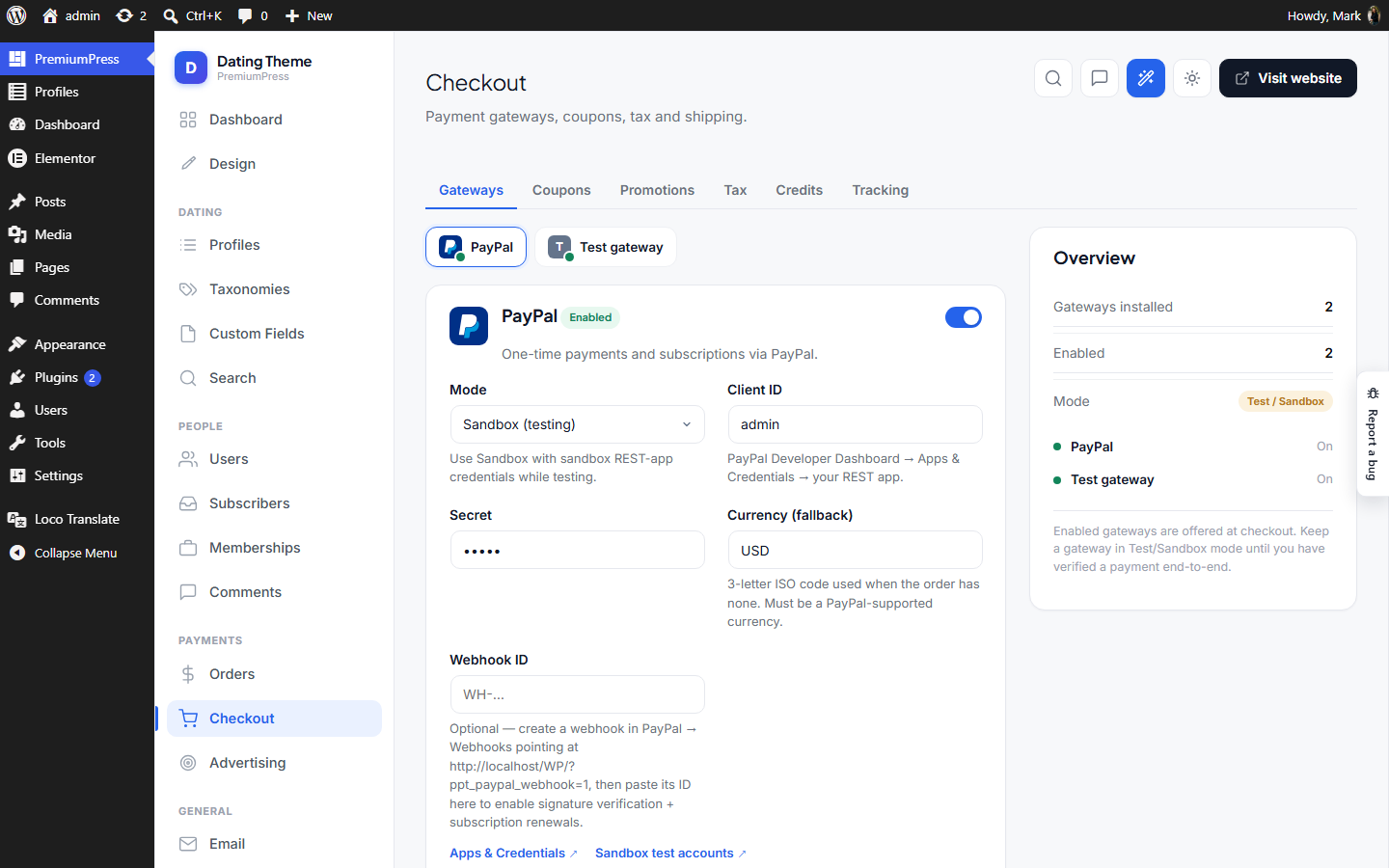
PPT admin — Checkout. The payments hub in the Payments menu group. A sub-tabbed screen (like Settings): Gateways · Coupons · Tax · Shipping. - Gateways tab: two columns — installed payment gateways (left) + Overview (right). Registered by plugins via ppt_payment_gateways; stored/saved by Ppt\Admin\Payments. - Coupons / Tax / Shipping tabs: cart settings ported from the DT theme, stored in the option ppt_checkout and read via Checkout::get().
Email Email.php
Where: wp-admin/admin.php?page=ppt_email · Menu: under PremiumPress
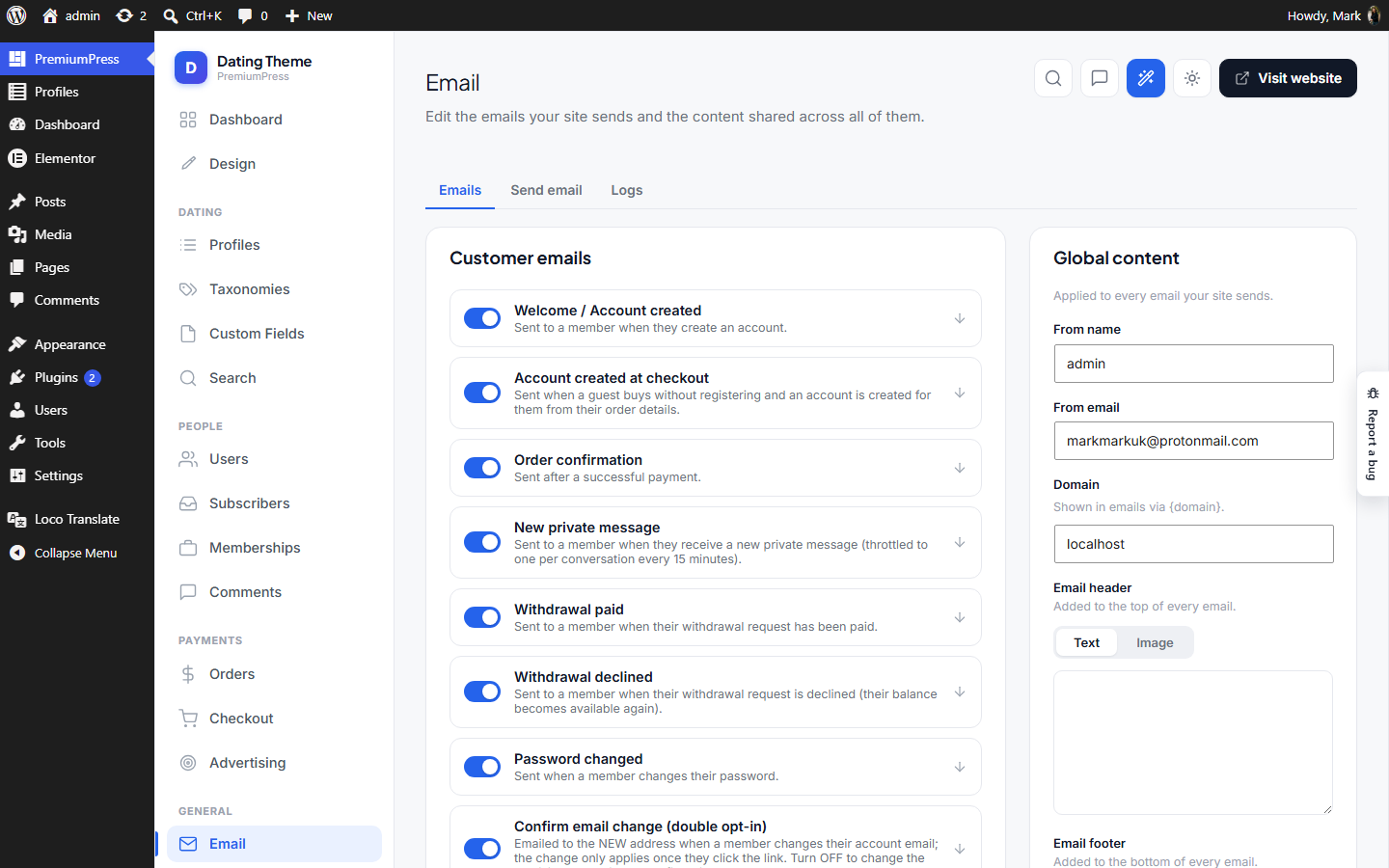
PPT admin — Email screen. Opens on an OVERVIEW (sending summary, sender card, a row per section, recent sends); each row opens one section in place with an "Email overview" crumb back, and ?tab=emails and settings are SEPARATE forms saved by one handler, told apart by ppt_email_part — each half writes only its own option. That split is load-bearing: the emails half writes enable=0 for every catalog key missing from the POST, so if the settings form ever ran it, one save of the From address would switch every email off. Clean rebuild of DT10's email admin (email-manage + email-settings), without the $CORE engine.
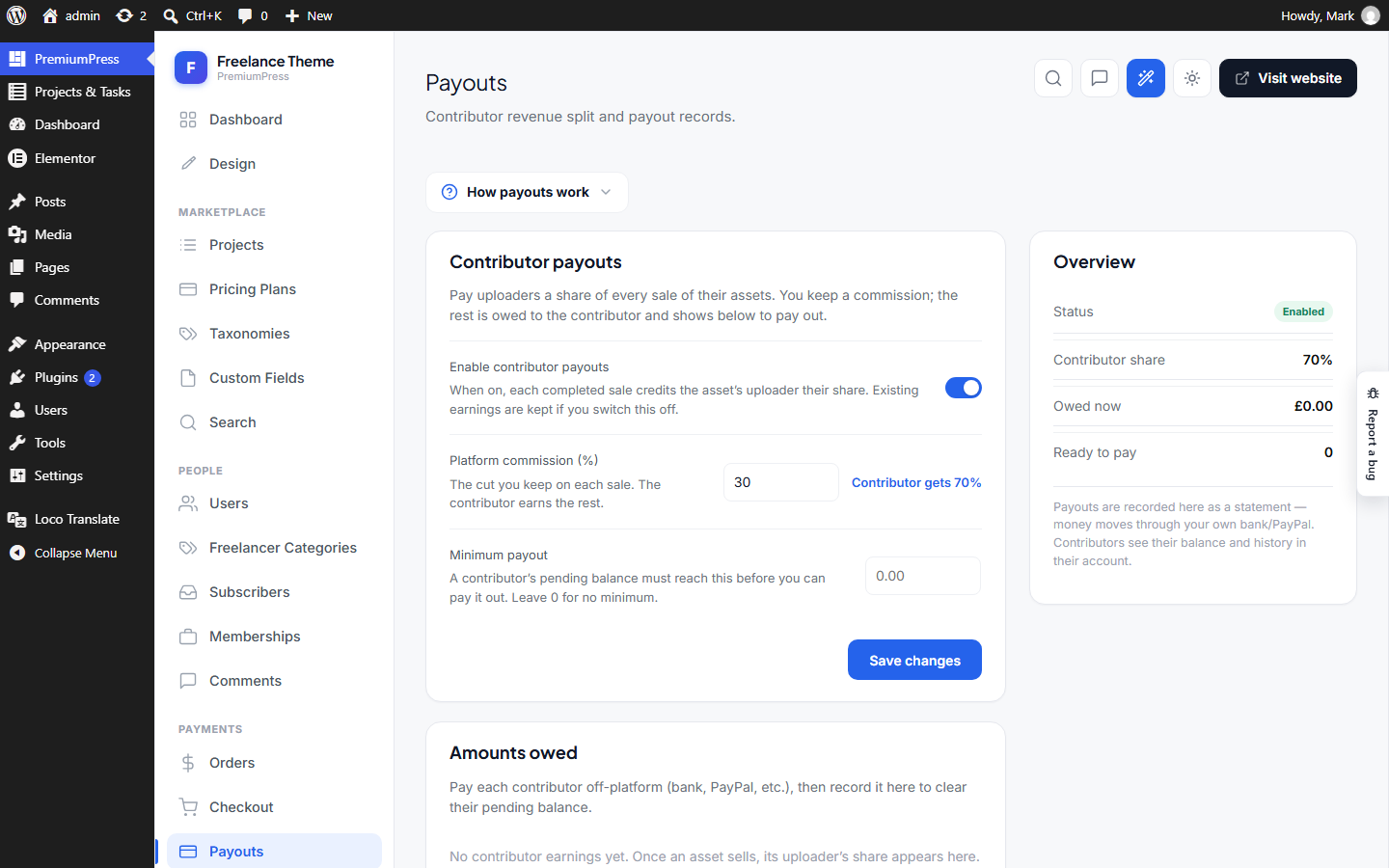
Payouts Payouts.php
Where: wp-admin/admin.php?page=ppt_payouts · Menu: under PremiumPress
PPT admin — Payouts. Contributor revenue-split settings + the payout workbench. Only registered for marketplace profiles that pay uploaders a share of each sale (ThemeProfiles::supportsPayouts()). - Settings card: enable, platform commission %, minimum payout. - Contributors table: each uploader's pending / paid balance, with "Mark paid" that records an off-platform payout against their pending earnings. Settings live in the option ppt_payouts (read via Ppt\Payouts\Config); the per-contributor earnings ledger is user meta (Ppt\Payouts\Ledger).
Classifieds escrow ClassifiedsEscrow.php
Where: wp-admin/admin.php?page=ppt_ct_escrow · Menu: under PremiumPress
PPT admin — Classifieds escrow (Classifieds only). The owner's workbench for every "Buy now" sale whose seller share is still being held (Ppt_ct\Escrow). Most holds never need a human: the seller confirms handover, the buyer confirms receipt, and the money lands in the seller's pending balance on the shared Payouts screen. This screen exists for the two cases that do — - a buyer reported a problem, so the hold is frozen and needs a decision; - a seller took payment and never confirmed handover, so the hold is going stale. Two actions, both deliberately manual. "Release" pays the seller (accruing to Payouts\Ledger like any other release). "Mark refunded" is a RECONCILIATION record in the same shape as Admin\Payouts and Admin\EscrowRefunds: the theme has no gateway refund API, so the owner refunds in Stripe/PayPal and files the reference here, which emails the buyer. Nothing is refunded or released automatically from this screen. Lives outside the Ppt_ct namespace, so Theme::boot()'s fork gating leaves it alone — it guards itself on the profile in register()/menu(), exactly like Admin\Stores does for Comparison and Admin\EscrowRefunds does for the Freelancer Marketplace.
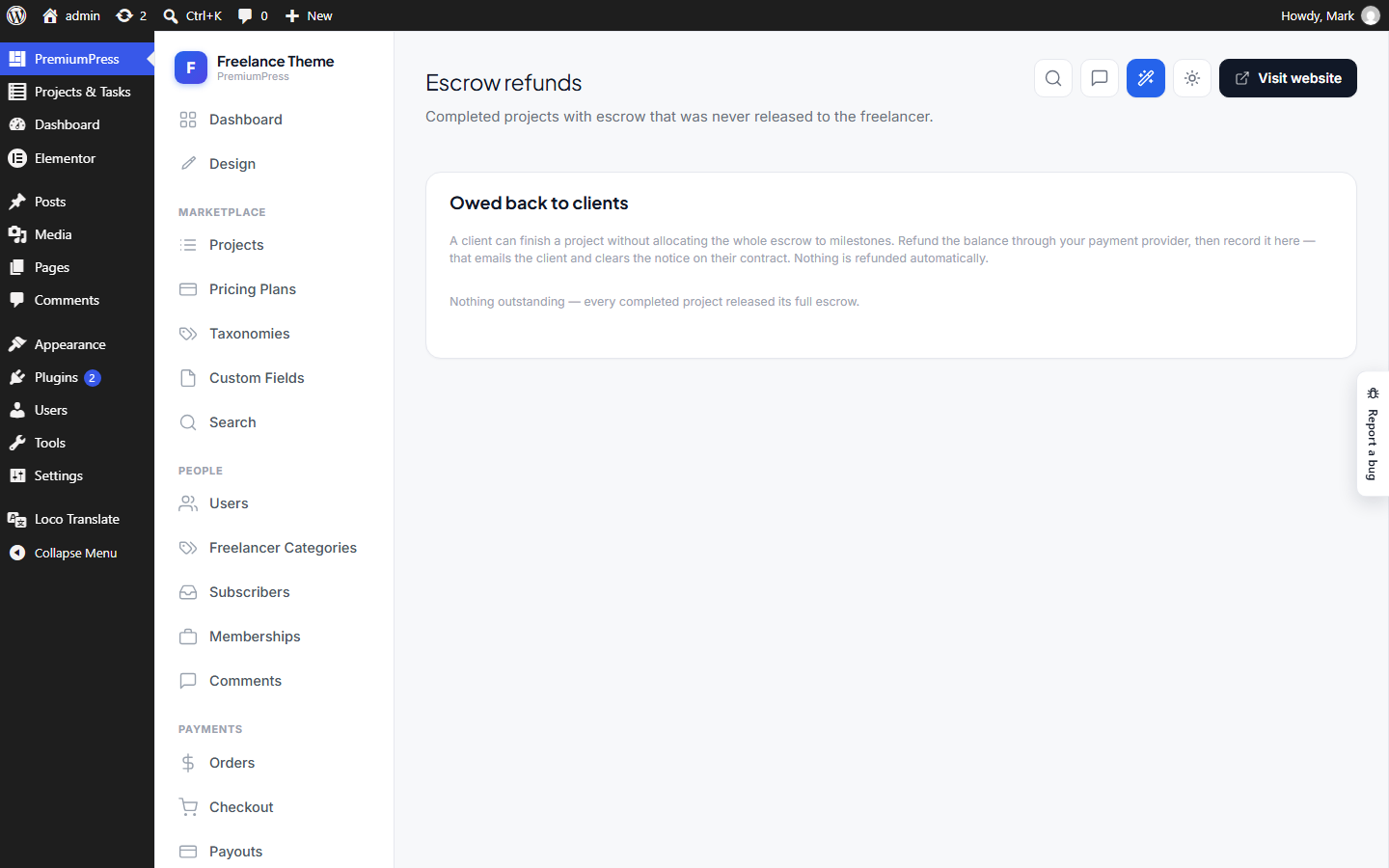
Escrow refunds EscrowRefunds.php
Where: wp-admin/admin.php?page=ppt_escrow_refunds · Menu: under PremiumPress
PPT admin — Escrow refunds (Freelancer Marketplace only). When a client completes a project, the milestones they scheduled need not add up to the escrow they funded — _fm\Milestones::add() only caps each milestone at the unallocated remainder. So a project can finish with money still sitting in escrow, released to nobody. _fm\Escrow snapshots that figure at completion (Escrow::UNRELEASED) and warns the client; this screen is where the owner settles it. It is a RECONCILIATION LEDGER, not a gateway integration: the theme has no refund API, so the owner refunds in Stripe/PayPal and records it here with a reference, which emails the client and clears the "not refunded" notice on the contract. Deliberately the same shape as Admin\Payouts, which records off-platform contributor payouts.
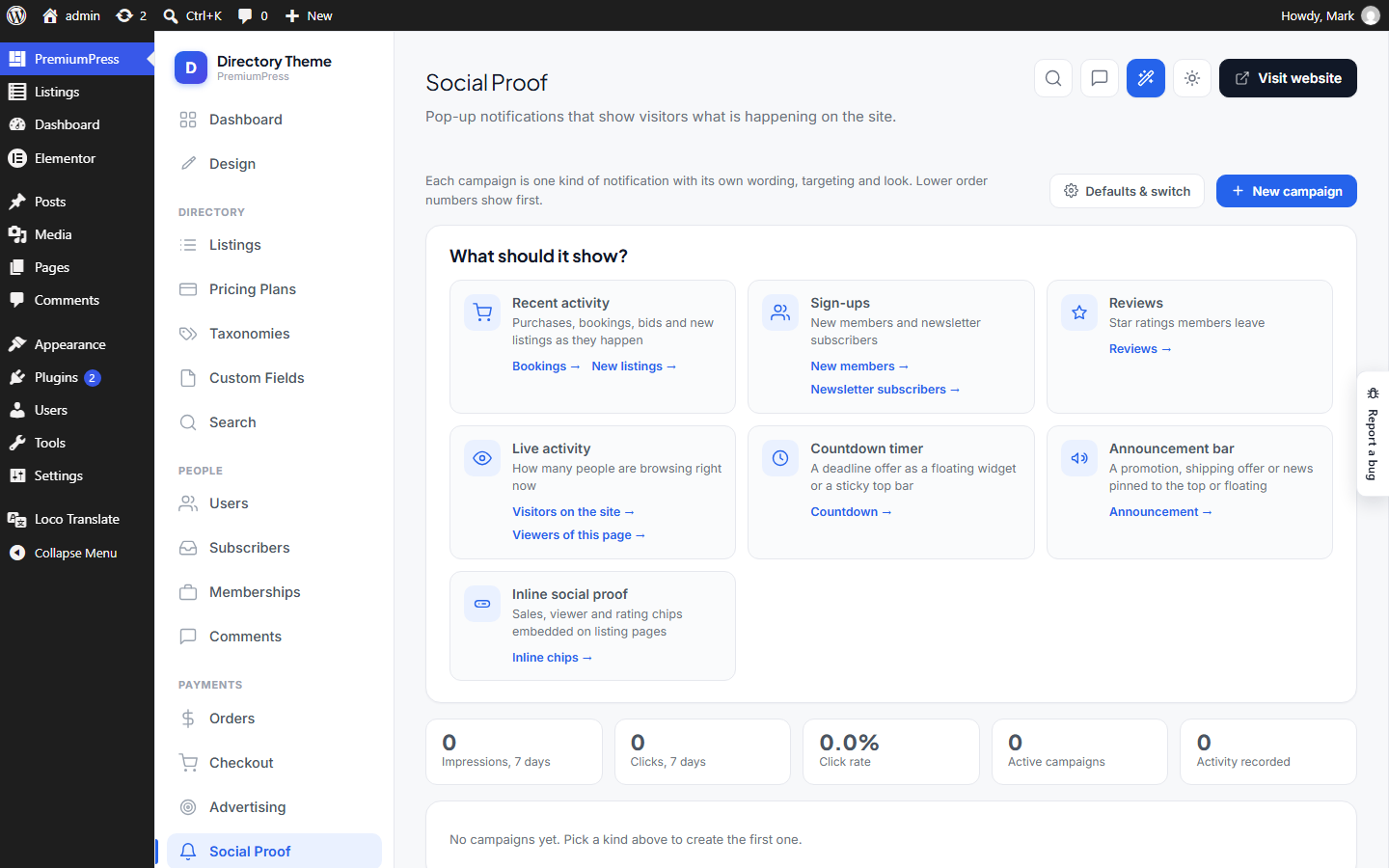
Social Proof SocialProof.php
Where: wp-admin/admin.php?page=ppt_social_proof · Menu: under PremiumPress
PPT admin — Social Proof. The campaign list (with a 7/30-day impressions + clicks chart), the campaign editor (with a live preview driven by the REAL front-end widget, fed sample events) and per-campaign analytics. Saving is a plain admin-post round-trip (like Admin\Advertising); the small row actions — pause/activate, reorder, duplicate, delete — are AJAX. The global on/off switch and the widget defaults live on Settings ▸ Social proof, not here. Gated on Ppt\SocialProof\SocialProof::available(), the same gate the front end and the sidebar entry use.
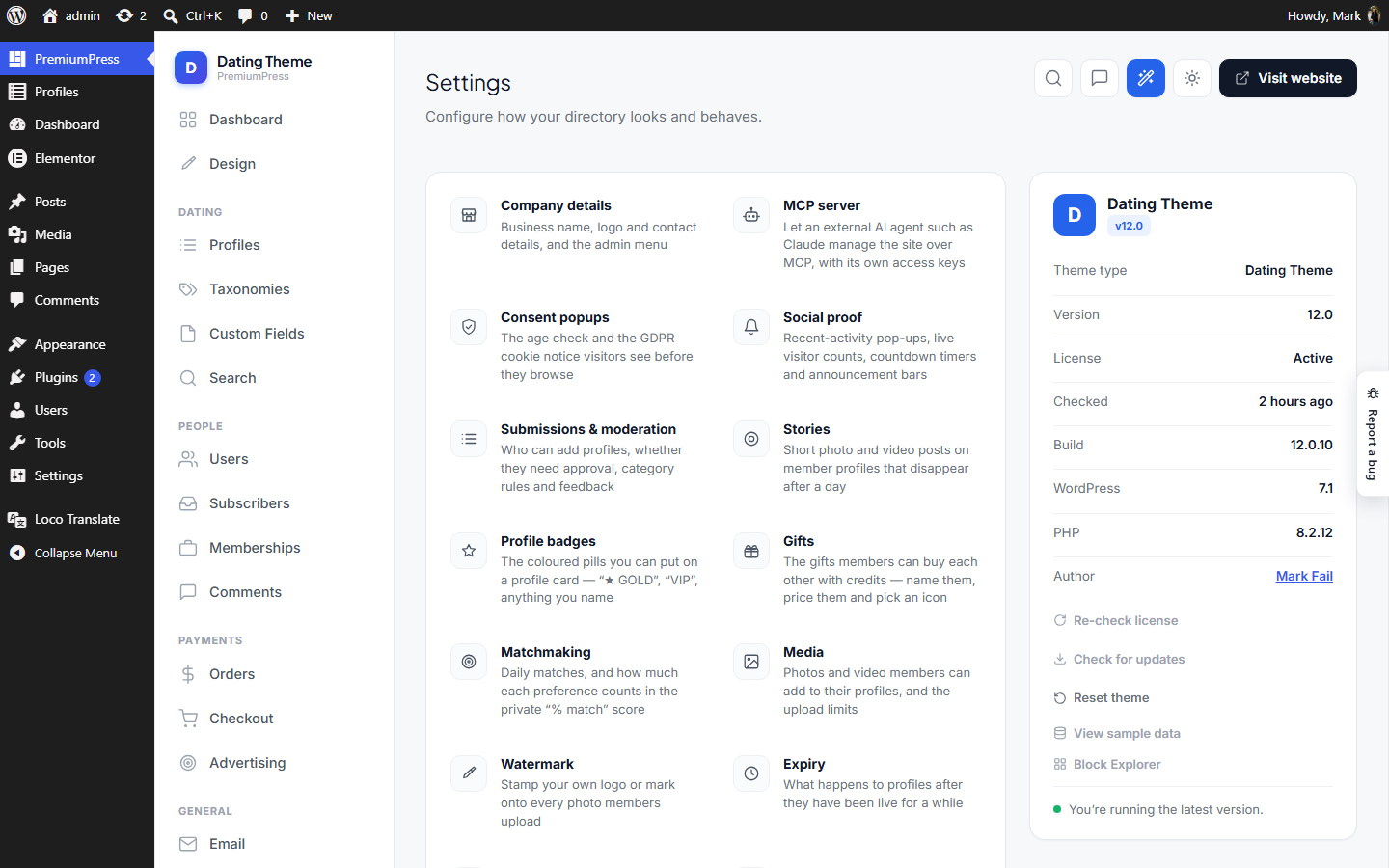
Settings SettingsPage.php
Where: wp-admin/admin.php?page=ppt · Menu: top-level item
PPT admin — Settings. A dedicated, chrome-wrapped settings screen built on the WordPress Settings API for storage/sanitisation, but rendered with our own layout so it matches the rest of the admin. Each tab is its own quire; this page only binds them. First setting: THEME TYPE — which PremiumPress-style theme this site is running (Directory, Real Estate, Coupon, …). Stored in the standalone WP option ppt_theme (the existing PremiumPress key, so it stays compatible with the shared install); it will later drive captions/labels/feature toggles.
Prompts Prompts.php
Where: wp-admin/admin.php?page=ppt-prompts · Menu: under PremiumPress
PPT admin — Prompt / conversation history. Records the FULL exchange between a user and the site-generator AI: every message the user sends and the assistant's reply, tagged with where it came from (the front-end home-page "Describe your …" hero → "Home page", or the wp-admin Site Generator → "Admin area"). Surfaced under Settings → Prompts, where entries can be deleted in bulk. Each stored entry is one turn: { text (user), reply (assistant), source, session, built, time, user, ip, cost }. Turns from a single studio visit share a session id, so a back-and-forth conversation can be read together. Storage: option ppt_prompts — a plain array (newest first), capped at MAX so it never grows unbounded (no custom table needed). Bulk delete runs over AJAX (mirrors the SMS-test pattern), so it works inside the tabbed settings form.
Chrome Chrome.php
Menu: under PremiumPress
The PPT admin "chrome" — a light, modern SaaS-style shell (Remote/Mobbin look) that every PPT admin screen renders inside. Clean rebuild of DT10's admin header/footer, stripped of the $CORE/_ppt plumbing. It COEXISTS with WordPress's own admin menu: our screens render inside a normal .wrap. Icons are inline SVG (no icon font); styling is self-contained in assets/css/admin-v2.css (no Bootstrap in wp-admin, no CDN). admin.css is the frozen copy older installs load — see Ppt\Assets::admin(). Usage from an admin page callback: Chrome::open('dash', array('title' => 'Hello, Jane 👋', 'subtitle' => '...')); // ... page content ... Chrome::close();
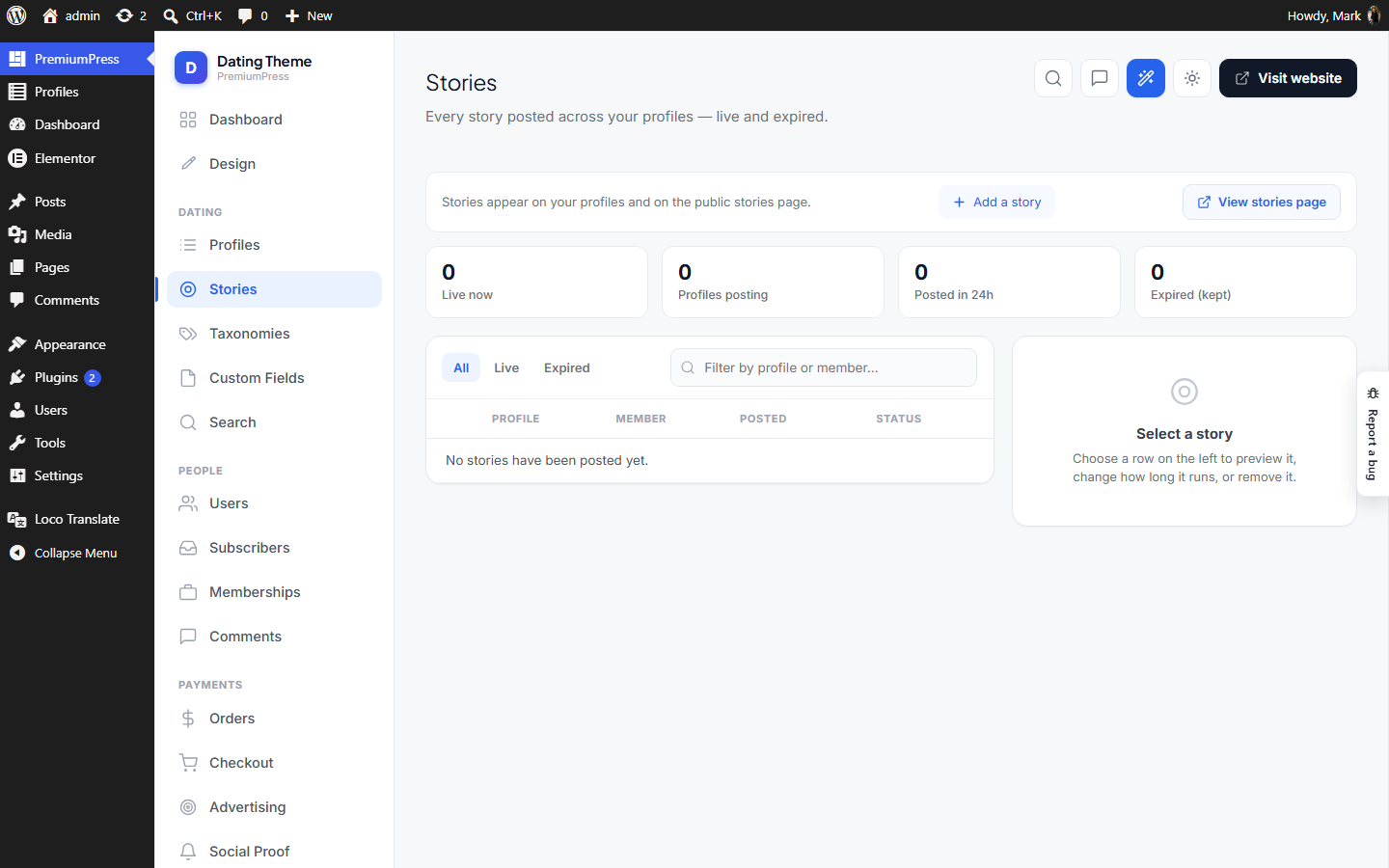
Stories Stories.php
Where: wp-admin/admin.php?page=ppt_stories · Menu: under PremiumPress
PPT admin — Stories manager. A master/detail screen in the same shape as Admin\Bids: counters across the top, every story frame on the site in a table on the left, and an edit panel for the selected one on the right. It lists EXPIRED frames alongside live ones, which no public read does — seeing what members have been posting, including what has already dropped out of the trays, is the whole point of the screen. Ppt\Stories\Cleanup still disposes of them on its own schedule; this is a window on the data, not a second lifecycle. Editing is deliberately narrow. A frame's media and the profile it belongs to are not editable — a different photo is a different story, and members post those themselves. What an admin can change is how long it runs (extend, cut short, retire now) and whether it exists at all. Escort/Dating only: the menu registers behind the same ThemeProfiles::supportsStories() gate as the rest of Ppt\Stories*, so the screen doesn't exist on the other 13 product lines.
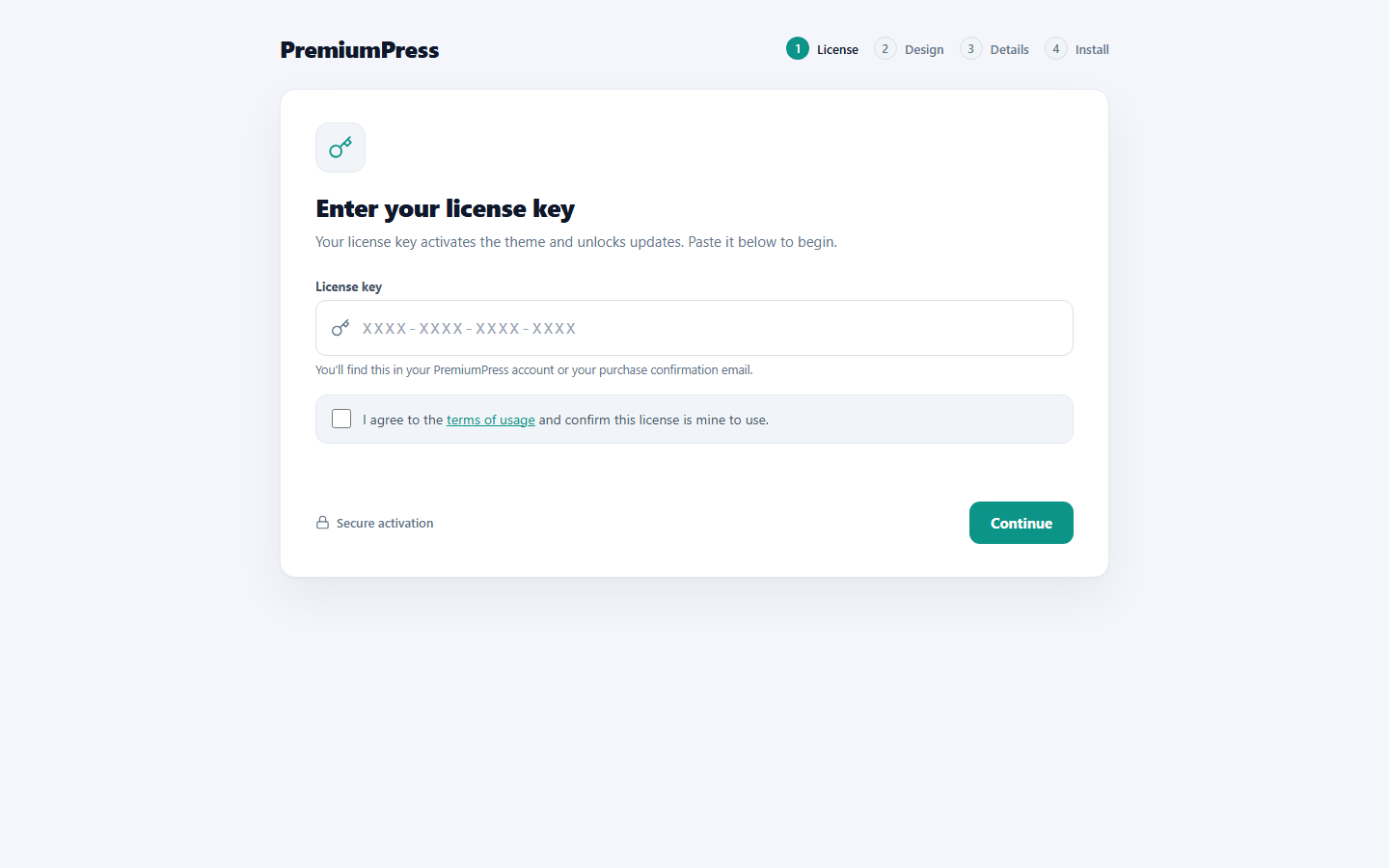
Set up PPT Installer.php
Where: wp-admin/admin.php?page=ppt_setup · Menu: under PremiumPress
PPT setup installer — a guided, full-window wizard shown until the theme is "installed". Steps: license key → choose a design → company details → install (activates the design, saves the company details/brand, seeds sample listings). Until ppt_installed is set, visiting any PPT admin screen redirects to the wizard (a soft "takeover" that leaves core wp-admin reachable). A "Reset theme" control in Settings clears the flag so the wizard can be run again for testing. License handling is intentionally simple for now: any non-empty key is accepted and stored. Real validation can be layered on via the ppt_validate_license filter without touching the flow.
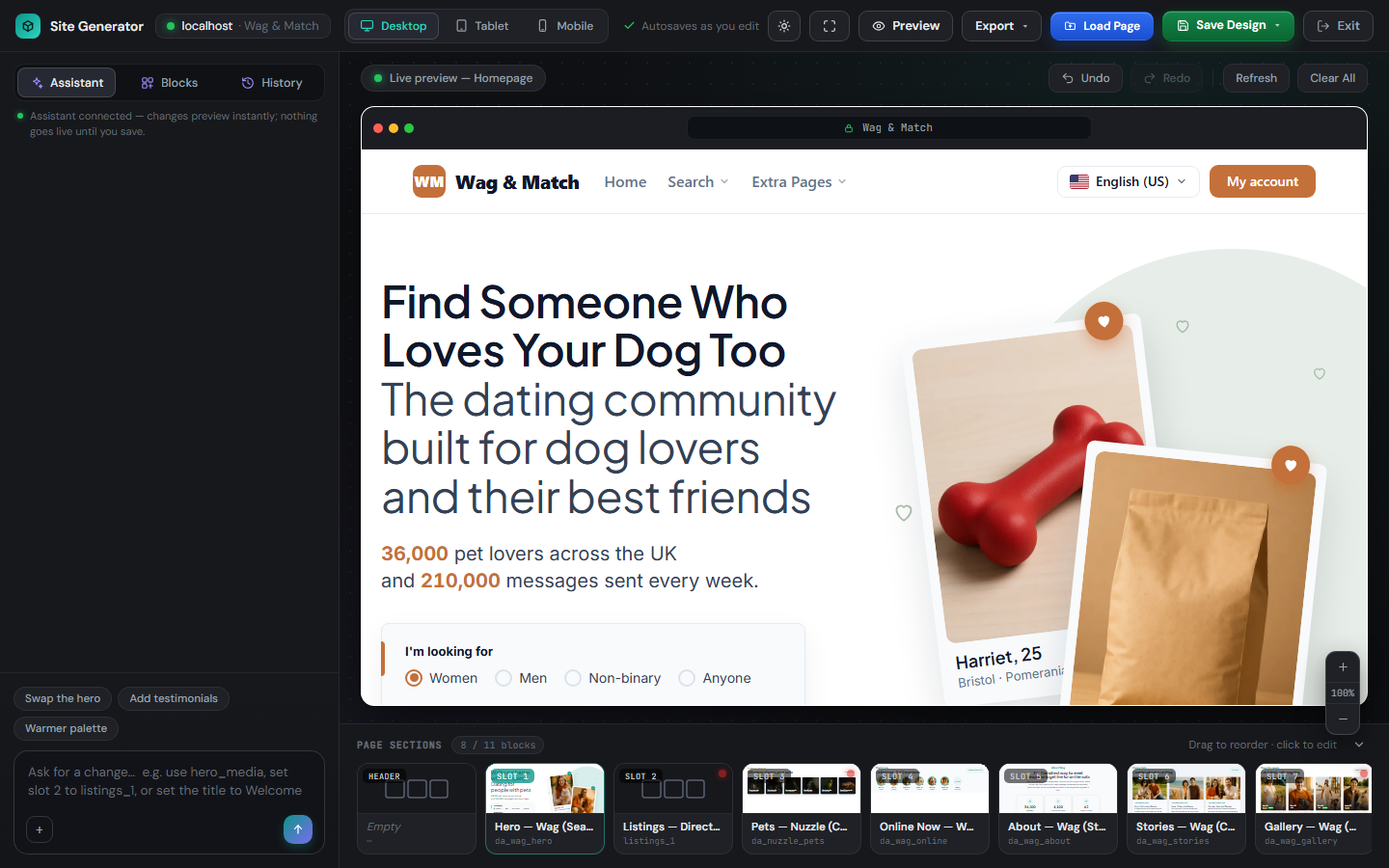
Site Generator Studio.php
Where: wp-admin/admin.php?page=ppt_generator · Menu: under PremiumPress
Site Generator — the standalone full-window studio editor. Registers the admin submenu, intercepts admin.php?page=ppt_generator on admin_init to render the editor without WP/admin chrome, wires the studio's AJAX endpoints (block picker, brand colours, in-place text/image edits, chat commands), and handles the "Edit in Elementor" POST (exports the working plan to a new WP page).
DemoGuard DemoGuard.php
Menu: top-level item
PPT — read-only enforcement for the demo account (see Ppt\Admin\DemoAccess). The demo role holds manage_options purely so it can VIEW the theme admin (whose pages + read-AJAX all gate on that cap). This guard makes sure it can look but not touch, with defence in depth. Every callback self-gates on the ppt_demo marker cap, so normal administrators are never affected. 1. Block ALL admin form saves — wp-admin/admin-post.php and options.php both fire admin_init, so one early POST block stops Settings-API saves and every admin-post handler (incl. their direct $wpdb / wp_insert_post writes). 2. Block theme write-AJAX — admin-ajax.php doesn't fire admin_init, and read-AJAX is also POST, so allow a small read allow-list and deny every other ppt_*. 3. Data-layer backstops — cancel option / post-meta / term-meta / user-meta writes (allow-listing transients + the session/UI plumbing that must keep working). 4. Hide core WP menus, the setup wizard and the prompt log (other people's words), and show a read-only banner. The role deliberately lacks every write capability except manage_options, so anything gated on edit_posts / upload_files / moderate_comments / promote_users / switch_themes / activate_plugins / … is already impossible for it.